Kling AI Video Generator
Create AI videos with Kling from Kuaishou. Transform text or images into stunning video clips with audio. Free to try, multiple models available.
Try Kling AI Video Generator
Create videos with Kling AI Video Generator. Enter your prompt.
Model
Image upload
Prompt
Aspect ratio
Duration
Resolution
What's included:
- 3–6 generation attempts
- Pro quality included
- Failed generations don't count
Prompt: A cinematic shot of a lighthouse beam sweeping across the ocean at night.
What is Kling AI Video Generator

Kling represents Kuaishou's powerful entry into AI video generation technology. Kuaishou, operating one of China's largest short-video platforms, brings deep expertise in video content to this generation tool. Kling transforms text descriptions and images into realistic video clips with optional audio accompaniment.
The platform offers multiple model variants addressing different creative needs. From the latest Kling 2.6 with audio support to specialized image-to-video models, users choose the right tool for each project. This variety distinguishes Kling from single-model alternatives.
Kling understands the short-video format deeply, reflecting Kuaishou's core business. The models optimize for the clip lengths and styles popular on social platforms. This focus produces content naturally suited for TikTok, Instagram Reels, and similar destinations.
Core Features of Kling Video Generation
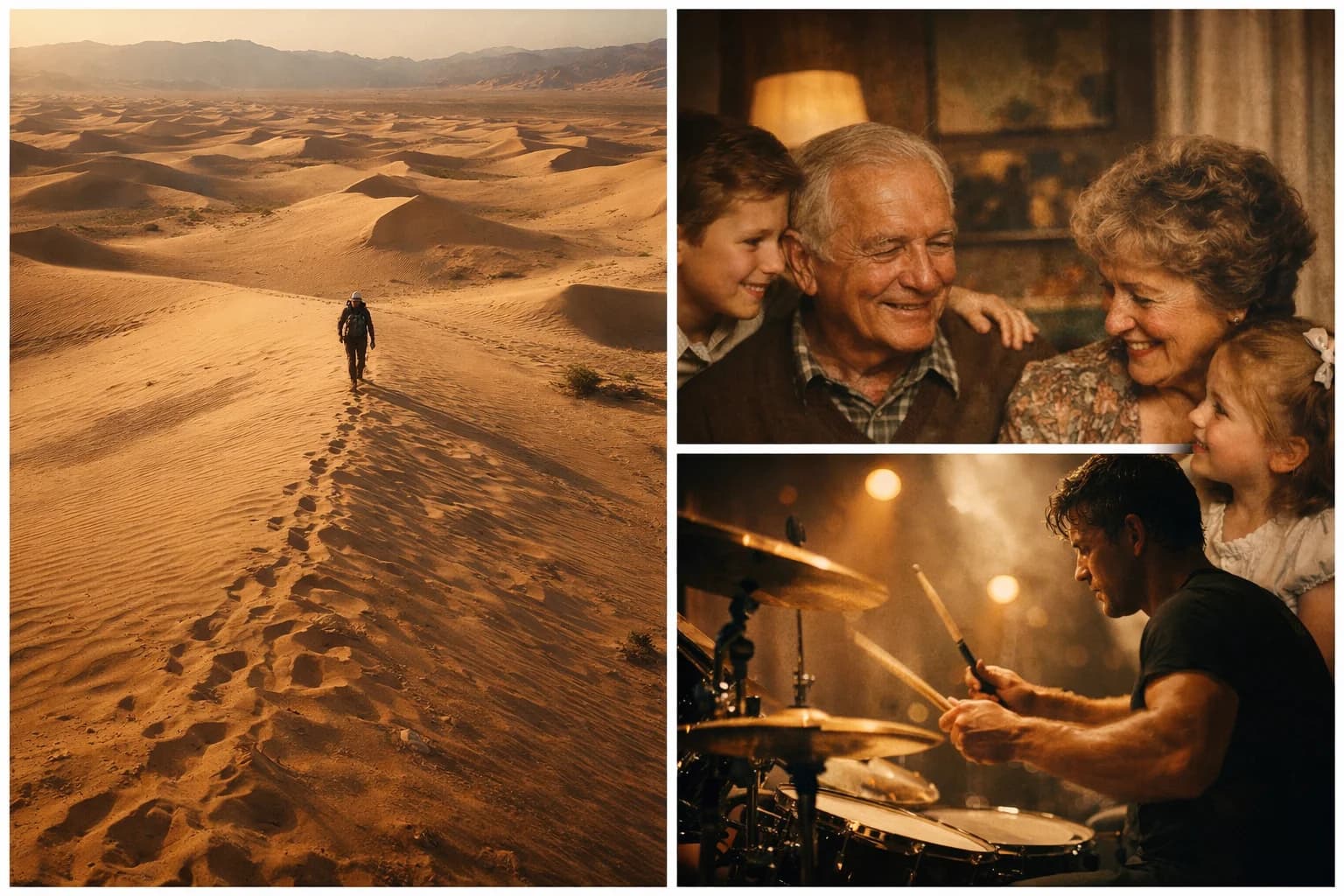
Text-to-Video Creation
Describe your desired video in natural language and Kling generates matching content. Write about scenes, characters, actions, and atmosphere. The model interprets your instructions and produces coherent video sequences.
Kling handles diverse prompt styles from simple descriptions to detailed specifications. Include technical directions about camera angles and movements. Reference visual styles and artistic approaches. The more context you provide, the better Kling matches your vision.
Image-to-Video Animation
Transform static images into dynamic video content. Upload photographs, artwork, or designs and describe the motion you want. Kling analyzes your image and generates video that animates the scene while preserving visual style.
Multiple models specialize in image-to-video generation. v2.1 Pro offers tail frame control for defining how videos end. v2.1 Standard provides efficient everyday animation. Choose based on your control needs and quality requirements.
Audio Generation
Kling 2.6 introduces audio generation alongside video. Enable this feature to create complete audiovisual content. The model generates appropriate sounds matching video content including ambient noise, effects, and atmospheric audio.
This capability eliminates separate audio production for many projects. Videos feel more complete and engaging with synchronized sound. The audio enhances social content where sound significantly impacts viewer engagement.
CFG Control
Kling v2.1 Master provides Classifier-Free Guidance control for advanced customization. CFG adjusts how strictly generation follows your prompt. Higher values increase prompt adherence while lower values allow more creative variation.
This control helps when results don't match expectations. Increase CFG if outputs miss important prompt details. Decrease it if results look unnatural or over-processed. The parameter enables fine-tuning beyond what basic prompts achieve.
Flexible Duration Options
Generate 5 or 10-second video clips based on content needs. The 5-second option suits quick social clips, loops, and previews. The 10-second duration enables more developed scenes and complete sequences.
These lengths align with popular social video formats. TikTok, Reels, and Shorts thrive on concise content in this range. Kling's durations match platform requirements without excessive length.
Available Kling Model Variants

Kling 2.6
The latest generation model with comprehensive features. Kling 2.6 supports both text and image prompts with optional audio generation. It offers balanced quality suitable for most applications with 5 or 10-second durations.
Choose Kling 2.6 for general video generation needs. The audio capability adds value for social content where sound matters. This model represents Kling's most current technology.
Kling v2.1 Master
Advanced control model with CFG parameter access. Master handles both text and image inputs with professional-grade output quality. The CFG control enables precise tuning of generation behavior.
Select Master when you need fine-grained control over results. The model suits advanced users comfortable with parameter adjustment. Output quality matches the highest Kling tier.
Kling v2.1 Pro
Specialized image-to-video model with enhanced features. Pro includes optional tail frame control specifying how videos should end. This enables precise motion arcs from start to finish.
Use Pro for image animation requiring controlled endings. The model excels at product shots, portraits, and scenes needing specific final states. CFG control adds further customization.
Kling v2.1 Standard
Efficient image-to-video generation for everyday workflows. Standard provides reliable animation from single reference images. The model balances quality with faster generation and lower costs.
Choose Standard for regular content production and testing. It handles common image animation tasks effectively. The efficiency suits high-volume workflows and iterative development.
How to Use Kling Effectively
Selecting the Right Model
Match model choice to project requirements. Use Kling 2.6 for general work, especially when audio matters. Select Master for advanced control needs. Choose Pro for image animation with specific ending requirements. Use Standard for efficient everyday image-to-video.
Consider your workflow stage too. Use Standard for testing and iteration. Switch to Master or Pro for final quality outputs. The variety enables efficient resource allocation.
Writing Effective Prompts
Clear prompts produce better results. Describe scenes with specific visual details. Include information about lighting, setting, and atmosphere. Specify subject actions and movements clearly.
For image-to-video, focus prompts on motion rather than appearance. Your image provides the visual reference. Describe only what should change or move. This approach produces more consistent animations.
Using CFG Control
Start with default CFG values for initial generations. Observe how closely output matches your prompt. If results miss key details, increase CFG toward stricter adherence.
If output looks artificial or over-processed, decrease CFG for more natural variation. Find the balance point producing accurate but natural-looking results. Each prompt may need different CFG settings.
Leveraging Audio Generation
Enable audio in Kling 2.6 when sound adds value. Social content particularly benefits from audio engagement. The generated sounds complement video content naturally.
Consider platform requirements. Some social platforms autoplay with sound. Others default to muted playback. Match audio inclusion to where content will appear.
Creative Applications for Kling
Social Media Content
Generate engaging clips for TikTok, Reels, and Shorts. The 5-10 second durations match platform sweet spots. Audio generation creates complete posts without separate sound work.
Produce content at scale beyond traditional production limits. Test different approaches quickly with efficient models. The Kuaishou heritage ensures output feels native to social platforms.
Marketing Video Production
Create product demonstrations and promotional clips. Generate brand videos establishing visual identity. Produce advertising content without full production shoots.
Kling's quality suits direct marketing use. The audio capability adds professionalism to ads. Multiple models allow matching quality to budget across campaigns.
Image Animation
Transform product photos into dynamic videos. Animate artwork and illustrations for enhanced presentation. Bring static designs to life with motion.
The specialized image-to-video models excel at this use case. Pro's tail frame control enables precise animation arcs. Standard handles high-volume animation efficiently.
Creative Experimentation
Explore AI video capabilities through Kling's variety. Test different models to understand their strengths. Experiment with CFG settings and audio options.
The platform's depth supports extended creative exploration. Each model variant offers different creative possibilities. The audio dimension adds unexplored territory.
Technical Capabilities
Output Quality
Kling produces professional-quality video suitable for direct use. Motion appears smooth without artifacts. Visual details render clearly with appropriate textures. Different models offer varying quality levels for different needs.
Format and Duration
Videos generate as standard MP4 files. Duration options include 5 and 10 seconds. Multiple aspect ratios support different platforms. Output works directly for social posting and embedding.
Audio Features
Kling 2.6 generates synchronized audio with video. Sounds match visual content appropriately. The feature creates complete audiovisual content from single prompts.
Comparing Kling to Alternatives
Unique Audio Capability
Kling 2.6's audio generation distinguishes it from most competitors. Few AI video tools include native audio synthesis. This feature creates more complete content without additional steps.
Model Variety
The four model variants offer flexibility competitors lack. Rather than one-size-fits-all, Kling provides specialized tools for different needs. This matches the right capability to each project.
Short Video Expertise
Kuaishou's platform experience informs Kling's design. The models understand short-form content deeply. Output naturally suits the social video formats driving current engagement.
Getting Started with Kling
Create an account to access Kling through our platform. Receive starter credits for exploration. Test different models to understand their capabilities and differences.
Experiment with text-to-video and image-to-video modes. Try Kling 2.6 audio generation for complete content. Explore CFG control in Master model for advanced customization.
Our platform provides generation history, prompt management, and organized storage. Support resources help maximize results from Kling's diverse capabilities.
FAQ
Answers to common questions about this experience.
Kling Video Generator Models
Kling 3.0
Create AI videos with Kling 3.0. Latest generation quality for text and image to video. Fast output. Free to try....
Kling O1
Transform photos into videos with Kling O1. Optimized for image animation with natural motion. Upload any image, get vid...
Kling O3
Create high quality AI videos with Kling O3. Advanced text and image to video with enhanced motion fidelity. Free to try...
Kling 2.6
Create AI videos with Kling 2.6. Generate 5-10 second clips with optional audio from text or images. Balanced quality at...
Kling v2.1 Pro
Create AI videos from images with Kling v2.1 Pro. CFG control, optional end frames, and 5-10 second clips. Free to try....
Kling v2.1 Master
Create advanced AI videos with Kling v2.1 Master. Full control with CFG scale and negative prompts. Text and image input...
Kling v2.1 Standard
Create AI videos from images with Kling v2.1 Standard. Efficient generation with CFG control. 5-10 second clips. Free to...