Sora Video Generator
Generate AI videos instantly with OpenAI Sora. Text to video, image to video. Choose Sora 2, Pro, or Storyboard based on your needs. Start creating free →
Try Sora Video Generator
Create videos with Sora Video Generator. Enter your prompt.
Model
Image upload
Prompt
Aspect ratio
Duration
Resolution
Watermark
What's included:
- 3–6 generation attempts
- Pro quality included
- Failed generations don't count
Prompt: A cinematic shot of a lighthouse beam sweeping across the ocean at night.
What is OpenAI Sora
OpenAI Sora represents the cutting edge of AI video generation technology. Developed by OpenAI, the creators of ChatGPT and DALL-E, Sora transforms text descriptions and images into realistic video content with unprecedented quality and consistency.
Sora uses a diffusion transformer architecture that processes video as sequences of space-time patches. This approach enables the model to understand not just individual frames but the temporal relationships between them. The result is video content with smooth motion, realistic physics, and stable character representations that avoid the morphing and flickering common in earlier AI video systems.
The name Sora comes from the Japanese word for sky, reflecting the expansive creative possibilities the technology enables. Since its release, Sora has become an essential tool for content creators, marketers, filmmakers, and businesses seeking efficient video production solutions.
Sora Model Comparison
OpenAI offers three Sora variants designed for different use cases and quality requirements. Understanding the differences helps you choose the right model for your project.
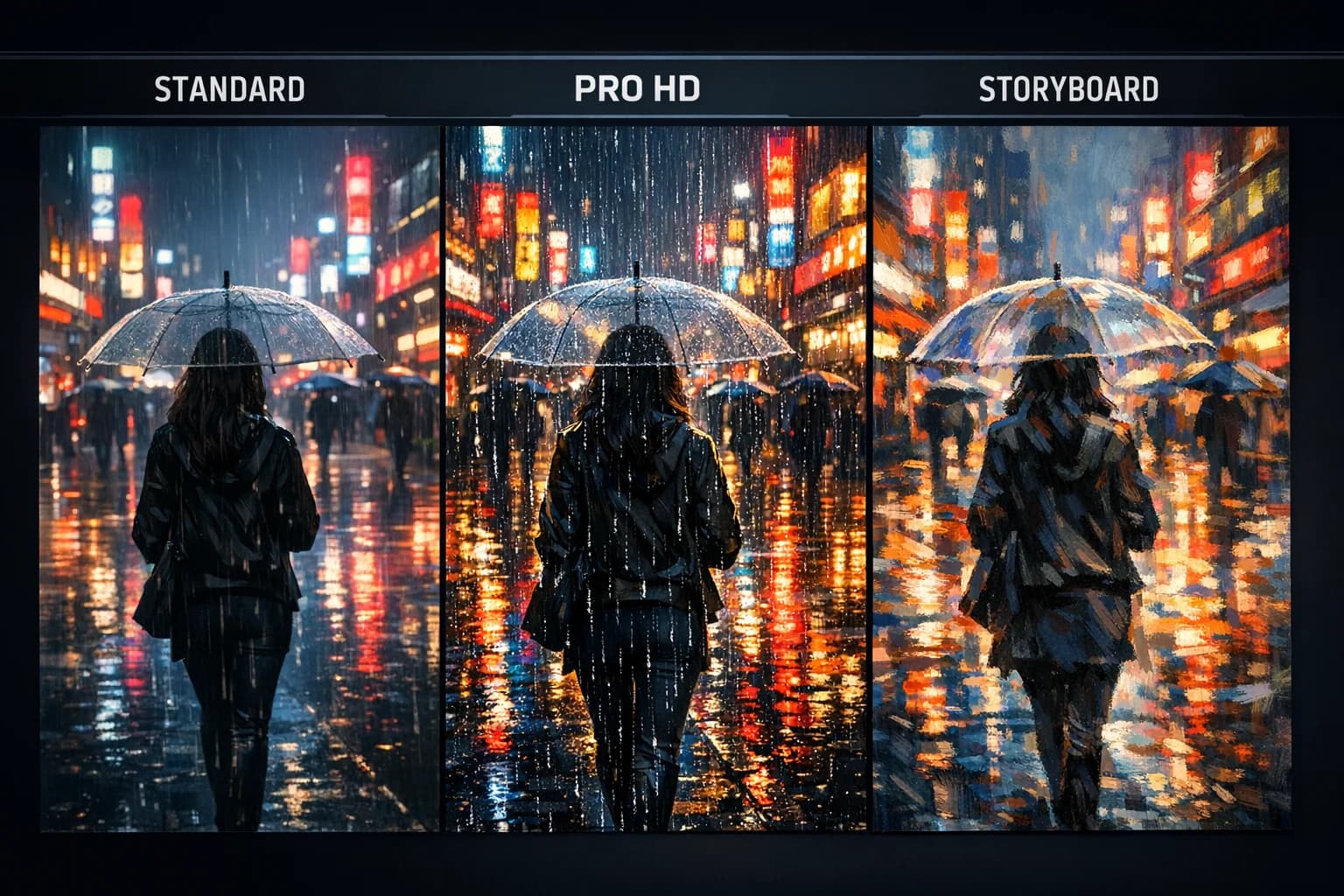
Sora 2 - Everyday Video Creation
Sora 2 serves as the accessible entry point to AI video generation, optimized for regular content creation. The model handles both text-to-video and image-to-video generation effectively.
Sora 2 generates 10 or 15-second clips optimized for social media platforms. The quality suits TikTok, Instagram Reels, YouTube Shorts, and web content. Fast generation times enable rapid iteration and creative exploration.
Best for: Social media creators, content marketers, quick prototyping, everyday video needs.
Sora Pro - Professional HD Output
Sora Pro delivers broadcast-quality video for professional applications with 720p or full 1080p resolution options. Extended durations reach 25 seconds for complete narratives.
The Pro tier features simulation-grade physics simulation. Fluid dynamics, object collisions, and lighting effects render with superior accuracy. The HD resolution reveals details that standard generation obscures. Motion fidelity matches professional production standards.
Best for: Marketing agencies, commercial content, presentations, brand videos, any work requiring HD quality.
Sora Storyboard - Narrative Sequences
Sora Storyboard specializes in transforming images into extended narrative videos. The model requires an image input and generates fixed 25-second sequences optimized for storytelling.
Storyboard preserves your reference image's visual style throughout the animation. Colors, textures, and artistic characteristics carry through the generated sequence. This consistency makes Storyboard valuable for brand content, concept visualization, and pitch materials.
Best for: Concept art animation, pitch decks, previsualization, product demos, visual storytelling.
→ Learn more about Sora Storyboard
Key Features Across All Sora Models
Text-to-Video Generation
Describe your vision in natural language and Sora generates matching video content. The models understand scene composition, lighting, camera movements, and character actions. Include artistic styles, time periods, and atmospheric conditions in your descriptions for refined results.
Sora interprets creative language and translates abstract concepts into visual content. Describe emotional tones, pacing preferences, and narrative elements. Reference film techniques and photography styles to guide the aesthetic output.
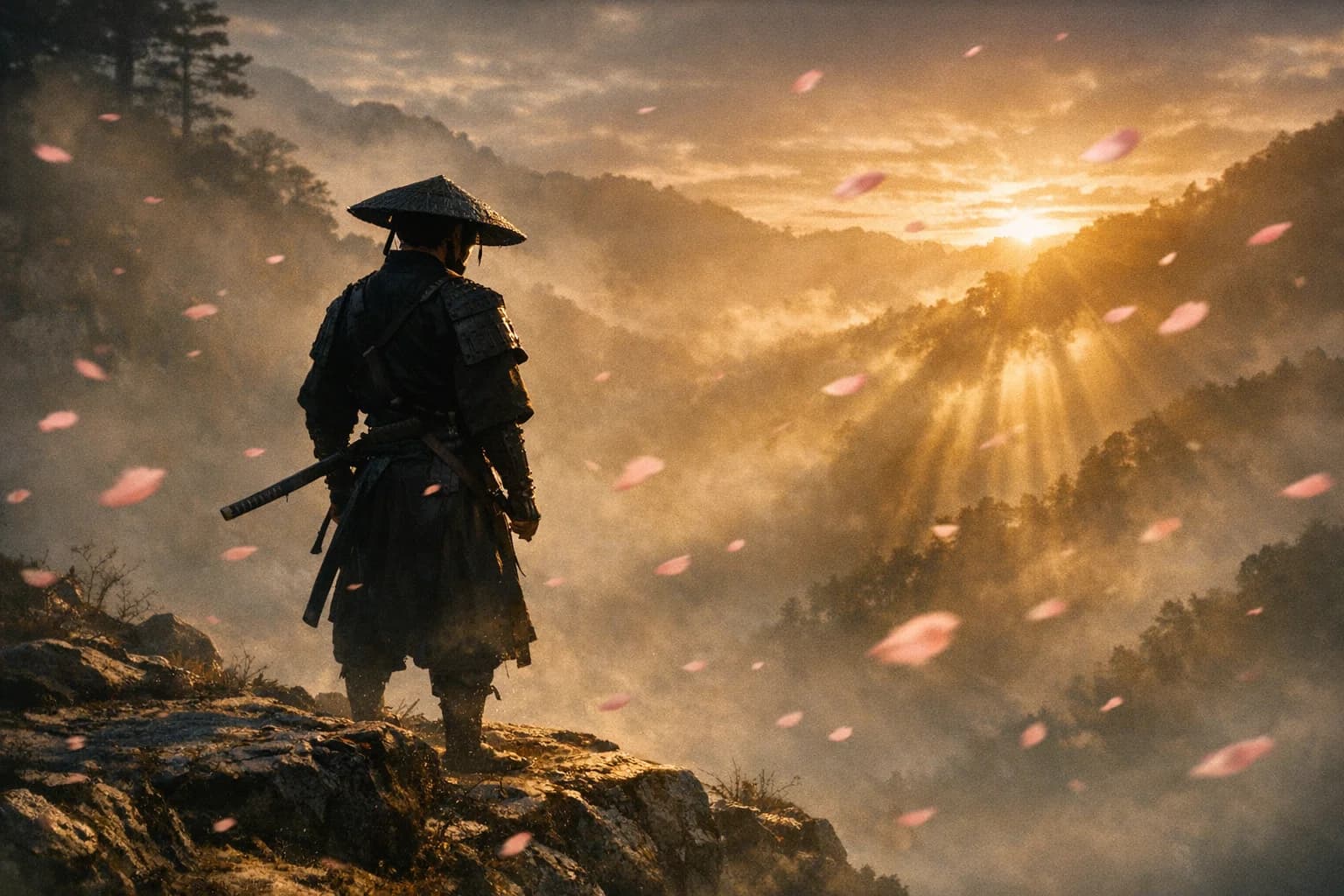
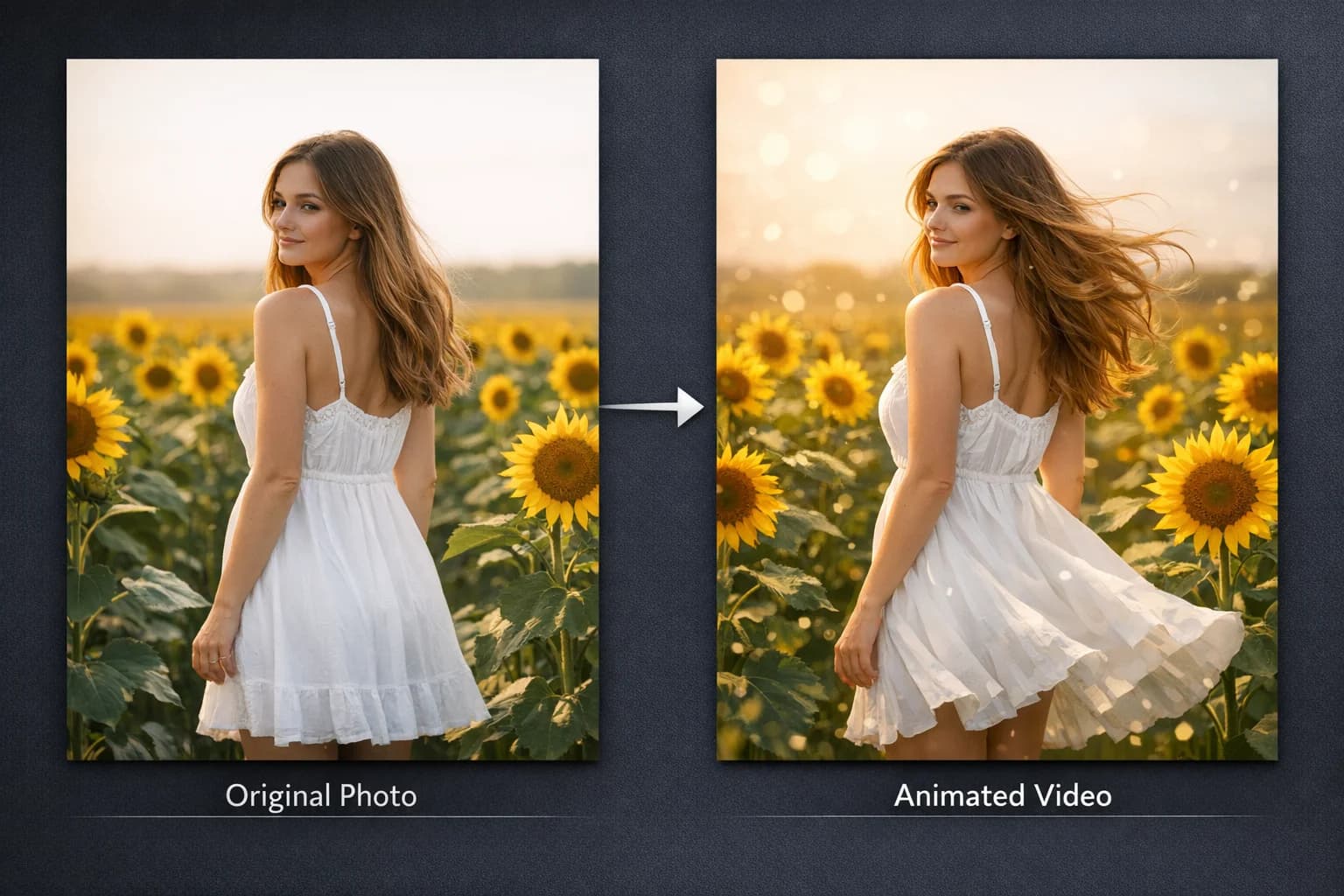
Image-to-Video Animation
Upload reference images and Sora brings them to life with motion. This feature works with photographs, illustrations, concept art, and digital designs. Describe how you want the static image animated and the model generates corresponding movement while preserving the original visual style.
Image-to-video excels for product photography animation, character animation from artwork, and extending still compositions into dynamic scenes. The model maintains color palette, lighting conditions, and artistic qualities throughout generated video.
Physics Simulation Quality
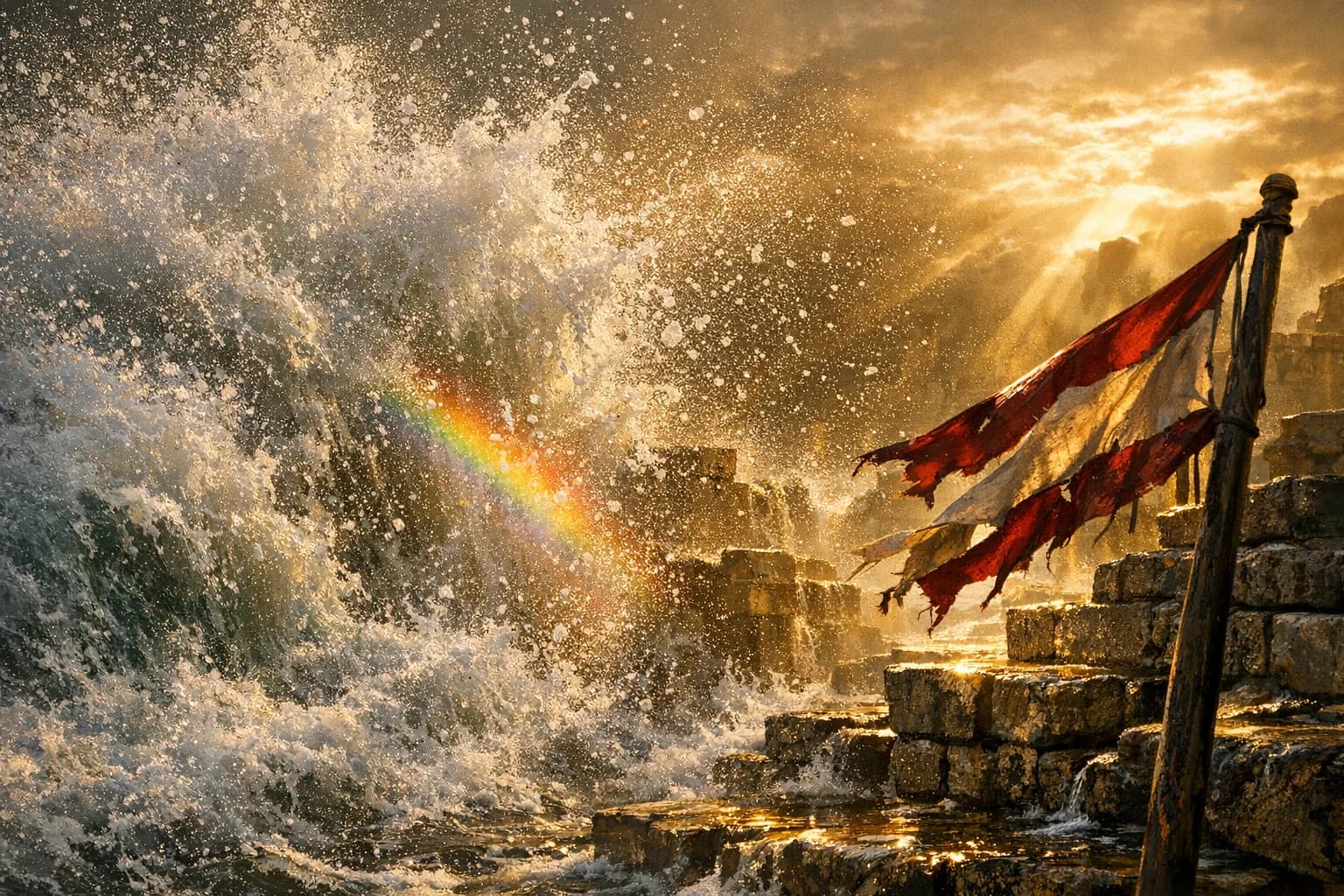
Sora models simulate real-world physics with varying degrees of accuracy. Standard Sora 2 uses advanced Newtonian physics for reliable motion in most scenarios. Pro models feature simulation-grade physics that accurately renders fluid dynamics, rigid body collisions, and complex light transport.
The physics engine handles gravity, momentum, and object interactions realistically. Pro models excel at challenging scenarios like water splashes, fabric movement, and object permanence when subjects move behind obstacles.
Temporal Consistency
All Sora models maintain temporal consistency, ensuring objects and characters remain stable throughout videos. Unlike earlier AI video systems, Sora avoids the morphing artifacts where faces change or objects appear and disappear randomly.
This consistency enables Sora to create coherent narratives where the same character appears in multiple scenes wearing the same clothes with the same features. The stability is essential for professional content where visual continuity matters.
How to Choose the Right Sora Model
Choose Sora 2 When:
- Creating social media content for TikTok, Reels, or Shorts
- Iterating quickly on creative concepts
- Quality requirements are standard rather than premium
- You need fast turnaround times
Choose Sora Pro When:
- Producing commercial or client-facing content
- Displaying videos on large screens or in presentations
- Needing extended durations beyond 15 seconds
- Quality directly impacts business outcomes
- Working on marketing campaigns or brand videos
Choose Storyboard When:
- Starting from reference images or concept art
- Creating pitch materials or previz sequences
- Developing narrative content with consistent visual style
- Animating product photos or illustrations
- Building mood pieces from photography
Getting Started with Sora
Begin your Sora journey by creating an account on our platform. Test text-to-video and image-to-video modes to understand the capabilities of each model.
Develop your prompting skills through experimentation. Start with simple scene descriptions and progressively add details about lighting, camera movement, and style. The more specific your prompts, the better Sora can match your creative vision.
Our platform provides generation history, prompt management, and organized output storage. Support resources help you maximize results from Sora's video generation capabilities across all model variants.
FAQ
Answers to common questions about this experience.
Sora Video Generator Models
Sora 2 Video Generator
Create 10-15s videos with Sora 2 for TikTok, Reels, Shorts. Text or image input, HD output, no watermark. Ready in 3 min...
Sora Pro
Generate 25-second 1080p videos with Sora Pro. Ideal for ads, marketing, presentations. Premium motion quality. Create n...
Sora Storyboard
Transform images into 25-second cinematic videos. Sora Storyboard preserves your visual style with smooth motion. Try fr...