Kling 3.0
Create AI videos with Kling 3.0. Latest generation quality for text and image to video. Fast output for social and marketing content. Free to try.
Try Kling 3.0
Create videos with Kling 3.0. Enter your prompt.
Model
Prompt
Aspect ratio
Duration
Resolution
What's included:
- 3–6 generation attempts
- Pro quality included
- Failed generations don't count
Prompt: A cinematic shot of a lighthouse beam sweeping across the ocean at night.
What is Kling 3.0 Video Generator
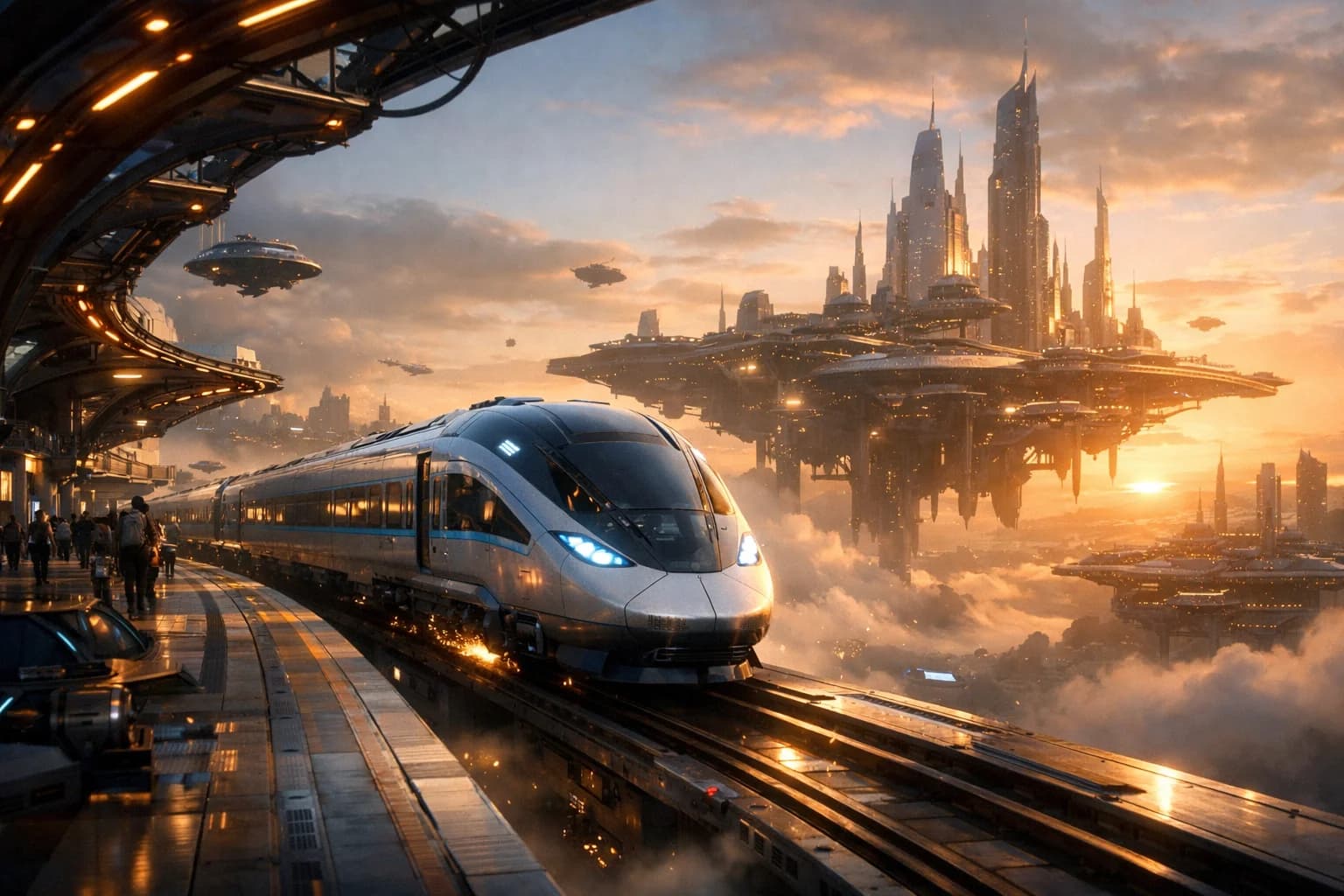
Kling 3.0 is Kuaishou's latest-generation video model, representing the current standard in the Kling family for general-purpose AI video generation. At 120 credits per generation, Kling 3.0 offers the most accessible entry to current-generation video quality among Kling models.
The model supports both text-to-video and image-to-video workflows, producing 720p and 1080p output in 5 or 10-second clips. Three aspect ratios (16:9, 9:16, 1:1) cover all major content platforms. Kling 3.0 balances output quality, generation speed, and credit cost for workflows that need reliable video generation without premium pricing.
Kuaishou designed Kling 3.0 as the versatile workhorse of their model lineup. While Kling O3 adds premium refinement and Kling O1 specializes in image animation, Kling 3.0 serves the broadest range of video generation needs at the best value.
Core Features of Kling 3.0
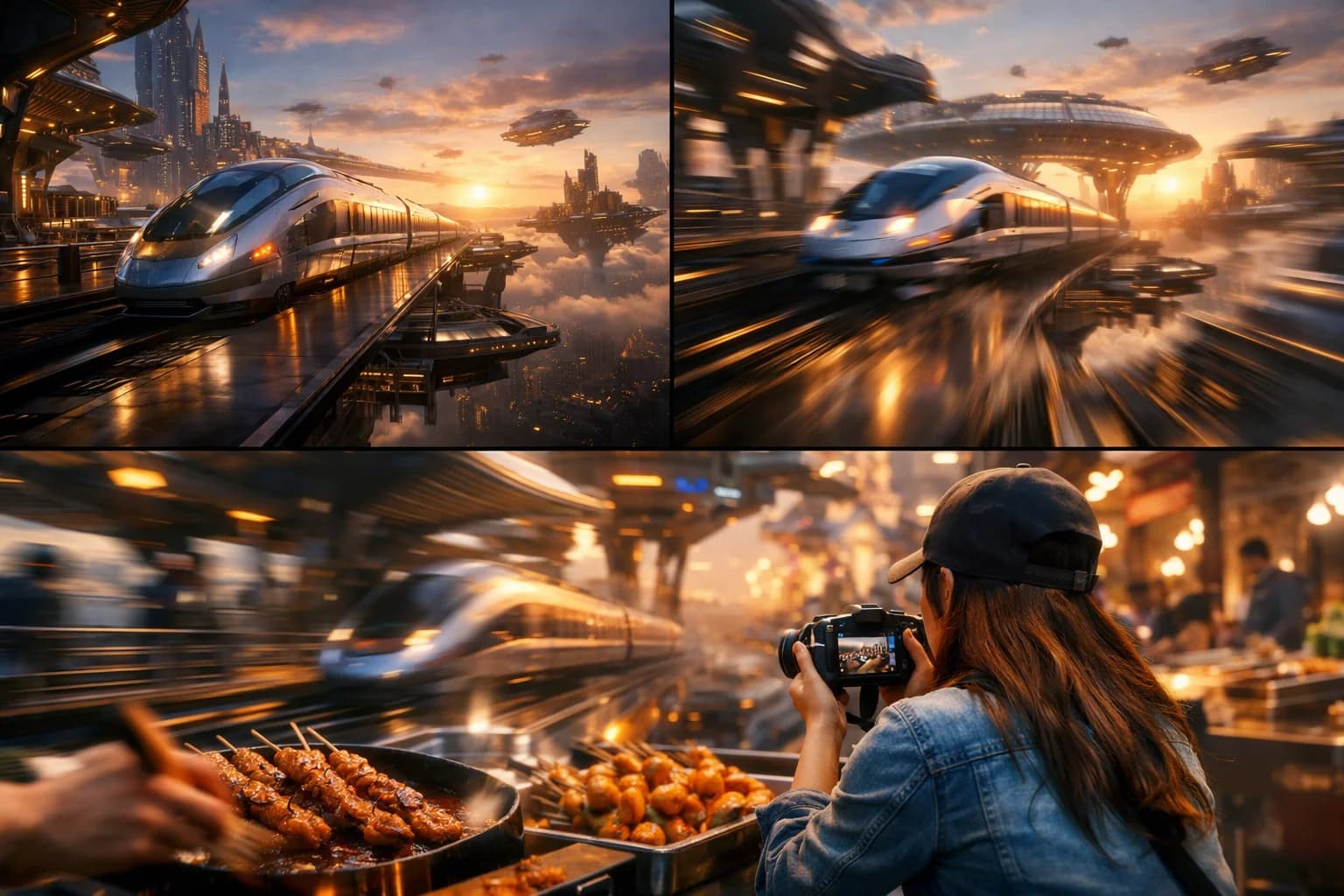
Latest-Generation Text-to-Video
Kling 3.0 brings current-generation improvements to text-to-video generation. The model interprets prompts with improved understanding of spatial relationships, physics, and visual composition. Describe scenes with subjects, actions, environments, and lighting to generate matching video content.
The generation quality reflects Kuaishou's latest training advances. Compared to earlier Kling versions, 3.0 produces more coherent scene composition, better subject consistency across frames, and more natural motion dynamics. These improvements are visible in complex scenes with multiple elements and in the overall visual clarity of output.
Image-to-Video Animation with Kling 3.0
Animate static images by uploading a reference and describing the desired motion. Kling 3.0 preserves the source image's visual characteristics — colors, textures, composition — while adding described movement. The model handles photographs, illustrations, product images, and digital art.
Image-to-video generation maintains visual quality throughout the animated sequence. The source image anchors the visual style, and added motion maintains temporal stability. This mode is particularly effective for product demonstrations, artistic animation, and social media content based on existing visual assets.
Multi-Platform Aspect Ratio Support
Generate content in 16:9, 9:16, and 1:1 natively. Each aspect ratio is a first-class output format rather than a crop from a default, meaning the model composes scenes appropriately for each format. Vertical content for TikTok and Reels positions subjects for mobile viewing. Widescreen for YouTube uses horizontal space for scene composition.
Native aspect ratio support eliminates the reframing step in multi-platform content workflows. Generate the same concept in multiple ratios directly, each optimally composed for its target format.
Balanced Credit Cost for AI Video
At 120 credits per generation, Kling 3.0 offers current-generation quality at a competitive price point. This cost structure makes it practical for:
- Regular content production schedules
- Testing multiple prompt variations per concept
- A/B testing visual approaches for campaigns
- Prototyping before committing to premium models
The credit efficiency enables more iterations per project budget, leading to better final results through creative exploration.
How to Use Kling 3.0

Writing Prompts for Kling 3.0
Structure prompts with clear subject and action descriptions first, followed by environment and style details. Kling 3.0 interprets natural language descriptions and translates them into video.
Effective prompt pattern: "[Subject] + [Action] + [Setting] + [Lighting/Atmosphere] + [Camera]"
Examples:
- "A barista pouring latte art in a cozy coffee shop, morning sunlight through the window, overhead close-up shot, steam rising from the cup"
- "Aerial drone shot of a winding mountain road, autumn foliage, golden hour lighting, car driving along the road, cinematic"
Be specific about motion when it matters. "Slowly walking" versus "running" produces very different results. Include camera motion descriptions ("tracking shot," "slow zoom in," "handheld feel") for more controlled output.
Resolution and Duration Strategy for Kling 3.0
720p / 5 seconds: Ideal for concept testing, social media content on mobile-first platforms, and rapid iteration. Minimizes credit usage per generation, enabling more creative exploration per budget.
720p / 10 seconds: Good balance for social content that needs more development time. Suitable for TikTok, Reels, and YouTube Shorts where the compressed mobile viewing environment reduces the need for 1080p.
1080p / 5 seconds: Quick, high-quality clips for website embeds, email marketing, and presentation slides. Short but sharp.
1080p / 10 seconds: Full production quality for marketing videos, client deliverables, and content where visual quality impacts brand perception. Reserve for final renders.
When to Upgrade to Kling O3
Consider Kling O3 when:
- The content will be viewed at large sizes (desktop, TV, projection)
- Client or brand expectations require maximum visual polish
- Close-up subjects need sharper detail rendering
- You are producing final deliverables rather than drafts
For most iterative and social media workflows, Kling 3.0's quality is sufficient and the 20-credit savings per generation adds up across production volumes.
Use Cases for Kling 3.0
AI Video for Social Media Content
Generate consistent social media content with Kling 3.0's balanced quality and cost. The model's multi-format support produces content ready for TikTok (9:16), YouTube (16:9), and Instagram (1:1) from a single prompt concept. The 120-credit cost supports regular posting schedules without excessive budget consumption.
Content creators maintaining multiple platform presences use Kling 3.0 as their primary generation engine. The model's reliability and consistent quality level mean predictable output across hundreds of generations.
Marketing and Promotional Video
Create marketing videos for digital advertising, email campaigns, and website content. Kling 3.0's 10-second duration accommodates standard digital ad formats. Generate multiple creative variations for campaign testing at a cost that supports broad experimentation.
The text-to-video mode handles conceptual marketing content — scene-setting videos, mood pieces, and lifestyle imagery. Image-to-video serves product-specific marketing by animating existing product photography and brand visuals.
AI Video Prototyping and Concept Development
Use Kling 3.0 as a prototyping tool for video concepts that will eventually be produced at higher tiers. Generate quick visualizations of creative directions, scene ideas, and motion concepts at 720p/5s. The cost efficiency supports generating 10-20 variations per concept to explore the creative space before committing.
Teams use Kling 3.0 prototypes in client presentations and creative reviews. The generation quality is sufficient for conveying concepts and getting directional feedback before final production with premium models.
E-commerce Product Animation
Animate product images for e-commerce listings and marketing. Upload product photographs and generate motion sequences showing products in context — lifestyle settings, use demonstrations, and dynamic display angles. The image-to-video mode preserves product appearance accuracy while adding engaging motion.
E-commerce video generated with Kling 3.0 suits marketplace listings (Amazon, Shopify) where video presence improves conversion rates. The 5-second format aligns with typical product video autoplay lengths on e-commerce platforms.
Educational and Explainer Content
Create visual content for educational materials, explainer videos, and instructional content. Generate illustrative scenes that complement written or spoken educational content. The 10-second duration accommodates individual concept explanations that can be assembled into longer instructional sequences.
Educators and course creators use Kling 3.0 to add visual elements to their content without video production equipment. Text-to-video generates scenario illustrations, process visualizations, and concept demonstrations from descriptive prompts.
Kling 3.0 Technical Specifications
| Specification | Detail |
|---|---|
| Input Modes | Text-to-Video, Image-to-Video |
| Resolutions | 720p, 1080p |
| Durations | 5, 10 seconds |
| Base Credits | 120 |
| Aspect Ratios | 16:9, 9:16, 1:1 |
| Provider | Kuaishou |
| Output Format | MP4 |
Kling Family Comparison
| Feature | Kling 3.0 | Kling O3 | Kling O1 |
|---|---|---|---|
| Text-to-Video | Yes | Yes | No |
| Image-to-Video | Yes | Yes | Yes |
| Base Credits | 120 | 140 | 100 |
| Visual Quality | Current-gen | Enhanced | Current-gen |
| Best For | General use | Premium output | Image animation |
| Aspect Ratios | 16:9, 9:16, 1:1 | 16:9, 9:16, 1:1 | 16:9, 9:16, 1:1 |
Tips for Better Kling 3.0 Results
Prompt Engineering for Kling 3.0
Focus on motion and action descriptions for the best video output. Static scene descriptions produce video with minimal movement. Include specific actions, camera motion, and environmental dynamics to generate engaging content.
Strong motion verbs improve results: "pouring," "sweeping across," "emerging from," "drifting through" give the model clear action directives. Combine subject actions with camera movement for dynamic scenes.
Batch Production Workflow
Kling 3.0's pricing makes batch production practical. Develop a prompt template for recurring content types (weekly social posts, product features, marketing clips) and generate in batches. Consistent prompt structure produces consistent quality, enabling reliable content pipelines.
Track prompt performance across generations. Note which descriptions, styles, and structures consistently produce strong output. Build a library of effective prompt patterns for your specific content needs.
Iterative Quality Improvement
Start each concept at 720p/5s for cost-efficient exploration. Generate 3-5 prompt variations to find the strongest visual direction. Then regenerate the best concept at your final target settings (1080p/10s). This two-stage approach typically produces better final results than starting with premium settings on untested prompts.
Getting Started with Kling 3.0
Create an account to access Kling 3.0 through our platform. Generate a test video at 720p to experience the model's capabilities. Try both text-to-video and image-to-video modes to understand which input method suits your content needs.
Compare results with other Kling models to find your preferred quality-cost balance. Many creators use Kling 3.0 for their primary workflow and reserve Kling O3 for final production renders.
Our platform provides generation history, prompt management, and organized output storage across all Kling models. Build your workflow around the model that best matches your regular production needs.
FAQ
Answers to common questions about this experience.