Kling v2.1 Pro
Create AI videos from images with Kling v2.1 Pro. CFG control, optional end frames, and 5-10 second clips. Free to try today.
Try Kling v2.1 Pro
Create videos with Kling v2.1 Pro. Enter your prompt.
Model
Image upload
Prompt
Aspect ratio
Duration
Resolution
What's included:
- 3–6 generation attempts
- Pro quality included
- Failed generations don't count
Prompt: A cinematic shot of a lighthouse beam sweeping across the ocean at night.
What is Kling v2.1 Pro Video Generator
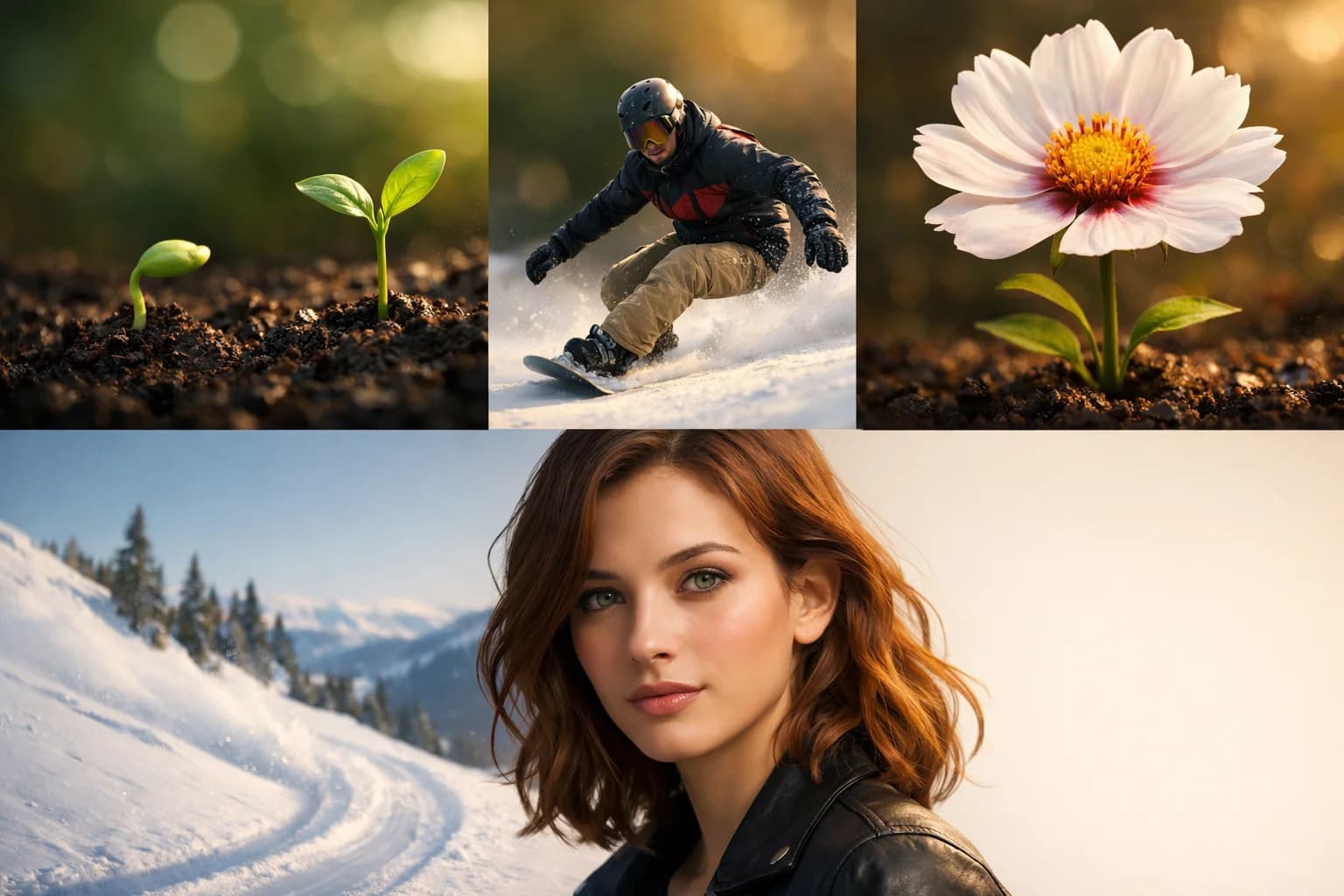
Kling v2.1 Pro is Kuaishou's specialized image-to-video model designed for controlled animation with advanced features. The model transforms reference images into animated video with optional end frame support, enabling precise start-to-destination animation sequences.
Kuaishou developed Pro for creators needing predictable animation outcomes. The end frame feature defines where animation concludes, creating controlled transitions rather than open-ended motion. Combined with CFG scale and negative prompts, Pro provides comprehensive animation control.
Pro serves workflows requiring specific animation results. Product demonstrations, transformation sequences, and controlled transitions benefit from defined start and end states. The model preserves source image quality throughout generated animations.
Core Features of Kling v2.1 Pro

End Frame Support
Kling v2.1 Pro's distinctive feature is optional end frame specification. Upload a second image defining your animation's destination. The model generates video transitioning from start image to end image.
End frames enable controlled outcomes. Instead of random motion from your source, animation proceeds toward your specified destination. This creates intentional transformations, transitions, and morphing effects.
Image-to-Video Animation
Transform static images into animated video content. Upload photographs, artwork, or designs as starting points. Describe the motion you want in your prompt. Pro animates while preserving source image characteristics.
High-fidelity animation maintains source quality. Fine details, textures, and colors carry through to video. The animation quality suits professional applications.
CFG Scale Control
Adjust prompt adherence with CFG scale. Higher values produce animation following your direction more strictly. Lower values allow more natural, varied motion.
For end frame animations, CFG affects transition directness. Higher values create more direct paths between start and end. Lower values may produce more organic transitions.
Negative Prompts
Specify unwanted animation characteristics to exclude. Define motion types, effects, or qualities to avoid. Pro actively excludes these during generation.
Negative prompts refine animation outcomes. Combine with positive prompts for precise motion direction.
Duration Options
Generate 5 or 10-second animations. Shorter durations suit quick transitions. Longer clips enable complex animation development.
Both lengths support end frame specification. Choose based on transition complexity and content needs.
How to Use Kling v2.1 Pro Effectively

Using End Frames
Select start and end images with related subjects or scenes. Dissimilar images produce less coherent transitions. Ensure visual compatibility for smooth animation.
Upload start image as primary input. Add end image through the end frame option. Describe the transition motion in your prompt.
Writing Animation Prompts
Focus prompts on motion rather than appearance. Your images define visual characteristics. Describe how subjects should move, transform, or transition.
Include direction, speed, and motion quality descriptions. Specify camera movement if relevant. Clear motion direction produces better animation results.
Adjusting CFG Scale
Start with default values for baseline results. Increase CFG for stricter prompt adherence. Decrease for more natural variation.
Test different values to understand effects on your specific content. Document successful settings for reuse.
Selecting Duration
Match duration to transition complexity. Simple transformations work in 5 seconds. Complex animations benefit from 10 seconds.
Consider pacing preferences. Faster transitions use shorter durations. Slower, more dramatic transitions use longer clips.
Creative Applications for Kling v2.1 Pro
Product Animations
Animate products showing different angles or states. Use end frames to define product positions. Create rotation, transformation, or demonstration animations.
E-commerce benefits from controlled product animation. Start and end frames ensure intended product presentation.
Transformation Sequences
Create before-after or transformation content. Start image shows initial state; end frame shows result. Animation reveals the transformation process.
Transformation sequences engage viewers through visual change. End frames guarantee reaching the intended final state.
Morphing Effects
Generate morphing between related images. Start and end frames define morph endpoints. Animation creates smooth transitions between states.
Morphing requires visual compatibility between images. Select images with shared characteristics for best results.
Controlled Transitions
Produce specific transition animations for video editing. Define exact start and end states. Use in larger productions requiring predictable clips.
Professional editors benefit from controlled transitions. End frames ensure animation meets editing requirements.
Technical Capabilities
Input Requirements
Kling v2.1 Pro requires an image input. End frames are optional second images. Supported formats include common types like JPG, PNG, and WebP.
Output Quality
Pro produces high-quality animation suitable for professional use. Motion appears smooth and natural. Source image characteristics preserve throughout.
Control Parameters
CFG scale and negative prompts provide animation control. Parameters work together for comprehensive direction. End frames add destination specification.
Format Support
Standard MP4 output with flexible aspect ratios. Videos ready for professional use across platforms.
Comparing Kling v2.1 Pro to Alternatives
End Frame Advantage
Few competitors offer end frame specification. Pro's controlled animation distinguishes it from open-ended alternatives. The feature suits professional workflows requiring predictable outcomes.
Pro vs Other Kling Models
Pro specializes in image-to-video with end frames. Master offers text-to-video with advanced controls. Standard provides efficient image animation without end frames. Choose based on end frame needs.
Professional Animation Focus
Pro targets controlled animation workflows. The end frame feature serves professional requirements. Casual users may prefer simpler models without advanced controls.
Getting Started with Kling v2.1 Pro
Create an account to access Kling v2.1 Pro through our platform. Receive starter credits for initial exploration. Test with and without end frames to understand the difference.
Experiment with related image pairs for end frame transitions. Practice writing motion-focused prompts. Discover how controlled animation serves your specific needs.
Our platform provides generation history, prompt management, and organized storage. Support resources help maximize results from Pro's end frame animation capabilities.
FAQ
Answers to common questions about this experience.