Wan AI Video Generator
Create HD AI videos with Alibaba Wan. Generate stunning 720p-1080p clips from text or images. Free to try, multiple resolution options available.
Try Wan AI Video Generator
Create videos with Wan AI Video Generator. Enter your prompt.
Model
Image upload
Prompt
Duration
Resolution
What's included:
- 3–6 generation attempts
- Pro quality included
- Failed generations don't count
Prompt: A cinematic shot of a lighthouse beam sweeping across the ocean at night.
What is Wan AI Video Generator

Wan is Alibaba's AI video generation platform offering exceptional flexibility in resolution and duration options. The platform transforms text descriptions and images into high-quality video content with output ranging from quick 480p previews to full HD 1080p production files.
Alibaba developed Wan to address diverse video creation needs within single platform. Rather than forcing users to choose between speed and quality, Wan provides options across the spectrum. This flexibility supports workflows from rapid prototyping to final deliverable generation.
The platform includes intelligent prompt rewrite features that automatically enhance user descriptions. This capability reduces the expertise required for effective video generation while maintaining user control over the process.
Core Features of Wan Video Generation
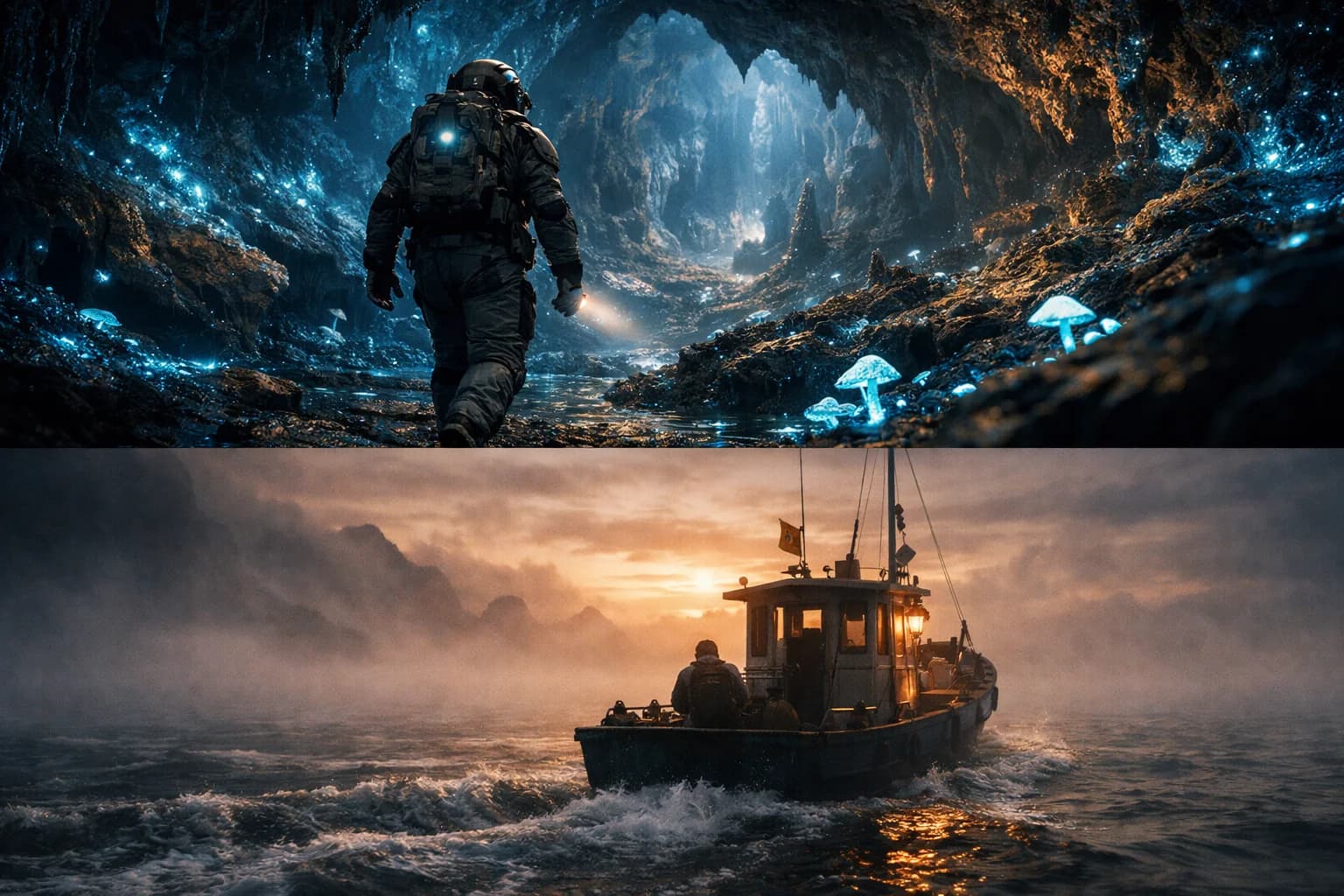
Resolution Flexibility
Wan offers multiple output resolution options unlike most competitors. Wan 2.6 generates at 720p or full HD 1080p for quality-focused work. Wan Turbo provides 480p and 720p for speed-optimized generation.
This flexibility enables efficient workflows. Test concepts quickly at lower resolutions. Generate final versions at HD quality. Match resolution to each project stage without switching platforms.
Text-to-Video Creation
Transform written descriptions into dynamic video content. Write about scenes, characters, and actions in natural language. Wan interprets your prompt and generates matching video sequences.
The model handles diverse description styles effectively. Include details about lighting, atmosphere, and visual style. The prompt rewrite feature can enhance basic descriptions into more effective generation instructions automatically.
Image-to-Video Animation
Convert static images into animated video content. Upload photographs, illustrations, or designs and describe the motion you want. Wan creates video that animates your image while maintaining visual consistency.
Both Wan 2.6 and Turbo support image-to-video generation. Choose based on resolution requirements and speed preferences. The models preserve source image characteristics throughout generated animations.
Extended Duration Options
Wan 2.6 offers unusually long duration options among AI video generators. Generate videos from 5 to 15 seconds covering more content needs. The extended range enables more complete scenes and narrative development.
Longer durations reduce the need for combining multiple clips. Create more complete content in single generations. The 15-second option suits promotional segments, product demonstrations, and storytelling content.
Prompt Rewrite Enhancement
Built-in prompt optimization improves generation results automatically. The system analyzes your description and enhances it with relevant details and improved structure.
This feature reduces the prompt engineering skill required for good results. Enable it for automatic enhancement or disable for full control. The capability particularly helps users new to AI video generation.
Available Wan Model Variants

Wan 2.6
The comprehensive model for quality-focused video generation. Wan 2.6 supports both text and image prompts with 720p or 1080p output. Duration options span 5 to 15 seconds, the longest among Wan models.
Choose Wan 2.6 when quality and duration matter. The 1080p option delivers professional-grade output for final deliverables. The 15-second duration enables complete scene development. Prompt rewrite enhances descriptions automatically.
Wan Turbo
Speed-optimized generation for rapid iteration workflows. Turbo provides 480p and 720p output with prompt expansion features. The model specializes in fast image-to-video generation.
Select Turbo when generation speed matters most. The lower resolutions enable significantly faster processing. Use for concept testing, quick previews, and iterative development. Switch to Wan 2.6 for final quality renders.
How to Use Wan Effectively
Choosing Resolution
Match resolution to workflow stage and final use. Use 480p or 720p for testing and iteration when speed matters. Generate at 1080p for final deliverables and professional use.
Higher resolutions consume more credits and take longer. Optimize by using appropriate resolution at each stage. The flexibility enables efficient resource allocation across projects.
Selecting Duration
Choose duration based on content needs. Use 5-second clips for loops, previews, and quick content. Select 10-15 seconds for complete scenes and narrative content.
Longer durations provide more complete content but cost more credits. Balance duration against budget for each project. The extended options in Wan 2.6 enable content other platforms require multiple generations to create.
Using Prompt Rewrite
Enable prompt rewrite for automatic description enhancement. Write your basic concept and let the system add relevant details. This approach works well for efficient generation.
Disable rewrite when you want precise control over prompts. Experienced users may prefer crafting complete descriptions without modification. The toggle provides flexibility for different working styles.
Workflow Optimization
Use Turbo for rapid concept exploration and testing. Generate multiple variations quickly at lower resolutions. Identify promising directions without significant time investment.
Switch to Wan 2.6 for final quality generation. Render at 1080p with confirmed prompt approaches. The two-model strategy optimizes both creativity and final output.
Creative Applications for Wan
Marketing Video Production
Create professional promotional content at HD quality. The 1080p output suits brand standards and client deliverables. Extended durations enable complete product demonstrations and brand messaging.
Use Turbo for concept development and client review versions. Generate quickly to explore directions and get feedback. Finalize with Wan 2.6 at maximum quality.
Social Media Content
Generate platform-optimized clips across quality levels. Use HD output for YouTube and professional platforms. Select 720p for social feeds where quality requirements are lower.
The resolution flexibility matches content to platform needs. Optimize for each destination without over-investing in unnecessary quality. The duration options cover social format requirements.
Rapid Prototyping
Wan Turbo excels at quick concept validation. Generate multiple variations at 480p to explore directions. Identify promising approaches without significant time investment.
The speed-quality tradeoff enables more creative exploration. Test more ideas in less time. Refine winners at higher quality once directions are confirmed.
HD Production
Wan 2.6's 1080p output supports professional production needs. Generate footage suitable for presentations, advertisements, and published content. The HD quality matches traditional video production standards.
The 15-second duration enables complete scenes without combining clips. Create more cohesive content in single generations. The quality supports direct use in professional contexts.
Technical Capabilities
Resolution Options
Wan provides three resolution tiers. 480p offers fastest generation for iteration. 720p balances quality and speed for everyday use. 1080p delivers full HD for professional applications.
Duration Range
Wan 2.6 generates 5 to 15-second videos. Turbo focuses on standard durations with speed optimization. The extended range in 2.6 exceeds most competitors.
Format Support
Videos generate as standard MP4 files with broad compatibility. Multiple aspect ratios support different platforms. Output works directly for web posting and professional use.
Prompt Processing
Optional rewrite feature enhances descriptions automatically. The system adds details and improves structure. The feature is togglable for user control.
Comparing Wan to Alternatives
Resolution Flexibility
Few competitors offer Wan's resolution range. Most platforms provide single quality tiers. Wan's options enable workflow optimization unavailable elsewhere.
Duration Advantage
The 15-second maximum in Wan 2.6 exceeds many alternatives. Longer generations create more complete content. The extended range reduces need for combining clips.
Speed Options
Wan Turbo provides unusually fast generation. The 480p option enables rapid iteration. Few competitors offer dedicated speed-optimized models.
Getting Started with Wan
Create an account to access Wan through our platform. Receive starter credits for initial exploration. Test both Wan 2.6 and Turbo to understand their differences.
Experiment with different resolutions to find optimal settings. Try prompt rewrite to see automatic enhancement. Generate videos from text and images to explore capabilities.
Our platform provides generation history, prompt management, and organized storage. Support resources help maximize results from Wan's flexible video generation.
FAQ
Answers to common questions about this experience.
Wan Video Generator Models
Wan 2.6
Create AI videos with Wan 2.6. Text or image to 720p/1080p video, 5-15 second clips with prompt rewrite. Free to try....
Wan 2.5
Create AI videos with Wan 2.5. Fast text and image to video generation with multiple resolutions. Free to try....
Wan Turbo
Create fast AI videos from images with Wan Turbo. Speed-optimized generation with prompt expansion. 480p/720p output. Fr...