Sora Text to Video
Describe any scene and watch OpenAI Sora bring it to life. Choose Sora 2 for quick clips or Sora Pro for premium quality.
Have a reference image?
Try Image to Video for better results
Model
Image upload
Prompt
Aspect ratio
Duration
Resolution
Audio
Seed
Camera
What's included:
- 3–6 generation attempts
- Pro quality included
- Failed generations don't count
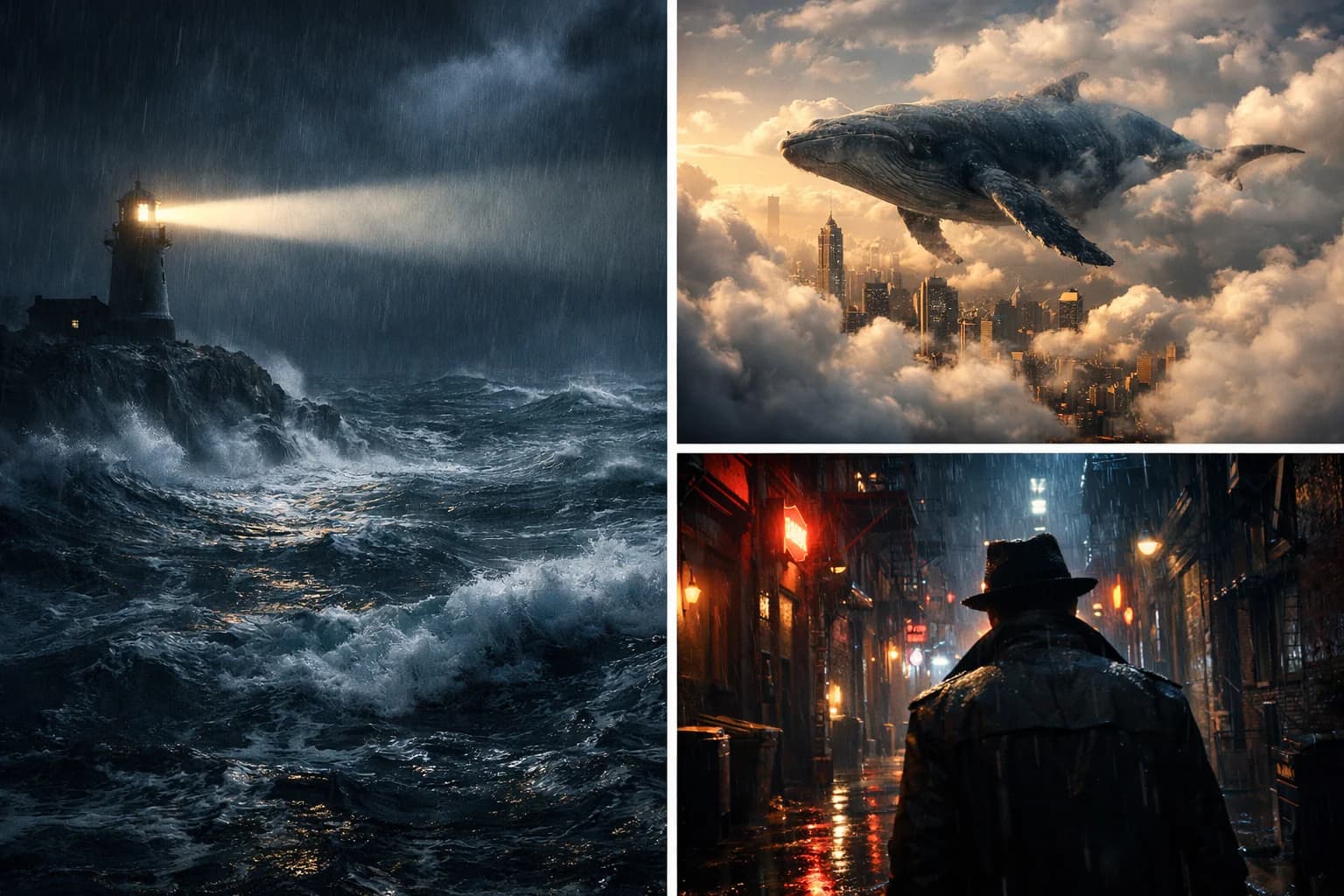
Prompt: A cinematic shot of a lighthouse beam sweeping across the ocean at night.
Choose Your Model
Sora Text to Video Models
Select the right Sora model for your project
Sora 2
Generate 10 or 15-second clips quickly. Perfect for social media content and rapid concept testing.
- 10-15 second duration
- Fast generation
- Ideal for social media
Sora Pro
Premium 1080p quality with 25-second duration. Best for marketing and professional content.
- Up to 25 seconds
- HD 1080p output
- Premium motion fidelity
Sora Text to Video Features
OpenAI's advanced text-to-video generation
- OpenAI's leading text-to-video AI technology
- Sora 2 for 10-15s clips, Pro for 25s premium quality
- Exceptional motion quality and physics understanding
- 16:9 widescreen or 9:16 vertical aspect ratios
- Multi-language prompt support
- Download as high-quality MP4 files
What is Sora Text to Video?
Sora text to video is OpenAI's groundbreaking AI system that generates original video content from written descriptions. You describe a scene in natural language—the setting, subjects, lighting, camera angles, and movement—and Sora creates a video matching your vision from scratch.
Unlike image-to-video tools that animate existing photos, Sora text to video creates entirely new visual content. There's no source material required. You write what you want to see, and Sora interprets your words into moving pictures with remarkable understanding of real-world physics and cinematic techniques.
Sora Models for Text to Video
OpenAI offers multiple Sora variants optimized for different needs. Sora 2 is the standard model, generating 10 or 15-second clips ideal for social media content and quick concept visualization. It balances quality with speed, making it perfect for everyday video creation.
Sora Pro delivers premium quality with extended 25-second durations. The higher fidelity output suits marketing content, advertisements, and professional projects where visual quality is paramount. For serious video production, Sora Pro provides the detail and motion coherence that professional workflows demand.
How to Write Effective Sora Prompts
The key to getting great results from Sora is writing detailed, specific prompts. Start with the main subject and setting, then layer in details about lighting, atmosphere, and camera work. A prompt like 'sunset beach' will generate something generic, but 'golden hour sunlight on a quiet Mediterranean beach, gentle waves lapping the shore, warm color grading, slow dolly shot' gives Sora clear creative direction.
Structure your prompt in a logical order: subject, action, environment, lighting, camera movement, and style. For example: 'A young woman in a flowing white dress walking through a field of lavender at sunset, soft backlight creating lens flare, camera tracking alongside at a slow pace, cinematic film grain.' Each element adds specificity that improves the final output.
Avoid contradictory instructions or overly complex multi-scene descriptions. Sora works best with focused, coherent prompts that describe a single continuous scene. If you want multiple scenes, generate them separately and edit them together. This gives you more control over each segment and produces more consistent results.
Sora vs Other Text to Video Tools
Sora distinguishes itself through exceptional motion quality and temporal coherence. Objects and subjects move naturally throughout the video, maintaining consistent appearance and realistic physics. This makes Sora particularly effective for scenes with complex motion or multiple interacting elements.
While other tools may offer longer durations or faster generation, Sora's strength is the quality of motion and the AI's understanding of real-world behavior. For content where visual realism matters—marketing videos, concept visualization, or creative projects—Sora's output quality sets it apart from alternatives.
Text to Video Use Cases with Sora
Social media creators use Sora to produce fresh content quickly. Instead of filming, you can generate video clips matching trending concepts or filling gaps in your content calendar. The 10-15 second Sora 2 clips are perfectly sized for TikTok, Reels, and Shorts.
Marketers and advertisers visualize campaign ideas before investing in production. A text prompt can generate a rough video concept in minutes, allowing teams to iterate on creative direction early in the process. Test multiple visual approaches without production costs.
Filmmakers and storytellers use Sora for pre-visualization. Before committing to expensive shoots, generate rough scene mockups to test compositions, timing, and camera movements. Communicate creative vision through AI-generated examples rather than static storyboards.

FAQ
Common questions about Sora text to video generation