AI Video Effects
Transform your photos into fun animated videos. Create hugging, kissing, dancing effects and more with AI.
Available AI Video Effects
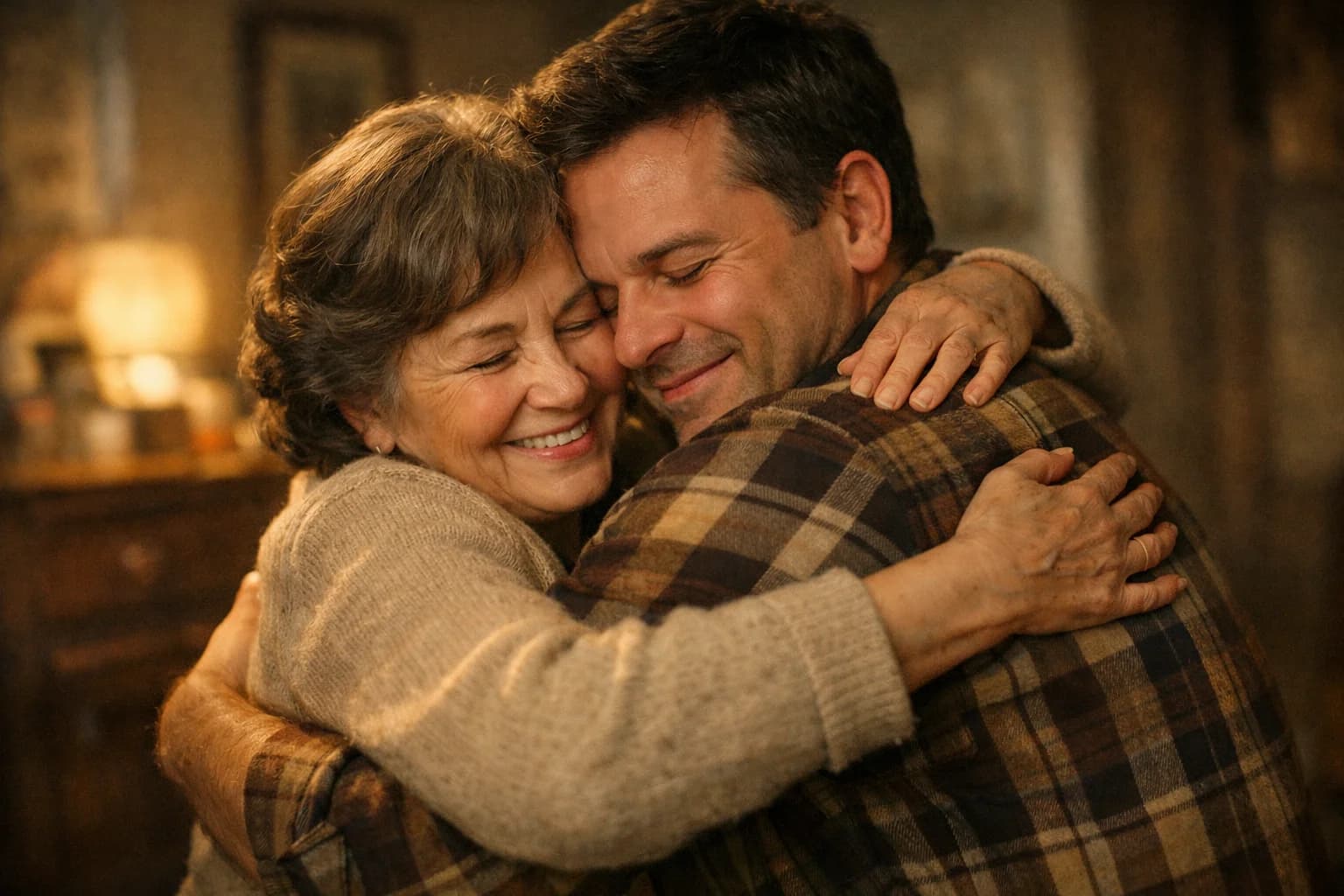
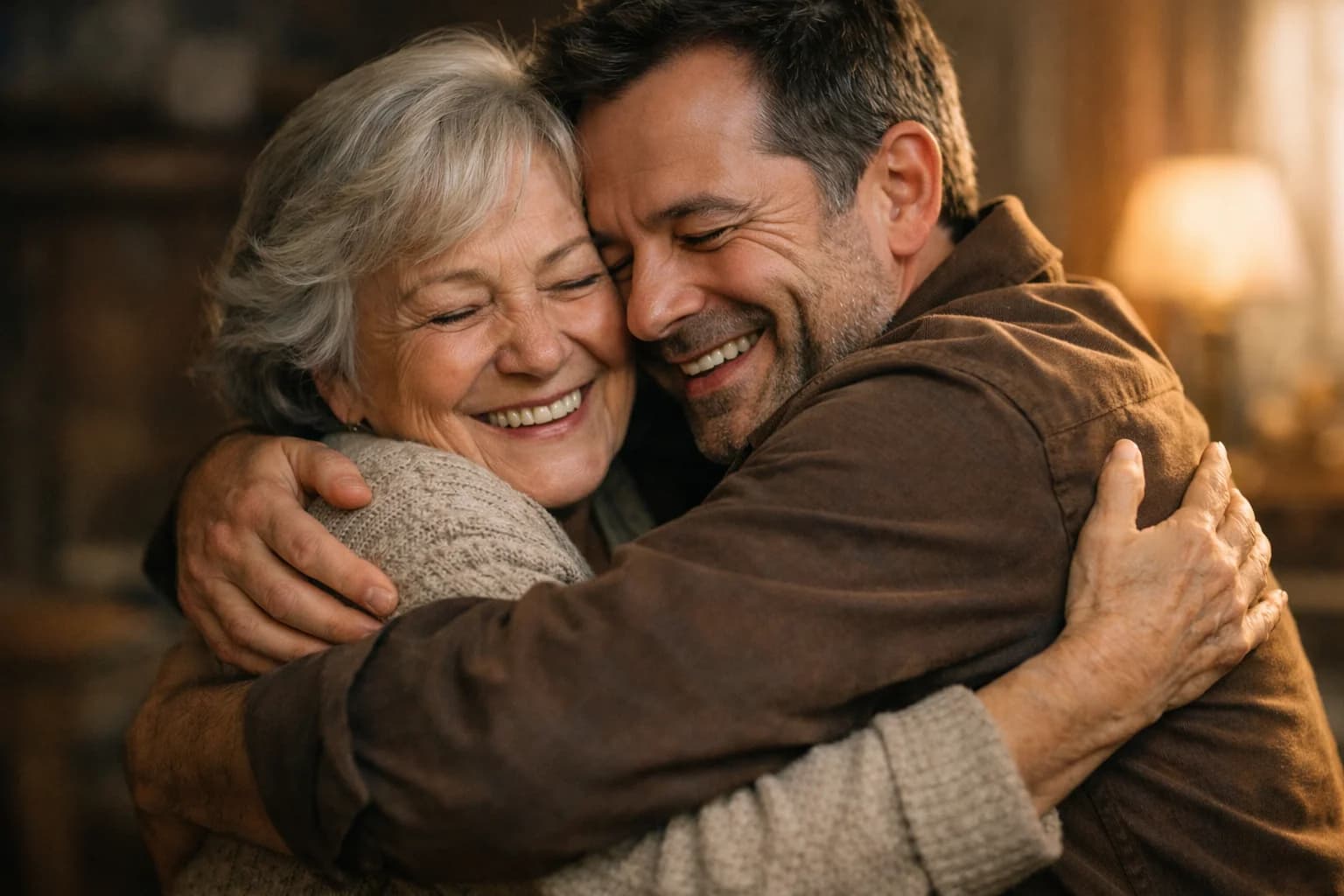
AI Hug Video Generator
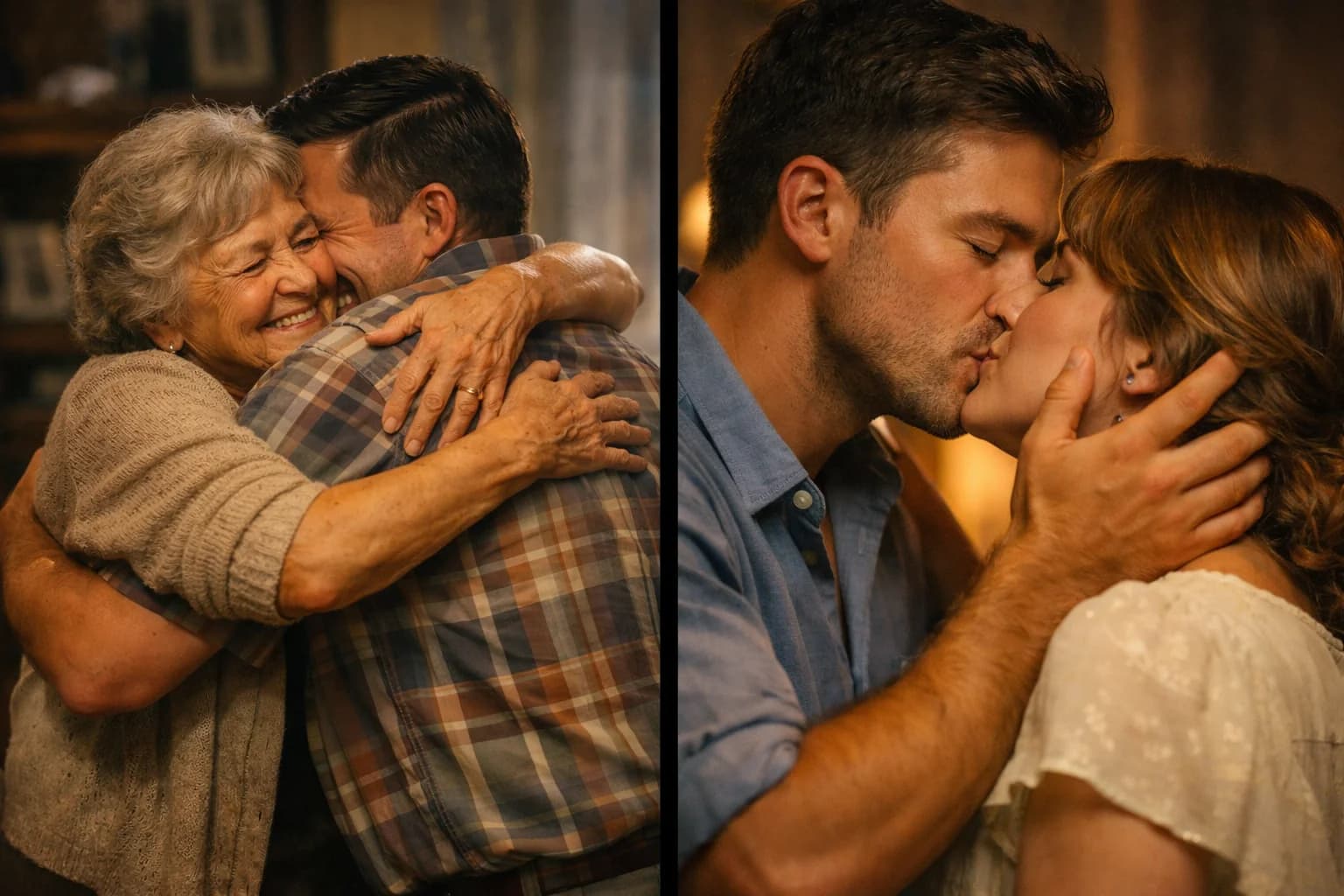
Turn photos into embrace videos with AI. Upload 1-2 images, get realistic hug animation in 30s. Perfect for gifts & tributes. Try free →
AI Kiss Video Generator
Turn couple photos into romantic kiss videos with AI. Perfect for anniversaries & Valentine's. Upload photo, get video in seconds. Try free →
AI Dance Video Generator
Make anyone dance in photos with AI. Create viral TikTok & Reels content instantly. Upload any photo, choose dance style, get video. Try free →
How AI Video Effects Work
AI video effects use advanced machine learning to analyze your photos and generate realistic motion. The AI understands human anatomy, facial expressions, and natural movement patterns. When you upload a photo, it identifies the people in the image and creates smooth, lifelike animations based on the effect you choose.
Unlike simple morphing or warping effects, AI-powered video effects generate entirely new frames that maintain visual consistency. The result is a video that looks natural rather than distorted, with realistic physics and motion that matches how people actually move.
Popular AI Video Effects
Hug effects create heartwarming embrace animations perfect for gifts, anniversary videos, or memorial tributes. The AI understands how two people come together in a hug, generating natural arm movements and body language that conveys warmth and connection.
Kiss effects produce romantic animations ideal for wedding videos, Valentine's Day content, or couples' memories. The AI creates subtle, tasteful motion that captures intimate moments beautifully.
Dance effects make anyone in your photos move to imaginary music. Perfect for social media content, party invitations, or just fun entertainment. The AI generates dynamic, energetic movements that look surprisingly natural even when the original photo was completely still.
Tips for Best Results
Photo quality matters significantly. Use clear, well-lit images where faces and bodies are clearly visible. For hug and kiss effects, photos with two people positioned close together work best. For dance effects, full-body shots give the AI more to work with.
Simple backgrounds produce cleaner results than busy scenes. The AI can handle complex backgrounds, but cleaner images let it focus on creating the best possible motion for the people in your photo.
Experiment with different photos to understand what works best for each effect type. Sometimes a candid shot produces more natural results than a posed portrait.
Use Cases and Ideas
AI video effects open creative possibilities for personal and professional projects. Create personalized video gifts for birthdays, anniversaries, or holidays. Make memorial videos that bring cherished photos to life. Generate engaging social media content that stands out. Produce creative marketing materials that capture attention. The only limit is your imagination—any photo can become a memorable video moment.
FAQ
Common questions about AI video effects