Kling O1 Image to Video
Transform photos into videos with Kling O1. Optimized for image animation with natural motion. Upload any image, get video in minutes. Free to try.
Try Kling O1 Image to Video
Create videos with Kling O1 Image to Video. Enter your prompt.
Model
Image upload
Prompt
Aspect ratio
Duration
Resolution
What's included:
- 3–6 generation attempts
- Pro quality included
- Failed generations don't count
Prompt: A cinematic shot of a lighthouse beam sweeping across the ocean at night.
What is Kling O1
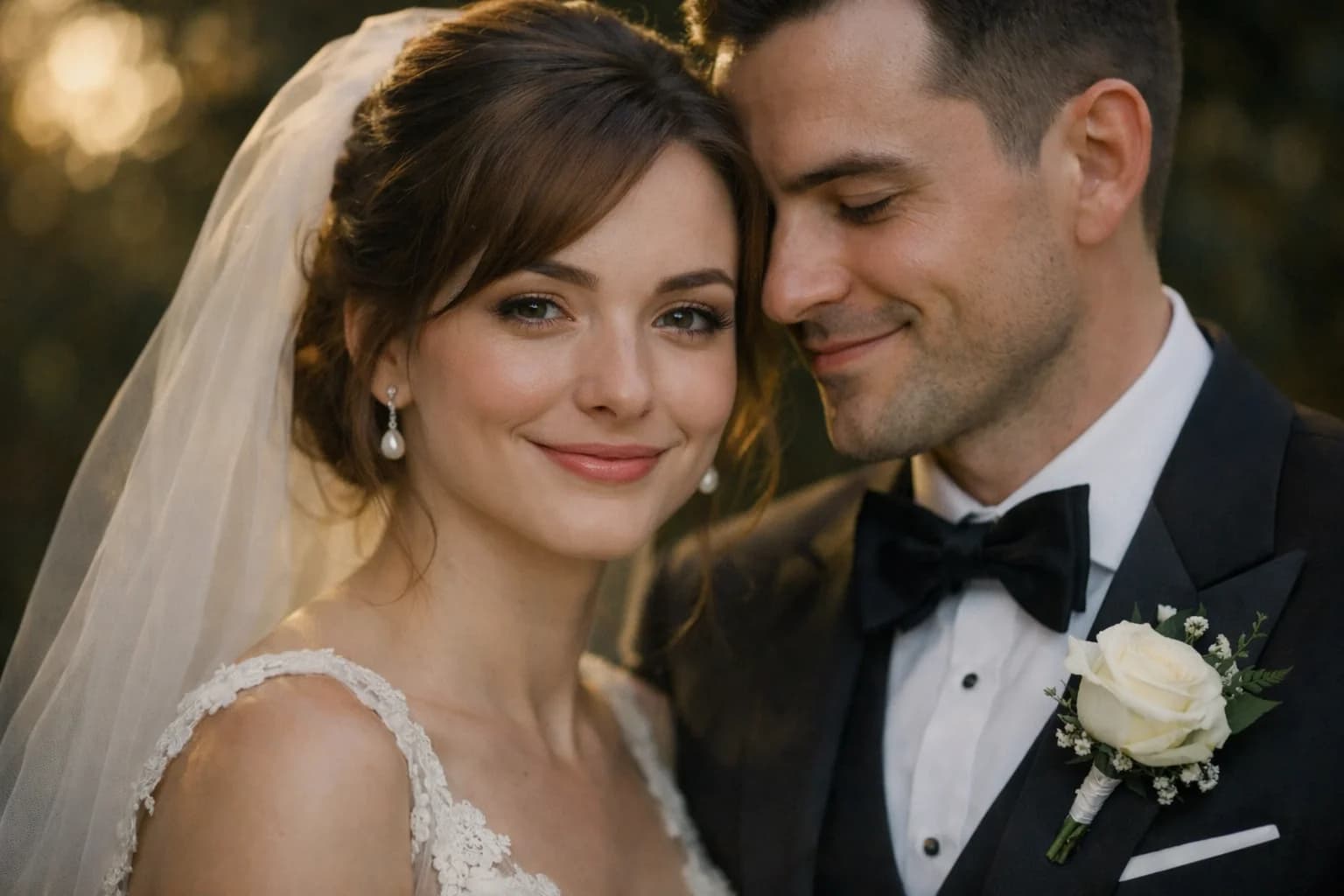
Kling O1 is Kuaishou's specialized image-to-video model, purpose-built for transforming static images into animated video. Unlike the multi-mode Kling 3.0 and O3 models, Kling O1 focuses exclusively on image animation. This specialization allows the model to dedicate its full capacity to one task: creating natural, convincing motion from a source photograph or illustration.
At 100 credits per generation, Kling O1 offers the most affordable path to image animation in the Kling family. The model supports 720p and 1080p output, 5 and 10-second durations, and three aspect ratios (16:9, 9:16, 1:1). For creators whose workflow centers on animating existing visual assets, O1 provides a cost-optimized tool for that specific need.
The "O" prefix in Kling O1 indicates Kuaishou's optimized model series. O1 is optimized for image fidelity preservation — keeping the source image's visual qualities intact while adding motion that looks natural and intentional rather than algorithmically applied.
Core Features of Kling O1
Dedicated Image-to-Video Architecture
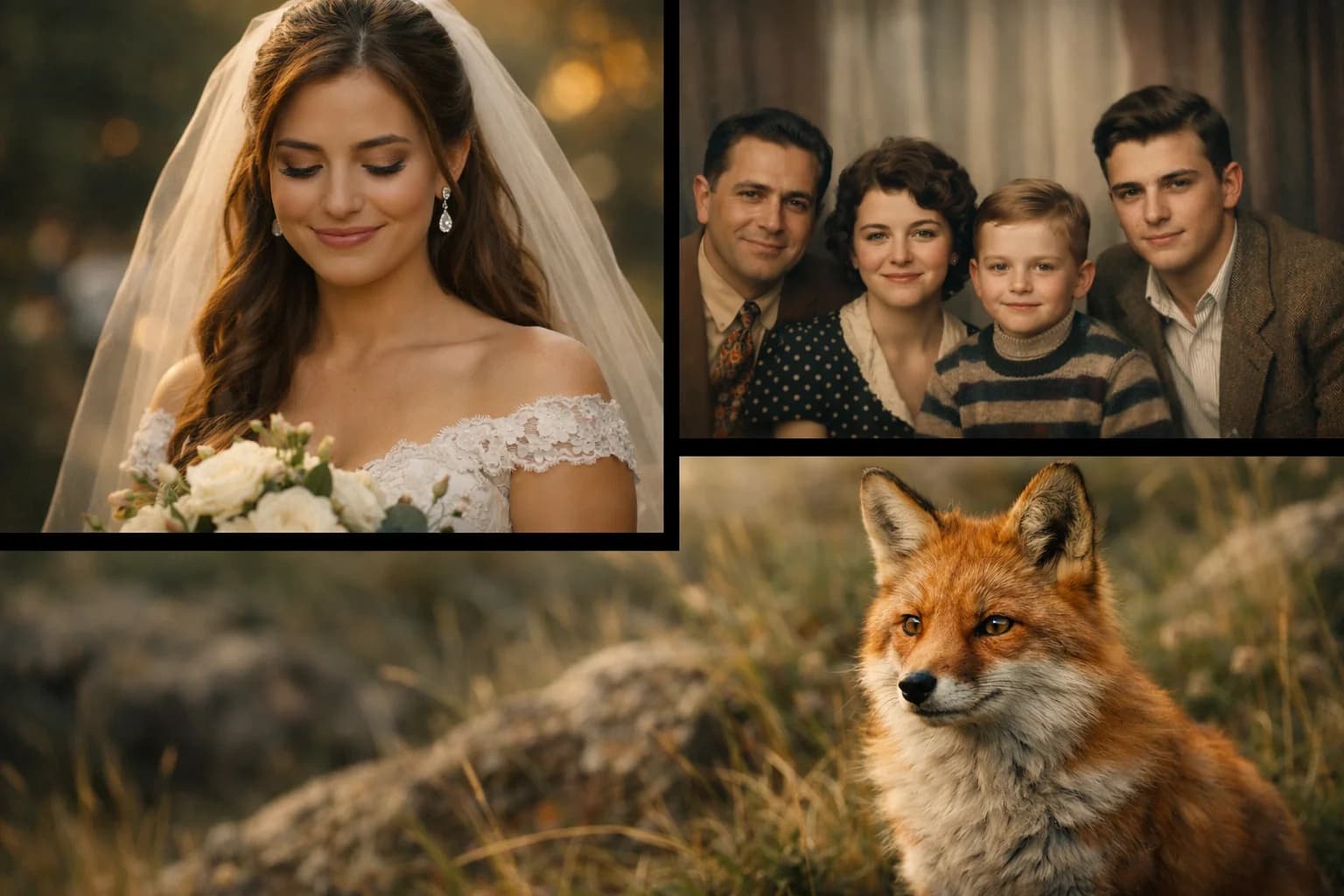
Kling O1's architecture is tuned for a single pipeline: image input to video output. Where multi-mode models divide their capacity between text interpretation and image processing, O1 allocates its full neural network to understanding and animating images. This produces more predictable, higher-quality image animation per credit spent.
The model excels at maintaining source image fidelity throughout the animated sequence. Colors remain accurate, textures stay consistent, and compositional elements hold their positions. This reliability is critical for professional use where brand assets, product images, and creative work need to retain their original visual identity during animation.
Natural Motion Generation from Images
Kling O1 generates motion that follows the visual context of the source image. A portrait photo receives natural head turns and subtle expressions. A landscape receives environmental motion — clouds drifting, water flowing, leaves swaying. A product image gets gentle rotation or contextual movement.
The motion generation adapts to image content automatically, but user-provided motion descriptions add directional control. Combining O1's image understanding with specific motion prompts produces animations that feel intentional rather than randomly generated.
Source Image Preservation
Maintaining the visual integrity of the source image is Kling O1's design priority. The model preserves:
- Color Accuracy: Original color palette maintained throughout animation
- Texture Detail: Surface textures, patterns, and fine details remain sharp
- Composition Stability: The overall frame composition holds steady during motion
- Style Consistency: Artistic style (photorealistic, illustrated, painted) carries through
This preservation means brand assets, product photography, and carefully edited images emerge from animation looking like the original — with added motion.
Multi-Format Output for Image Animation
Generate animated content from images in three aspect ratios:
- 16:9: Landscape format for YouTube, websites, and presentations
- 9:16: Vertical format for TikTok, Instagram Reels, and Stories
- 1:1: Square format for Instagram feed and LinkedIn posts
The model adapts its motion generation to the chosen aspect ratio, ensuring animated subjects stay within frame and motion flows naturally within the chosen format boundaries.
How to Use Kling O1
Selecting Source Images
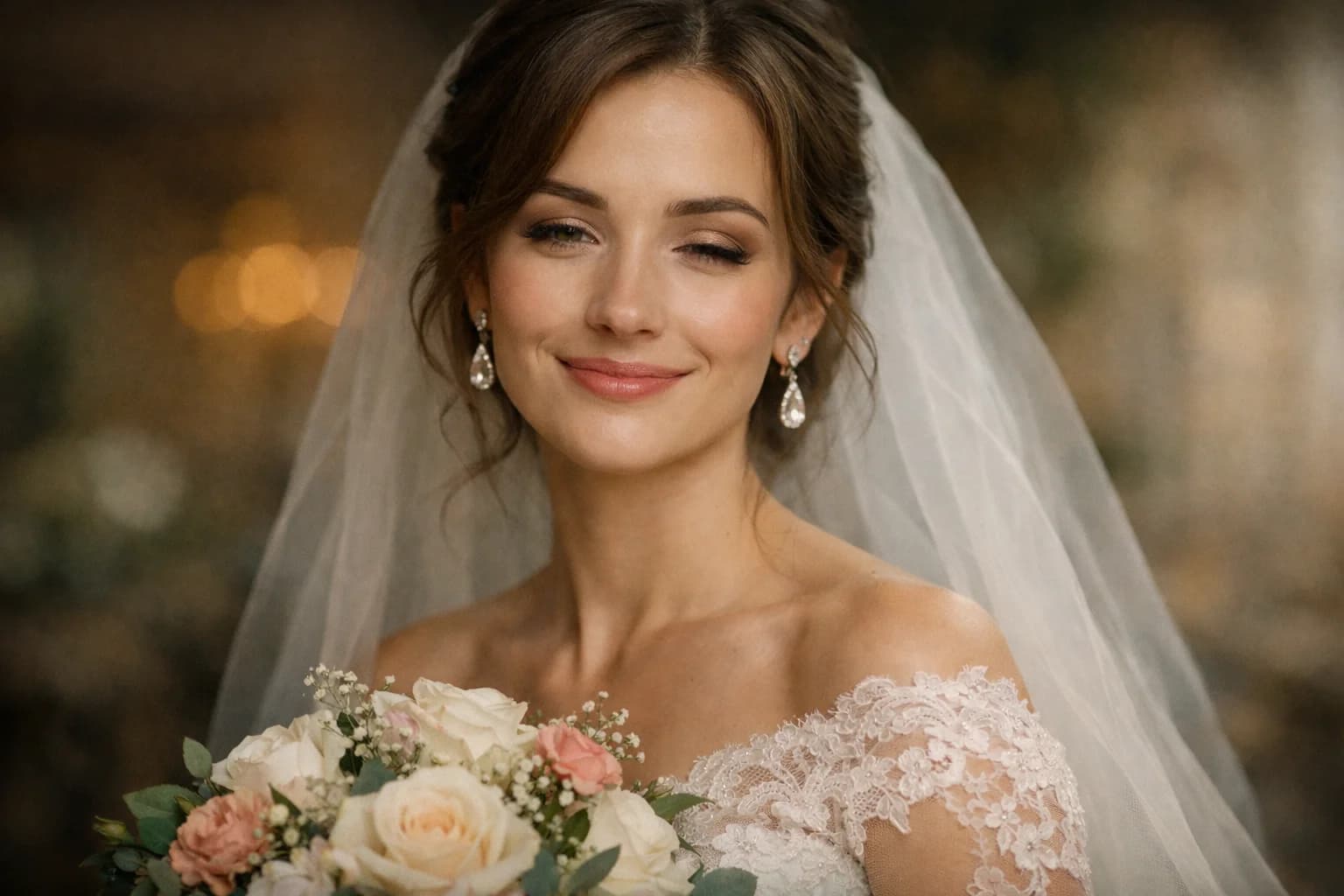
Choose high-quality source images for the best animation results. The model extracts more detail and generates smoother motion from sharp, well-lit images.
Optimal image characteristics:
- Resolution above 1024px on the long edge
- Good lighting with visible detail in the subject
- Clear subject separation from background
- Stable composition that allows room for motion
Images to avoid:
- Heavily compressed or low-resolution files
- Extreme motion blur in the source
- Very busy compositions with no clear focal point
- Images with significant text overlays (text may animate unnaturally)
Writing Motion Descriptions for Kling O1
After uploading your image, describe the motion you want in natural language. The more specific your description, the more controlled the animation.
Effective descriptions:
- "Camera slowly pushes in toward the subject's face, subtle smile appears, hair gently moves in a light breeze"
- "Waves lap at the shore, camera pans slowly right, clouds drift across the sky"
- "Product rotates 45 degrees clockwise, studio light reflection shifts across the surface"
Vague descriptions to avoid:
- "Animate this" (too open, produces random motion)
- "Make it look real" (doesn't specify any motion)
- "Add movement" (no direction or specificity)
Specify which elements should move and which should remain static when relevant. "Only the hair and clothes move in the wind, the face stays still" gives precise control over the animation.
Duration and Resolution Selection
5 seconds at 720p: Best for rapid prototyping and social media clips. Tests your motion description and image suitability at minimal cost. Use this setting for initial exploration before committing to longer or higher-quality generation.
5 seconds at 1080p: Quick, high-quality clips for web embedding, email marketing, and presentation slides. Sharp output in a compact duration.
10 seconds at 720p: Fuller motion development at a moderate cost. Good for social media content where the extra duration matters more than maximum resolution.
10 seconds at 1080p: Full production quality for marketing videos, hero website content, and professional deliverables. The maximum quality and duration combination in Kling O1.
Use Cases for Kling O1 Image Animation
Animating Product Photography
Transform static product photos into engaging animated content for e-commerce and marketing. Upload product images and describe contextual animation: gentle rotation, use-scenario motion, or environmental context. The model preserves product appearance with precision while adding motion that makes listings and ads more engaging.
Product animation at scale becomes practical with O1's 100-credit cost. Generate animated versions of entire product catalogs efficiently. E-commerce platforms report higher engagement and conversion rates for listings with video content versus static images alone.
AI Animation for Portrait and Headshot Content
Animate professional headshots and portrait photography for social media profiles, speaker introductions, and personal branding content. Kling O1 adds natural micro-expressions, subtle head movement, and environmental animation while preserving the polished look of professional portrait photography.
LinkedIn content, conference speaker pages, and personal websites benefit from animated portraits that capture attention in otherwise static feeds. The animation adds presence without requiring the subject to record new video.
Artwork and Illustration Animation with AI
Bring artwork, illustrations, and concept art to life with motion that respects the original artistic style. Kling O1 preserves brushstrokes, color palettes, and compositional intent while adding described animation. The model handles various artistic styles from photorealistic digital art to hand-drawn illustrations.
Artists and illustrators use O1 to create animated portfolio pieces, social media content, and promotional materials from their existing body of work. The animation adds a new dimension to static artwork without requiring animation skills.
AI Video for Real Estate and Architecture
Animate architectural photographs, interior design images, and real estate listings. Add subtle environmental motion — shifting light, gentle curtain movement, fireplace flickering — that makes spaces feel lived-in and inviting. Property listing videos capture buyer attention more effectively than static photos.
Real estate agents generate animated listing content from existing property photography. The 10-second format accommodates room-by-room showcases, and the low credit cost makes generating animated content for every listing practical.
Social Media Content from Existing Images
Transform your best-performing static images into video content for platforms prioritizing video in their algorithms. Upload popular images and generate animated versions for TikTok, Reels, and Shorts. Content with motion receives algorithmic preference on most social platforms, extending the reach of visual assets you already own.
Generate in 9:16 for vertical platforms. The 5-second format suits attention-grabbing hooks, while 10 seconds works for standalone content pieces.
Kling O1 Technical Specifications
| Specification | Detail |
|---|---|
| Input Mode | Image-to-Video only |
| Text-to-Video | Not supported |
| Resolutions | 720p, 1080p |
| Durations | 5, 10 seconds |
| Base Credits | 100 |
| Aspect Ratios | 16:9, 9:16, 1:1 |
| Provider | Kuaishou |
| Output Format | MP4 |
Comparing Kling O1 to Other Image Animation Options
| Feature | Kling O1 | Kling 3.0 | Kling O3 | OmniHuman 1.5 |
|---|---|---|---|---|
| Image-to-Video | Dedicated | Supported | Supported | Audio-driven |
| Text-to-Video | No | Yes | Yes | No |
| Base Credits | 100 | 120 | 140 | 200 |
| Audio Input | No | No | No | Yes (required) |
| Specialization | General image animation | General purpose | Premium quality | Talking/singing |
| Best For | Cost-efficient animation | Mixed workflows | Premium output | Lip-sync content |
Tips for Better Kling O1 Results
Image Preparation for Animation
Pre-crop your image to the intended output aspect ratio before uploading. While O1 handles cropping, pre-composed images ensure the subject is positioned exactly where you want for the animation. Leave slight margin around subjects to accommodate motion without clipping.
For product images, ensure consistent lighting and a clean background. Simple backgrounds allow the model to focus its animation capacity on the product itself. Complex backgrounds may introduce unwanted environmental animation that distracts from the product.
Motion Description Techniques
Layer your motion description from primary to secondary elements:
- Primary motion: The main subject's movement (what the viewer should focus on)
- Secondary motion: Supporting elements that add realism (hair, clothing, environment)
- Camera motion: How the virtual camera moves during the animation
Example: "The woman turns her head slightly to the right and smiles [primary]. Her earrings swing gently and hair shifts [secondary]. Camera slowly pushes in from medium to close-up [camera]."
Choosing Between Kling O1 and Multi-Mode Models
Use Kling O1 when:
- Your workflow is primarily image-based
- Source image fidelity is a priority
- Budget optimization matters (100 vs 120-140 credits)
- You need predictable, consistent image animation
Use Kling 3.0 or Kling O3 when:
- You need text-to-video alongside image animation
- You want to generate from imagination, not existing images
- Premium visual quality justifies higher credit cost
Getting Started with Kling O1
Create an account to access Kling O1 through our platform. Upload a clear photograph and write a simple motion description to test the model. Start at 720p/5s for rapid feedback on how the model interprets your source images and motion descriptions.
Experiment with different image types — portraits, products, landscapes, artwork — to understand how O1 handles each category. The model adapts its motion generation approach based on image content, so results vary interestingly across different subject types.
Our platform provides generation history across all Kling models, making it easy to compare O1's image-focused output with multi-mode results from Kling 3.0 and O3. Find the right model for each project by testing the same source image across the family.
FAQ
Answers to common questions about this experience.