Kling v2.1 Standard
Create AI videos from images with Kling v2.1 Standard. Efficient generation with CFG control. 5-10 second clips. Free to try.
Try Kling v2.1 Standard
Create videos with Kling v2.1 Standard. Enter your prompt.
Model
Image upload
Prompt
Aspect ratio
Duration
Resolution
What's included:
- 3–6 generation attempts
- Pro quality included
- Failed generations don't count
Prompt: A cinematic shot of a lighthouse beam sweeping across the ocean at night.
What is Kling v2.1 Standard Video Generator

Kling v2.1 Standard is Kuaishou's efficient image-to-video model designed for cost-effective animation at scale. The model transforms reference images into animated video with CFG and negative prompt controls, delivering reliable quality at accessible pricing.
Kuaishou developed Standard to serve regular content production needs. While lacking Pro's end frame feature, Standard provides essential controls for directing animation outcomes. The balance between capability and cost makes Standard ideal for high-volume workflows.
Standard serves creators who need efficient animation without premium pricing. Regular content production, social media workflows, and volume generation benefit from Standard's accessible cost structure.
Core Features of Kling v2.1 Standard
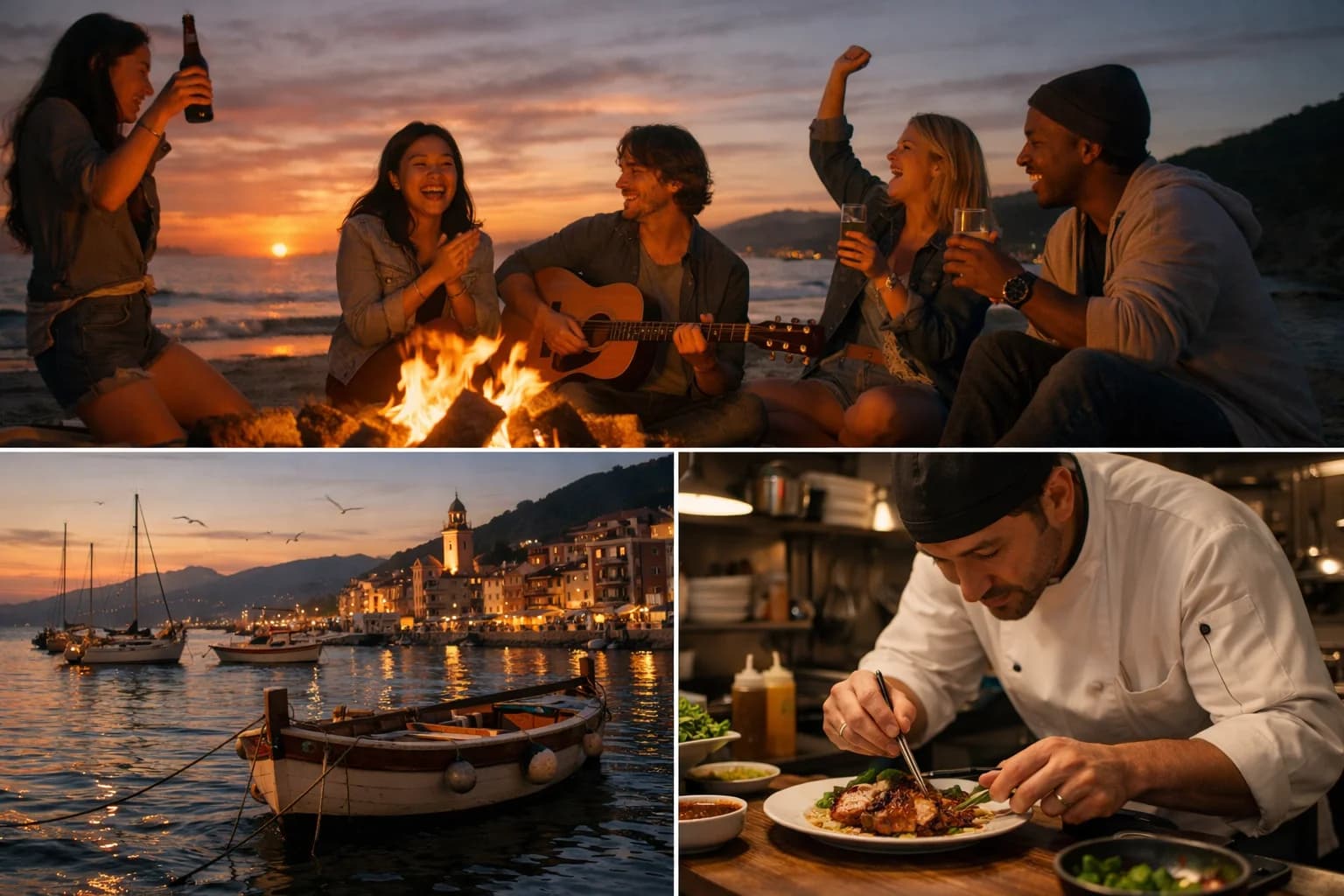
Image-to-Video Animation
Transform static images into animated video content efficiently. Upload photographs, artwork, or designs as references. Describe the motion you want. Standard animates your image while maintaining visual quality.
The efficient approach delivers reliable results. Quality suits social media and standard content applications. Animation preserves source image characteristics throughout.
CFG Scale Control
Adjust generation behavior with CFG scale. Higher values produce animation following prompts more strictly. Lower values allow more natural variation in motion.
CFG control enables directing animation outcomes. Find optimal settings for your specific content types through experimentation.
Negative Prompts
Specify unwanted animation characteristics to exclude. Define motion types or effects to avoid. Standard actively excludes these during generation.
Negative prompts refine animation direction. Combine with positive prompts for better control over outcomes.
Cost-Efficient Pricing
Standard offers competitive pricing for image animation. 150 credits for 5-second clips and 300 credits for 10-second videos. The pricing supports high-volume production without budget strain.
Cost efficiency enables more generation within budgets. Regular content workflows benefit from accessible pricing.
Duration Options
Generate 5 or 10-second animations based on needs. Shorter durations suit quick social content. Longer clips enable more developed animation.
Both lengths include full control features. Choose based on content requirements and budget considerations.
How to Use Kling v2.1 Standard Effectively

Writing Animation Prompts
Focus prompts on motion rather than appearance. Your image defines visual style. Describe how subjects should move, what changes should occur, and animation dynamics.
Clear motion direction produces better results. Include speed, direction, and quality descriptions for animation.
Adjusting CFG Scale
Start with default values for baseline results. Increase CFG for animation following prompts more closely. Decrease for more natural, organic motion.
Test different values to understand effects. Document successful settings for similar future projects.
Using Negative Prompts
Specify concrete motion characteristics to avoid. Exclude specific animation types or effects. Be precise about unwanted qualities.
Targeted negatives produce better results than vague exclusions. Focus on specific unwanted characteristics.
Maximizing Cost Efficiency
Test concepts with shorter durations first. Verify animation direction before longer generations. Use Standard for volume work, reserving premium models for specific needs.
Strategic model selection optimizes overall costs. Standard handles most everyday animation efficiently.
Creative Applications for Kling v2.1 Standard
Social Media Content
Generate animated content for social platforms efficiently. The cost structure supports regular posting schedules. Create engaging visual content at scale.
Social media benefits from consistent animation production. Standard enables sustainable content workflows.
Product Animation
Animate product images for e-commerce and marketing. Show products in motion without expensive production. Create engaging listings and promotional content.
E-commerce benefits from accessible product animation. Standard makes animation practical for more products.
Regular Content Production
Support ongoing content needs with efficient generation. Blog posts, social feeds, and marketing materials benefit from animation. Standard enables consistent production.
Regular workflows require sustainable costs. Standard provides animation capability without premium pricing.
Volume Workflows
Handle high-volume animation needs cost-effectively. Batch processing benefits from Standard's pricing. Scale production without proportional cost increase.
Volume production requires efficient pricing. Standard supports scaling animation output.
Technical Capabilities
Input Requirements
Kling v2.1 Standard requires an image input. Supported formats include common types like JPG, PNG, and WebP. High-quality images produce better animation results.
Output Quality
Standard produces good quality animation for social and standard applications. Motion appears smooth and natural. Quality suits direct posting and standard content use.
Control Parameters
CFG scale and negative prompts provide animation direction. Both parameters work together for comprehensive control within efficient pricing.
Format Support
Standard MP4 output with flexible aspect ratios. Videos ready for use across social and content platforms.
Comparing Kling v2.1 Standard to Alternatives
Cost Advantage
Standard offers competitive pricing for image animation. Lower cost than Pro while maintaining essential controls. The pricing suits volume and regular production.
Standard vs Pro
Standard lacks Pro's end frame feature but costs less. Both include CFG and negative prompt controls. Choose Standard for efficiency, Pro for controlled transitions.
Standard vs Other Models
Standard focuses on efficient image animation. Master offers text-to-video with advanced controls. Kling 2.6 adds audio. Choose based on specific feature needs and budget.
Getting Started with Kling v2.1 Standard
Create an account to access Kling v2.1 Standard through our platform. Receive starter credits for initial exploration. Test animation quality and control features.
Experiment with different image types and motion prompts. Learn how CFG affects your specific content. Discover Standard's capabilities for your workflow needs.
Our platform provides generation history, prompt management, and organized storage. Support resources help maximize results from Standard's efficient animation capabilities.
FAQ
Answers to common questions about this experience.