Grok Imagine Video Generator
Create imaginative AI videos with xAI Grok Imagine. Generate creative clips from text or images with fun and normal modes. Free to try today.
Try Grok Imagine Video Generator
Create videos with Grok Imagine Video Generator. Enter your prompt.
Model
Image upload
Prompt
Aspect ratio
Duration
What's included:
- 3–6 generation attempts
- Pro quality included
- Failed generations don't count
Prompt: A cinematic shot of a lighthouse beam sweeping across the ocean at night.
What is Grok Imagine Video Generator
Grok Imagine is xAI's creative video generation model bringing distinctive imagination and playfulness to AI video creation. The model stands apart through its unique Fun and Normal generation modes, allowing users to choose between creative, playful outputs and more standard generation.
xAI developed Grok Imagine to capture the creative and sometimes unexpected character associated with their AI work. The model produces videos with personality and distinctive visual appeal. This creative approach suits entertainment, social content, and projects seeking unique character.
The dual-mode design provides unusual flexibility in AI video generation. Users select the creative approach matching their content goals rather than accepting a single output style.
Core Features of Grok Imagine
Fun and Normal Generation Modes
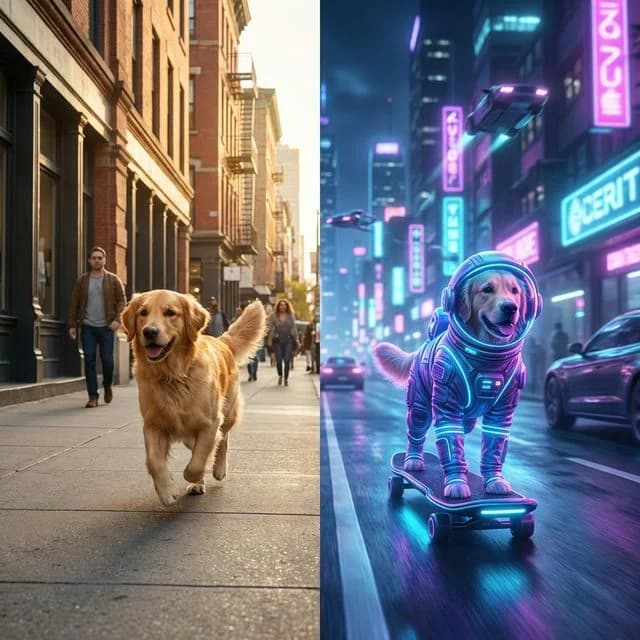
Grok Imagine's defining feature is its dual-mode creative system. Fun mode produces playful, imaginative content with creative interpretations and unexpected touches. Normal mode delivers more standard, predictable generation.
This flexibility serves different creative needs within one model. Choose Fun for entertainment and creative experiments. Select Normal for professional applications requiring consistent results. The modes provide options unavailable in single-approach competitors.
Text-to-Video Creation
Transform written descriptions into creative video content. Write about scenes, subjects, and desired visual style. Grok Imagine interprets your prompt through either Fun or Normal lens based on mode selection.
Fun mode may add playful elements and creative touches to prompts. Normal mode follows descriptions more literally. Adjust prompting approach to match your selected mode for best results.
Image-to-Video Animation
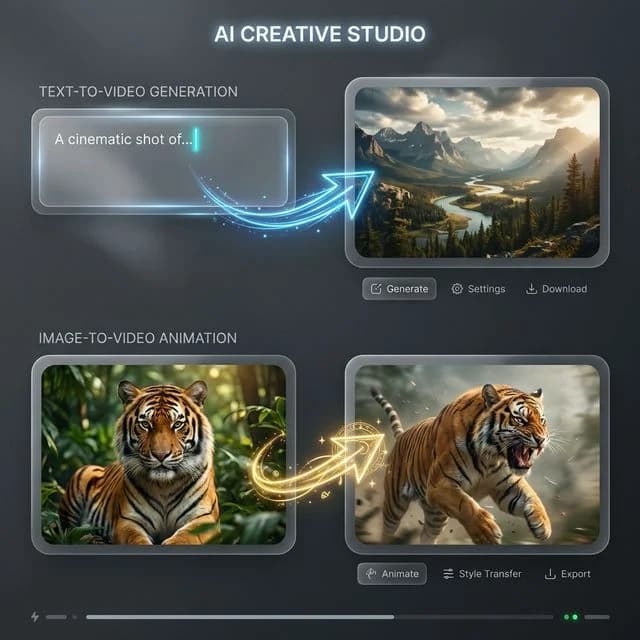
Convert static images into animated video with Grok Imagine's characteristic creativity. Upload photographs, artwork, or designs and describe the animation you want. The model brings images to life through your chosen generation mode.
Both modes support image-to-video generation. Fun mode adds creative interpretation to animation. Normal mode delivers more predictable motion. Choose based on desired creative approach.
Creative Motion Styles
Grok Imagine produces video with distinctive visual character. The motion aesthetics reflect xAI's creative approach to AI generation. Output has personality beyond purely functional video creation.
The creative character suits content seeking unique visual appeal. Social media content benefits from distinctive presence. The approach differentiates from standard AI video output.
Multiple Aspect Ratios
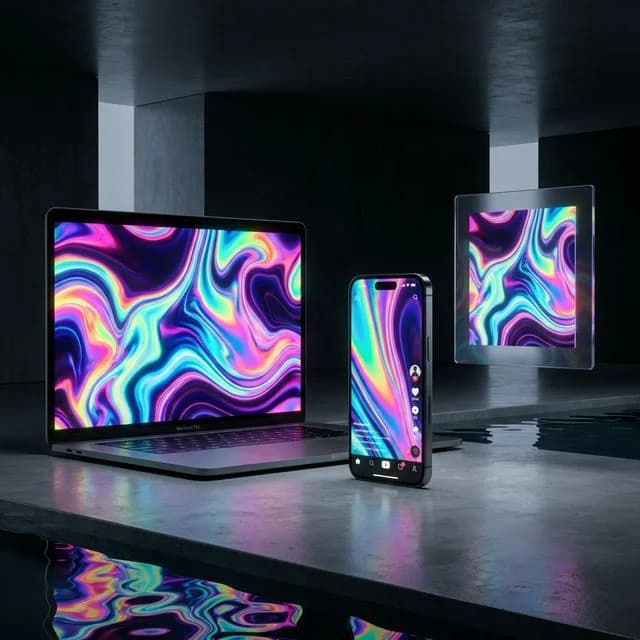
Create content for any platform with flexible aspect ratio support. Choose standard 16:9 for YouTube and traditional video. Select vertical 9:16 for TikTok, Reels, and mobile content. Use square 1:1 for Instagram and social thumbnails.
The flexibility ensures content fits destination platforms optimally. Generate directly in final formats without post-processing crops. Match aspect ratios to creative and platform requirements.
Understanding Fun vs Normal Mode
Fun Mode Characteristics
Fun mode embraces creative, playful generation. Outputs may include unexpected interpretations, whimsical elements, and imaginative touches. The mode produces content with entertainment value and creative character.
Use Fun mode when:
- Creating entertainment content
- Seeking creative, unexpected results
- Building engaging social media content
- Experimenting with AI creativity
- Wanting distinctive, playful outputs
Normal Mode Characteristics
Normal mode delivers more standard, predictable generation. Outputs follow prompts more literally with balanced, expected results. The mode produces professional-quality content matching typical AI video expectations.
Use Normal mode when:
- Creating professional or brand content
- Needing consistent, predictable results
- Working on commercial projects
- Requiring standard video generation
- Wanting reliable, expected outputs
Choosing Between Modes
Match mode selection to content goals. Fun mode serves entertainment and creativity. Normal mode serves professional and commercial needs. The choice significantly affects output character.
Consider your audience and platform. Social entertainment suits Fun mode's playfulness. Business applications may prefer Normal mode's consistency. The flexibility enables serving diverse needs.
How to Use Grok Imagine Effectively
Aligning Prompts with Modes
Write prompts matching your selected mode. Fun mode responds well to playful, imaginative descriptions. Normal mode works better with clear, specific instructions.
For Fun mode, embrace creative language and leave room for interpretation. For Normal mode, provide detailed specifications for predictable results. The prompting approach should match mode selection.
Leveraging Creative Modes
Use mode selection as creative tool. Switch between modes to explore different interpretations of similar prompts. The dual-mode system enables creative exploration unavailable elsewhere.
Compare Fun and Normal outputs for the same concept. The differences reveal creative possibilities. Use insights to refine content direction.
Platform Optimization
Match mode and aspect ratio to destination platforms. Entertainment platforms like TikTok suit Fun mode's playfulness. Professional platforms may prefer Normal mode consistency.
Consider platform culture and audience expectations. Fun mode creates content standing out through creativity. Normal mode delivers expected professional quality.
Iterative Development
Test both modes during creative development. Generate Fun and Normal versions to explore options. Identify which approach serves your content goals better.
The dual-mode capability supports creative decision-making. Compare approaches before committing to final direction. Use mode comparison to refine creative vision.
Creative Applications for Grok Imagine
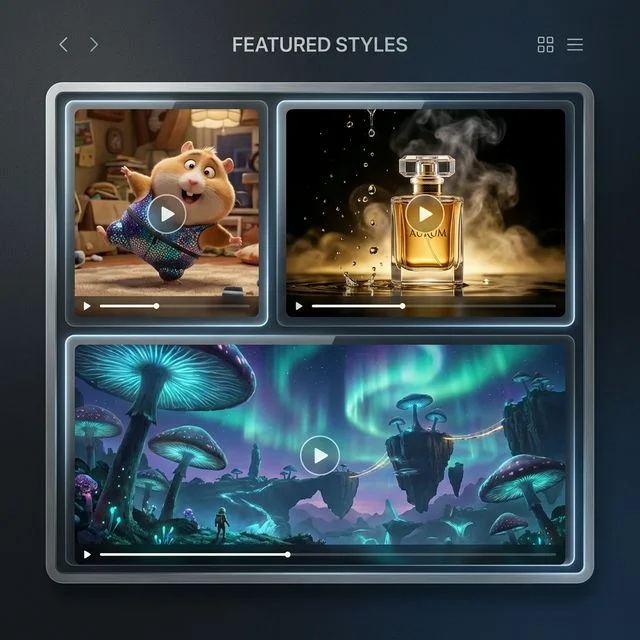
Entertainment Content
Generate playful clips for social entertainment. Fun mode creates content designed to engage and delight. The creative character drives social engagement.
Entertainment content benefits from unexpected, creative touches. Fun mode adds the personality that makes content shareable. The playfulness suits viral content potential.
Social Media Posts
Create distinctive content for TikTok, Reels, and YouTube. Choose modes matching platform culture and audience. Fun mode suits entertainment platforms. Normal mode serves professional content.
The dual-mode flexibility matches diverse social strategies. Generate content aligned with platform expectations. The creative options support varied social approaches.
Brand Content
Develop brand videos with chosen creative approach. Normal mode delivers professional consistency. Fun mode adds distinctive personality when brand identity allows.
Match mode to brand voice and guidelines. Some brands benefit from Fun mode's creativity. Others require Normal mode's predictability. The flexibility serves diverse brand needs.
Creative Experiments
Explore AI video creative possibilities through mode comparison. Generate varied interpretations of concepts. Use the dual-mode system as creative exploration tool.
The unique mode system enables creative experimentation. Compare approaches to understand AI creative capabilities. The platform supports artistic and experimental work.
Technical Capabilities
Output Quality
Grok Imagine produces high-quality video with distinctive character. Both modes deliver professional-grade output. Visual quality suits direct use in social and creative content.
Format Support
Videos generate as standard MP4 files with broad compatibility. Multiple aspect ratios available for all platforms. Output ready for direct posting and professional use.
Mode Processing
Fun and Normal modes produce different creative interpretations. Mode selection significantly affects output character. Both modes maintain generation quality.
Comparing Grok Imagine to Alternatives
Unique Mode System
The Fun/Normal mode selection provides flexibility competitors lack. Most platforms offer single output styles. Grok Imagine's modes serve diverse creative needs.
Creative Character
xAI's distinctive approach produces videos with personality. The creative character differentiates from standard generators. The approach appeals to users seeking unique content.
Entertainment Focus
Fun mode specifically targets entertaining, creative content. Few competitors emphasize playfulness. The entertainment focus serves social content creation.
Getting Started with Grok Imagine
Create an account to access Grok Imagine through our platform. Receive starter credits for creative exploration. Test both Fun and Normal modes to understand their differences.
Generate the same concept in both modes to compare. Explore how mode selection affects creative output. Identify which approaches serve your content goals.
Our platform provides generation history, prompt management, and organized storage. Support resources help maximize creative results from Grok Imagine's unique dual-mode capabilities.
FAQ
Answers to common questions about this experience.