Google Veo Video Generator
Explore Google Veo AI video models. Compare Veo 3.1 (native audio, 4K) vs Veo 3.1 Fast (rapid iteration). Find the right Veo model for your project. Try free →
Try Google Veo Video Generator
Create videos with Google Veo Video Generator. Enter your prompt.
Model
Prompt
Aspect ratio
Duration
Resolution
What's included:
- 3–6 generation attempts
- Pro quality included
- Failed generations don't count
Prompt: A cinematic shot of a lighthouse beam sweeping across the ocean at night.
Google Veo AI Video Platform
Google Veo represents Google DeepMind's AI video generation technology. Veo stands apart from other AI video generators through one unique capability: native audio generation. While competitors produce silent video clips, Veo 3.1 creates complete audiovisual experiences with synchronized dialogue, sound effects, and ambient audio.
This page helps you choose the right Veo model for your project. Explore each model's capabilities and find the best fit for your creative workflow.
Available Veo Models
Veo 3.1 — Flagship Model with Native Audio
Veo 3.1 is Google's premium video generation model, offering the highest quality output with unique audio capabilities.
Key differentiators:
- Native Audio Generation: The only AI model generating synchronized dialogue (with lip-sync), sound effects, and ambient audio
- 4K Upscaling: State-of-the-art upscaling for production workflows
- Extended Duration: Videos up to 148 seconds (2+ minutes)
- Advanced Controls: Ingredients to Video, Frames to Video, identity consistency
Best for: Final production content, commercial projects, videos requiring audio, marketing materials.
Veo 3.1 Fast — Rapid Iteration
Veo 3.1 Fast prioritizes generation speed while maintaining good visual quality.
Key advantages:
- Faster Generation: Get results in seconds, not minutes
- Quick Iteration: Test concepts and prompts rapidly
- Cost Effective: Lower credit usage for exploration
- Same Input Options: Text-to-video and image-to-video support
Best for: Concept testing, prompt exploration, client previews, iterative development.

Veo Model Comparison
| Feature | Veo 3.1 | Veo 3.1 Fast |
|---|---|---|
| Native Audio | Full (dialogue, effects, ambient) | Limited |
| Resolution | 720p-1080p, 4K upscale | 720p-1080p |
| Generation Speed | Standard | Fast |
| Best Use | Production content | Prototyping |
| Extended Duration | Up to 148 seconds | Up to 148 seconds |

When to Use Each Model
Veo 3.1 Workflow
- Develop concepts with Veo 3.1 Fast
- Refine prompts through quick iterations
- Switch to Veo 3.1 for final production renders
- Use Extend for longer sequences
Veo 3.1 Fast Workflow
- Test multiple prompt variations rapidly
- Explore creative directions
- Generate client previews
- Validate concepts before committing to production

What Makes Veo Unique
Native Audio — Industry First
Veo 3.1 is the only AI video generator that creates synchronized audio alongside video:
- Dialogue: Natural speech with accurate lip-sync
- Sound Effects: Matched to on-screen actions
- Ambient Audio: Environmental atmosphere
This eliminates the need for separate audio production in many use cases.

Google DeepMind Foundation
Veo builds on Google's extensive AI research in language understanding, image generation, and audio synthesis. The result is a video generation system that comprehends complex creative directions and produces coherent visual narratives.
Use Cases for Veo AI Video
Filmmaking and Cinematography with Veo
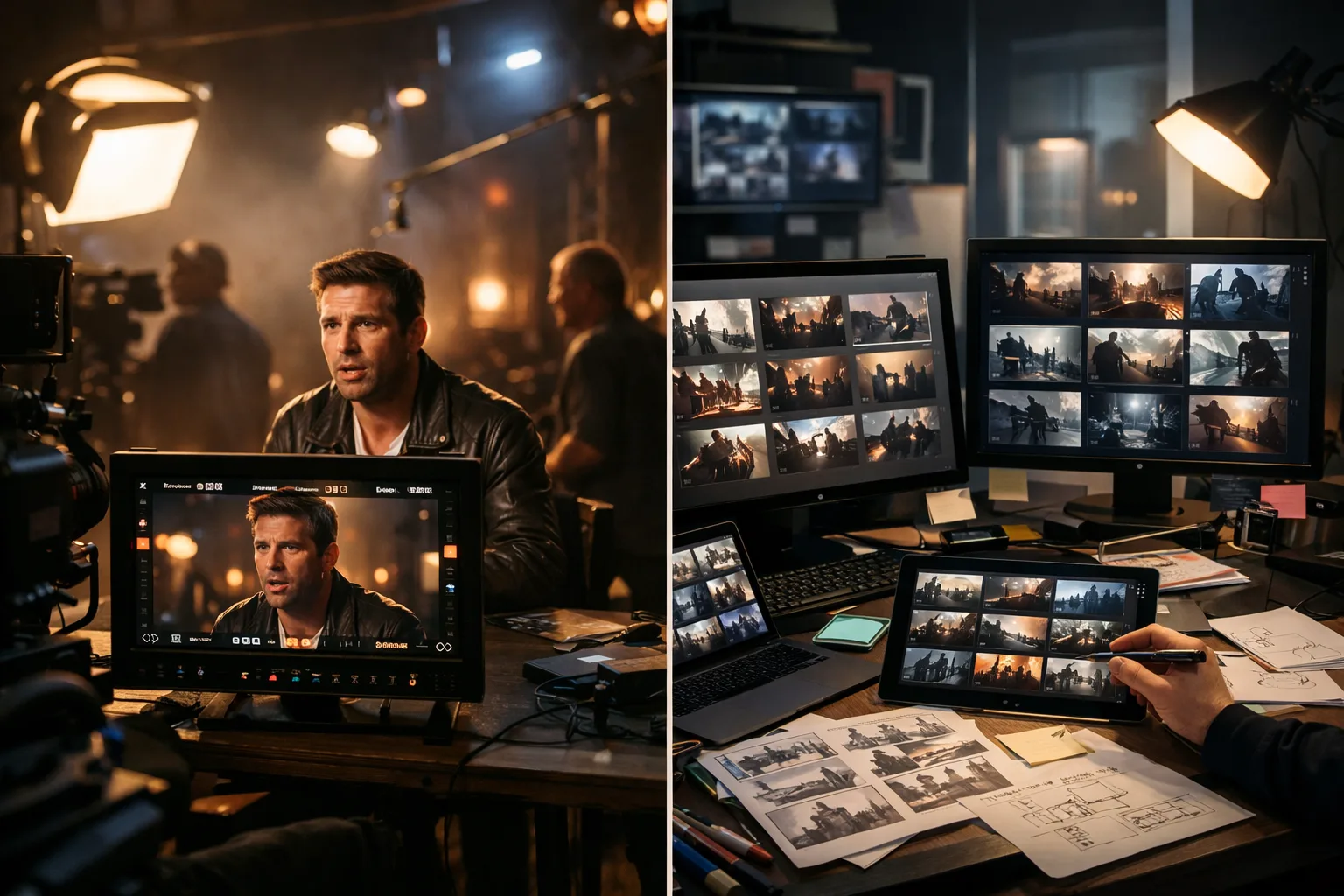
Veo 3.1 enables independent filmmakers and studios to generate cinematic sequences with native audio. Create dialogue scenes with synchronized lip-sync, atmospheric shots with ambient sound design, and action sequences with matched sound effects. The 148-second extended duration supports complete scene production without cuts.
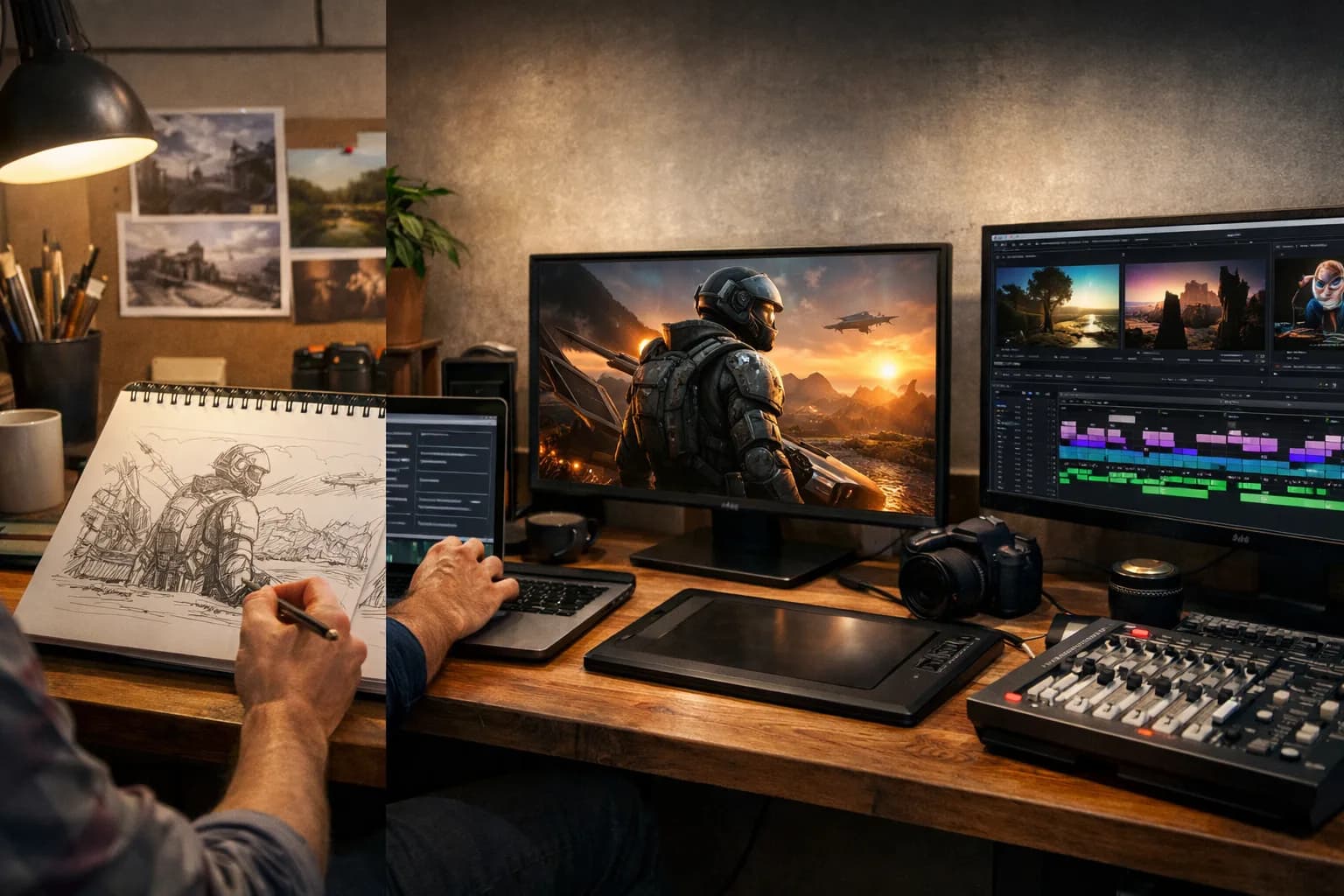
Short film creators use Veo for establishing shots, B-roll footage, and visual effects sequences. The 4K upscaling pipeline delivers theater-quality output from AI-generated source material. Combine multiple extended clips to build longer narratives with consistent audiovisual quality.
AI Video for Marketing and Advertising
Produce complete ad spots with Veo's audiovisual generation. A 15-second social ad with dialogue, product sounds, and background music requires no separate audio production step. Marketing teams generate multiple creative variations in hours rather than weeks.
Veo serves campaign workflows at every stage. Use Veo 3.1 Fast for rapid concept testing with clients. Switch to Veo 3.1 for final production renders with full audio. The dual-model approach cuts creative development cycles by enabling fast iteration before committing to premium generation.
Veo Video for Social Media Content
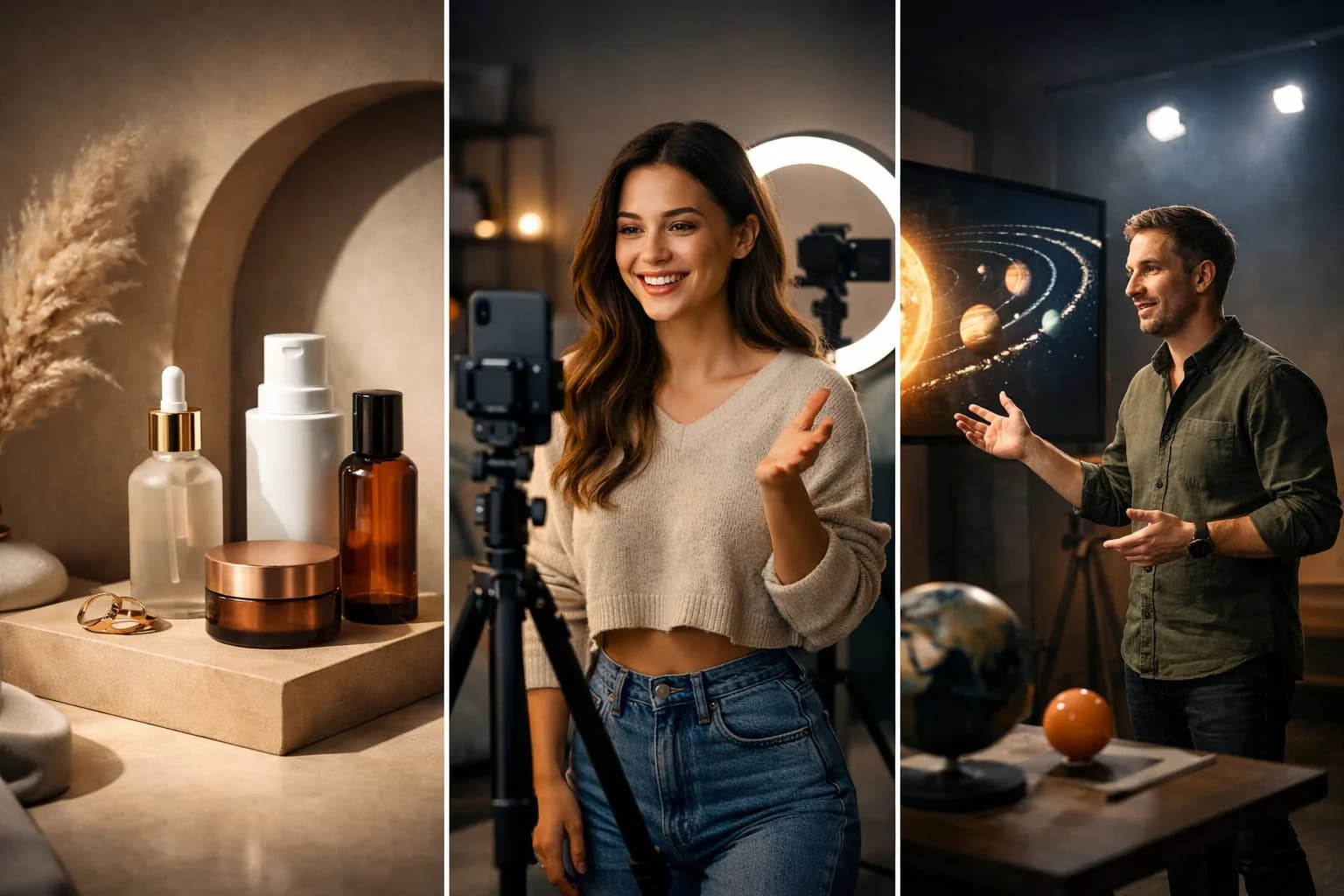
Create platform-ready video content with native audio for TikTok, Instagram Reels, and YouTube Shorts. Veo generates complete clips that require no post-production audio work. The text-to-video workflow turns content ideas into publishable videos within minutes.
Multiple aspect ratios support different platform requirements directly. Generate vertical 9:16 for mobile-first platforms, 16:9 for YouTube, or 1:1 for Instagram posts. Native audio eliminates the separate voiceover and sound design step that other AI video generators require.
AI Video for Education and Training
Generate instructional videos with clear narration and visual demonstrations. Veo's dialogue generation creates natural-sounding explanations synchronized with on-screen visuals. Educators produce training materials without recording equipment or voiceover talent.
The image-to-video feature transforms diagrams, slides, and illustrations into animated explanations. Upload a technical diagram and describe the animation sequence. Veo generates a narrated walkthrough with matched visual movement.
E-commerce Product Videos with Veo
Transform product photography into dynamic showcase videos with ambient audio. Upload product images and generate rotating views, lifestyle scenes, and feature demonstrations. The native audio adds realistic product sounds and environment atmosphere.
Product videos with audio outperform silent alternatives in conversion testing. Veo eliminates the production gap between AI-generated visuals and the audio layer that makes content feel complete and professional.

Veo Technical Specifications
| Specification | Veo 3.1 | Veo 3.1 Fast |
|---|---|---|
| Base Resolution | 720p, 1080p | 720p, 1080p |
| 4K Upscaling | Yes | No |
| Native Audio | Full (dialogue, SFX, ambient) | Limited |
| Initial Clip Length | 4-8 seconds | 4-8 seconds |
| Extended Duration | Up to 148 seconds | Up to 148 seconds |
| Text-to-Video | Yes | Yes |
| Image-to-Video | Yes | Yes |
| Frames to Video | Yes | Yes |
| Ingredients to Video | Yes | No |
| Identity Consistency | Yes | Limited |
| Aspect Ratios | 16:9, 9:16, 1:1 | 16:9, 9:16, 1:1 |
Veo Audio Generation Capabilities
Veo 3.1's native audio system operates on three layers simultaneously:
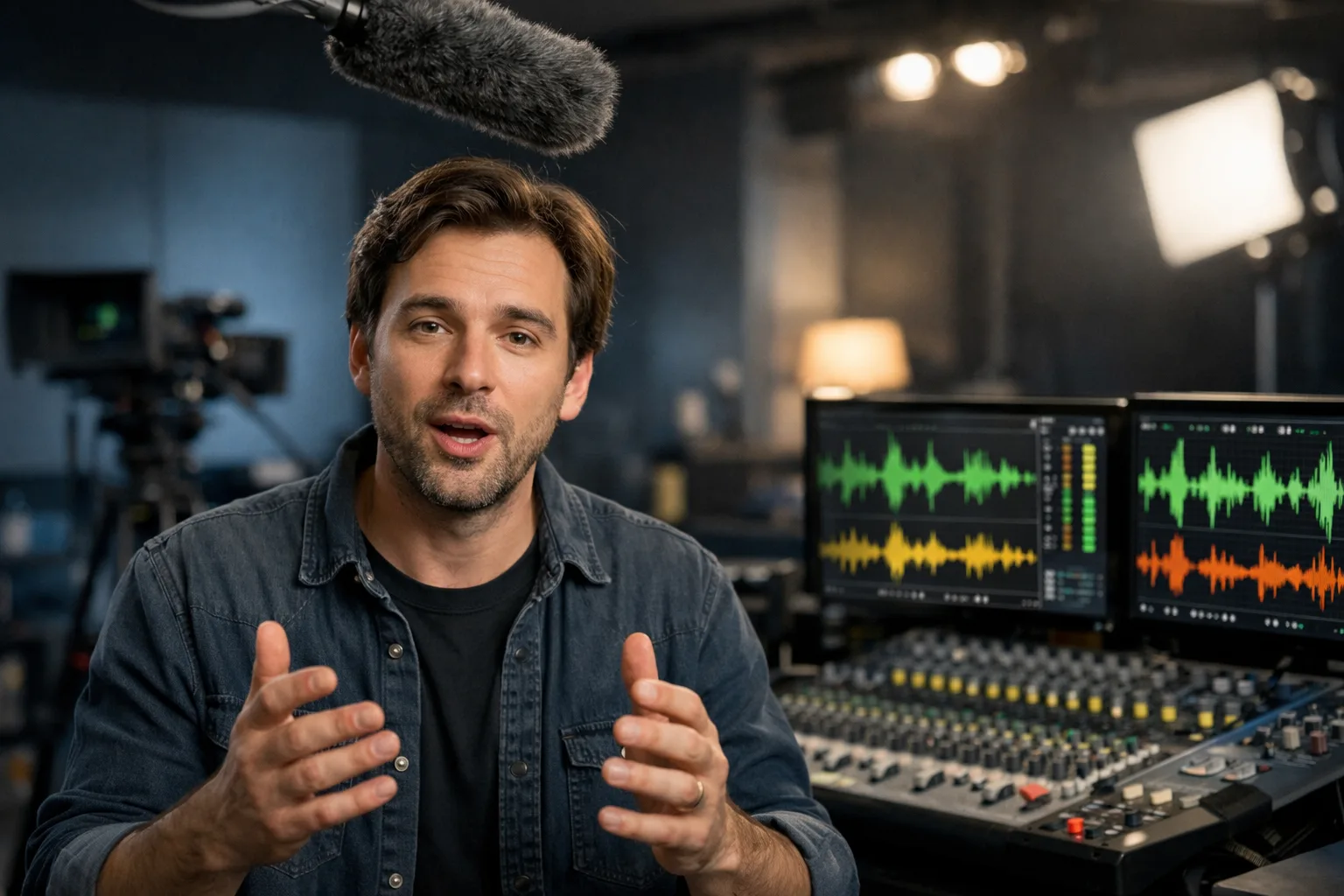
- Dialogue Track: Character speech with automatic lip-sync alignment. Supports multiple speakers in a single scene with distinct voice characteristics.
- Sound Effects Layer: Context-aware effects matched to on-screen actions. Footsteps on different surfaces, object interactions, and environmental sounds generate automatically from the visual content.
- Ambient Background: Continuous atmospheric audio matching the scene setting. Indoor reverb, outdoor wind, crowd murmur, and other environmental layers add depth without manual audio design.
Tips for Better Veo Video Results
Writing Effective Veo Prompts
Describe scenes with specific visual and audio details. Instead of "a person talking," write "a woman in a blue blazer speaking directly to camera in a modern office, warm lighting, confident tone." Veo responds to specificity with more controlled output.
Include audio direction when using Veo 3.1. Mention dialogue content, background sounds, and atmosphere. Example: "a chef preparing pasta in a busy kitchen, sounds of sizzling oil and chopping, Italian music playing softly in the background."
Resolution and Duration Strategy
Start with Veo 3.1 Fast at 720p for initial concept exploration. This combination minimizes credit usage while providing clear visual feedback on prompt effectiveness. Once the concept works, regenerate with Veo 3.1 at 1080p for production quality.
For extended sequences, generate the first clip at your target quality settings. Review the initial 4-8 second output before using Extend to build longer content. Each extension maintains visual and audio continuity from the previous segment.
Image-to-Video Best Practices for Veo
Provide high-resolution source images for the best animation results. Images above 1024px on the long edge give Veo more detail to work with during animation. Clean, well-composed photographs produce more predictable motion than busy or low-quality images.
Describe the intended motion explicitly. Rather than "make this image move," specify "camera slowly pushes in while the subject turns to face the viewer, wind moves through their hair." Clear motion direction prevents random or unintended animation.
Getting Started with Veo
Choose the Veo model that matches your current needs:
- Starting a new project? Begin with Veo 3.1 Fast for rapid exploration
- Creating final content? Use Veo 3.1 for production quality with audio
- Need complete audiovisual content? Only Veo 3.1 offers native audio generation
Getting the Most from Veo AI
Begin with text-to-video to familiarize yourself with how Veo interprets prompts. Experiment with different levels of detail in your descriptions. Compare results between Veo 3.1 and Veo 3.1 Fast to understand the quality and speed tradeoffs for your specific use case.
Once comfortable with text prompts, explore image-to-video by uploading reference photographs or artwork. The Frames to Video feature in Veo 3.1 offers precise control by defining both start and end keyframes for your generated sequence.
Our platform provides unified access to both Veo models with generation history, prompt management, and organized output storage. Track your creative process across multiple projects and revisit successful prompts for future work.
FAQ
Answers to common questions about this experience.