Wan 2.5
Create AI videos with Wan 2.5. Fast text and image to video generation with multiple resolutions. Free to try.
Try Wan 2.5
Create videos with Wan 2.5. Enter your prompt.
Model
Prompt
Duration
Resolution
What's included:
- 3–6 generation attempts
- Pro quality included
- Failed generations don't count
Prompt: A cinematic shot of a lighthouse beam sweeping across the ocean at night.
What is Wan 2.5 Video Generator
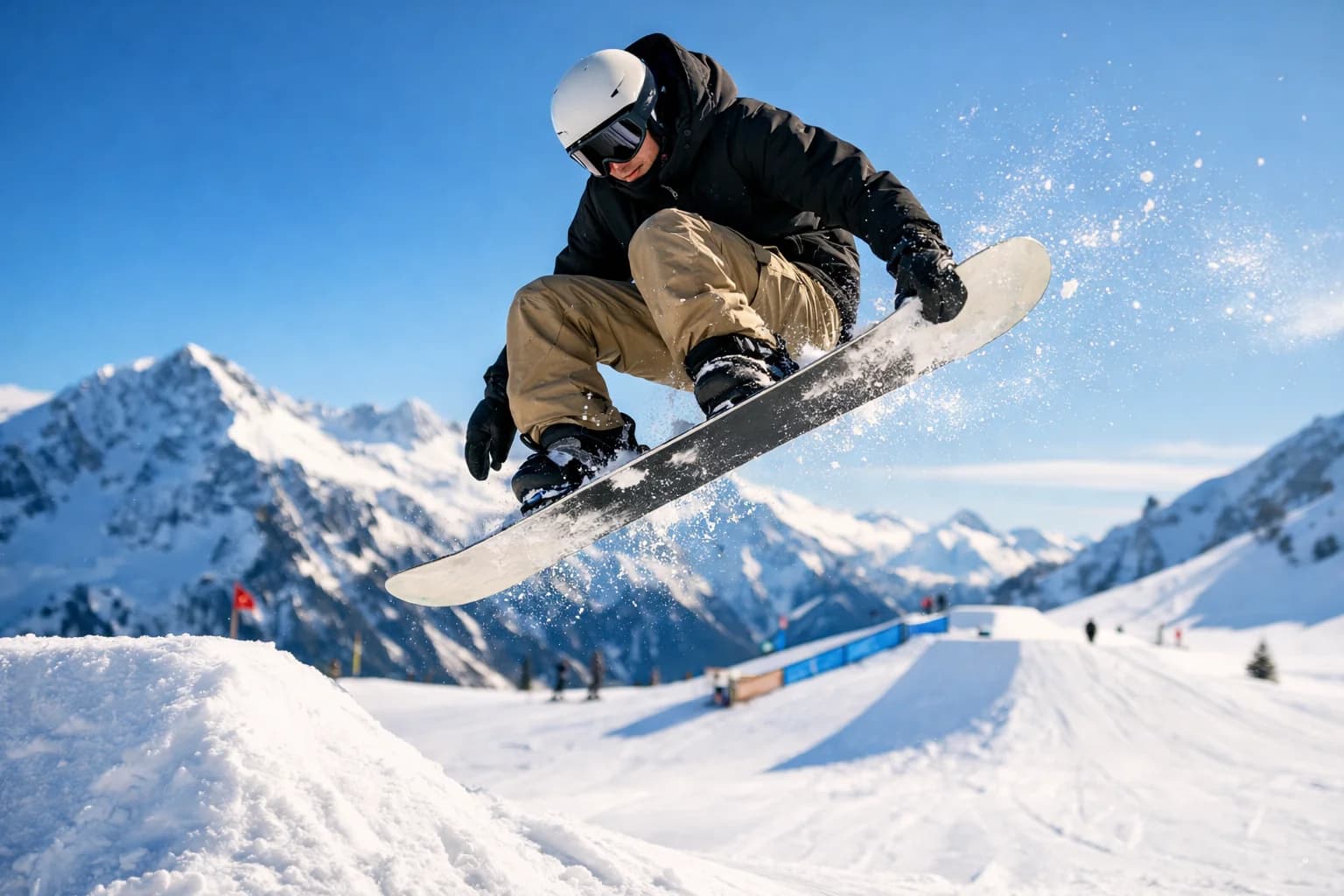
Wan 2.5 is Alibaba's efficient video generation model designed for accessible AI video creation with multiple quality and duration options. The model supports both text-to-video and image-to-video workflows, producing 720p and 1080p output with durations from 5 to 15 seconds.
As part of the Wan model family, Wan 2.5 offers a cost-effective entry point for AI video generation. At 90 base credits per generation, it delivers reliable video output at a lower cost than newer models like Wan 2.6. This makes Wan 2.5 practical for high-volume content production, rapid prototyping, and budget-conscious creative workflows.
Wan 2.5 handles the core video generation use cases: transforming text descriptions into visual content, animating static images with described motion, and producing platform-ready video across multiple resolutions and durations.
Core Features of Wan 2.5
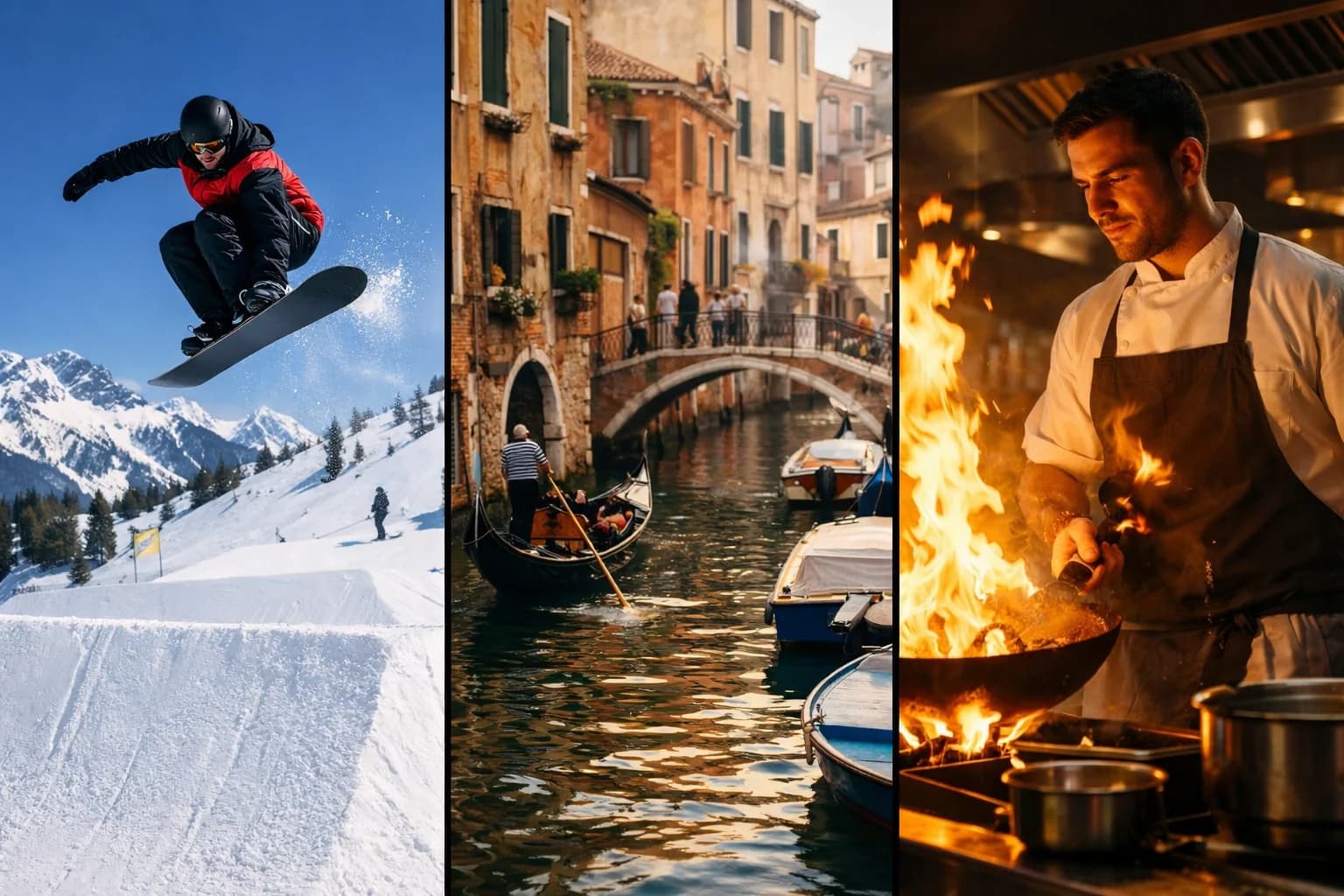
Text-to-Video Generation
Transform written descriptions into video content by describing scenes, subjects, and actions in natural language. Wan 2.5 interprets prompts covering composition, lighting, motion, and style. Write what you want to see, and the model generates a matching video sequence.
The text-to-video mode enables creative exploration without requiring visual references. Describe product concepts, scene ideas, or narrative moments. Iterate on descriptions to refine results. The affordable credit cost supports experimentation across many prompt variations.
Image-to-Video Animation
Convert static images into animated video with Wan 2.5's image-to-video mode. Upload photographs, product images, artwork, or illustrations as references. Describe the motion you want applied. The model generates video that animates the source image while preserving its visual characteristics.
Image-to-video works well for product photography animation, character illustrations brought to life, and landscape photographs with added environmental motion. The model maintains color palette, composition, and artistic qualities from the source image.
Dual Resolution Output
Choose between 720p and 1080p resolution for every generation. The 720p option provides faster output with lower credit usage, suitable for social media content, concept testing, and iterative development. The 1080p option delivers Full HD quality for professional applications and final deliverables.
Resolution selection enables workflow optimization. Start development and testing at 720p, then regenerate at 1080p for final production. This two-stage approach maximizes creative iteration while minimizing total credit expenditure.
Flexible Duration Range
Generate videos in 5, 10, or 15-second lengths. The 5-second option creates quick clips for social media previews and rapid concept testing at minimal credit cost. The 10-second duration suits balanced content that communicates a complete idea. The 15-second maximum enables fuller scene development, product demonstrations, and narrative sequences.
Duration flexibility accommodates different platform requirements and content types. Short-form social platforms favor 5-second clips. Marketing content typically uses 10-15 seconds. Match duration to your content's communication needs.
How to Use Wan 2.5 Effectively
Writing Prompts for Wan 2.5
Write clear, specific descriptions covering the key elements of your desired video. Include information about subjects, actions, environment, lighting, and camera angle. Example: "a golden retriever running through a sunlit meadow, slow motion, warm afternoon light, shallow depth of field."
Start with essential elements and add detail progressively. Test a basic prompt first, review the output, then add specifics like lighting conditions, camera movement, and atmospheric details. This iterative approach reveals what level of prompt detail produces the best results for your content type.
Choosing Resolution and Duration
Match resolution to your final use case. Social media content typically works well at 720p, especially for mobile-first platforms like TikTok and Instagram where the viewing size is small. Website hero videos, presentations, and marketing materials benefit from 1080p.
Select duration based on content complexity and platform requirements. A simple product showcase may need only 5 seconds. A scene with action development benefits from 10-15 seconds. Consider that longer durations use proportionally more credits.
Image-to-Video Tips for Wan 2.5
Use high-quality source images for the best animation results. Well-lit, high-resolution photographs produce cleaner motion than compressed or low-resolution images. Clean composition with a clear subject helps the model understand what to animate.
Describe the intended motion specifically. Instead of "animate this image," write "camera slowly zooms in, leaves sway gently in the wind, soft lens flare appears from the upper right." Explicit motion descriptions give Wan 2.5 clear direction for the animation.
Use Cases for Wan 2.5
Cost-Efficient Social Media Video
Produce large volumes of social media content at minimal cost. Wan 2.5's 90-credit base price enables generating dozens of video variations within a standard credit budget. Test different visual concepts for campaigns, create daily content calendars, and maintain consistent posting schedules without high per-video costs.
The 5-second format suits TikTok openers, Instagram Reel hooks, and YouTube Shorts. Generate multiple variations from a single concept and select the best performer for promotion.
Rapid AI Video Prototyping and Concept Testing
Use Wan 2.5 as a prototyping tool before committing to premium models. Generate quick visual concepts at 720p/5s to test prompt ideas, scene compositions, and creative directions. The low credit cost makes extensive experimentation practical.
Once a concept works at the prototype stage, regenerate with Wan 2.5 at higher settings or switch to premium models like Veo 3.1 or Sora Pro for final production. This workflow optimizes both creative quality and credit usage.
Product Animation from E-commerce Images
Animate product photography for e-commerce listings and marketing. Upload product photos and generate motion sequences showing different angles, use contexts, or environmental settings. The image-to-video mode preserves product appearance while adding dynamic presentation.
Product animation at 720p suits e-commerce platforms where video thumbnails appear small. Use 1080p for hero product videos on landing pages and marketing emails where video quality directly impacts conversion.
AI Video Content for Batch Marketing Campaigns
Generate campaign variations efficiently with Wan 2.5's affordable pricing. Create multiple versions of marketing videos targeting different audiences, platforms, or messaging angles. The 15-second maximum duration accommodates standard ad formats for social media and display advertising.
Batch generation allows A/B testing visual approaches before investing in production-quality renders. Identify which concepts resonate, then produce final versions with higher-tier models for the best performers.
Wan 2.5 Technical Specifications
| Specification | Detail |
|---|---|
| Input Modes | Text-to-Video, Image-to-Video |
| Resolutions | 720p, 1080p |
| Durations | 5, 10, 15 seconds |
| Base Credits | 90 (720p/5s) |
| Provider | Alibaba |
| Output Format | MP4 |
Wan 2.5 vs Wan 2.6 Comparison
| Feature | Wan 2.5 | Wan 2.6 |
|---|---|---|
| Base Credits | 90 | Higher |
| Prompt Rewrite | No | Yes |
| Resolutions | 720p, 1080p | 720p, 1080p |
| Durations | 5, 10, 15s | 5, 10, 15s |
| Motion Quality | Good | Enhanced |
| Best For | Volume production, prototyping | Final deliverables, quality-first |
Tips for Better Wan 2.5 Results
Prompt Structure for Best Output
Lead with the main subject and action, then add environmental and stylistic details. Place the most important elements first in your prompt since the model weighs earlier tokens more heavily.
Effective pattern: "[Subject] + [Action] + [Environment] + [Lighting/Style] + [Camera]"
Example: "a ceramic coffee cup on a wooden table, steam rising gently, morning sunlight through a window, warm tones, close-up shot with shallow depth of field."
Managing Credits Across Projects
Plan credit allocation across your production needs. Use 720p/5s generations (90 credits) for ideation and testing. Reserve 1080p/15s generations for final content. A project might use 10 prototype generations (900 credits) before 2-3 final renders (higher credit count).
This tiered approach maximizes the number of creative iterations while producing polished final output within a predictable credit budget.
Getting Started with Wan 2.5
Create an account to access Wan 2.5 through our platform. Start with a simple text-to-video test: describe a scene in 1-2 sentences and generate at 720p/5s. Review the output to understand how the model interprets your writing style.
Experiment with image-to-video by uploading a photograph and describing simple motion. Compare results across different duration settings to find the right balance for your content needs.
Our platform provides generation history and prompt management, making it easy to track successful approaches and iterate on your best results. Explore other Wan models like Wan 2.6 when you need enhanced quality for production content.
FAQ
Answers to common questions about this experience.