Veo 3.1 | Create 4K AI Videos with Dialogue & Sound
Generate 4K cinematic videos with native audio online. AI lip-sync dialogue, sound effects, ambient audio. Extend up to 2+ minutes. Create now →
Try Veo 3.1 | Create 4K AI Videos with Dialogue & Sound
Create videos with Veo 3.1 | Create 4K AI Videos with Dialogue & Sound. Enter your prompt.
Model
Prompt
Aspect ratio
Duration
Resolution
What's included:
- 3–6 generation attempts
- Pro quality included
- Failed generations don't count
Prompt: A cinematic shot of a lighthouse beam sweeping across the ocean at night.
What is Veo 3.1
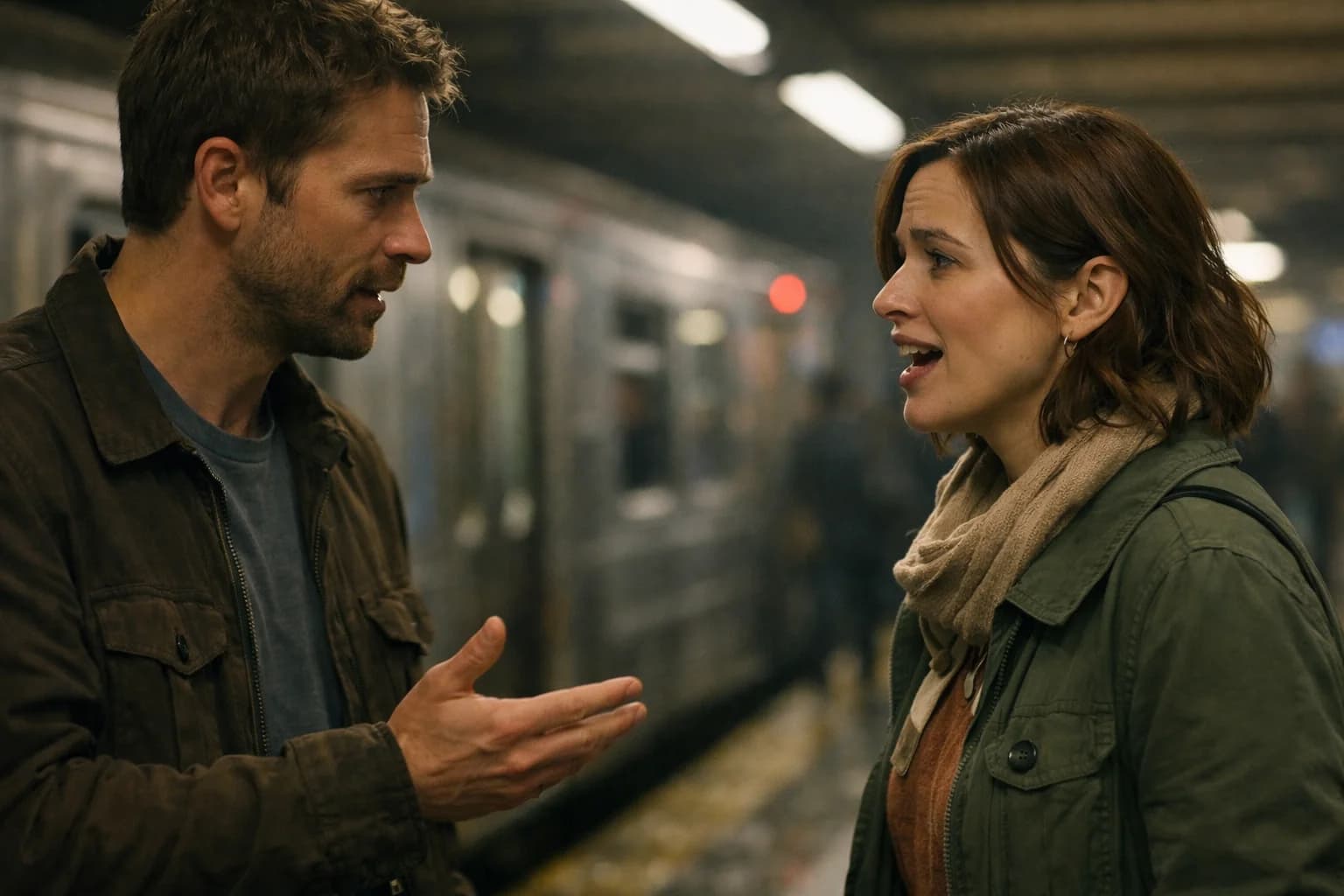
Veo 3.1 is Google DeepMind's flagship video generation model, distinguished by an industry-first capability: native audio generation. While other AI video generators produce silent clips, Veo 3.1 creates complete audiovisual experiences with synchronized dialogue, sound effects, and ambient audio.
The model generates video at 720p-1080p with upscaling to 4K for professional workflows. Motion quality matches cinematic standards with smooth camera movements and natural visual coherence. The 24fps output provides film-like smoothness for professional applications.
Veo 3.1 represents Google's comprehensive approach to AI video, combining their expertise in visual generation, language understanding, and audio synthesis. The result is a production-ready tool for creating complete video content without separate audio production.
Native Audio Generation
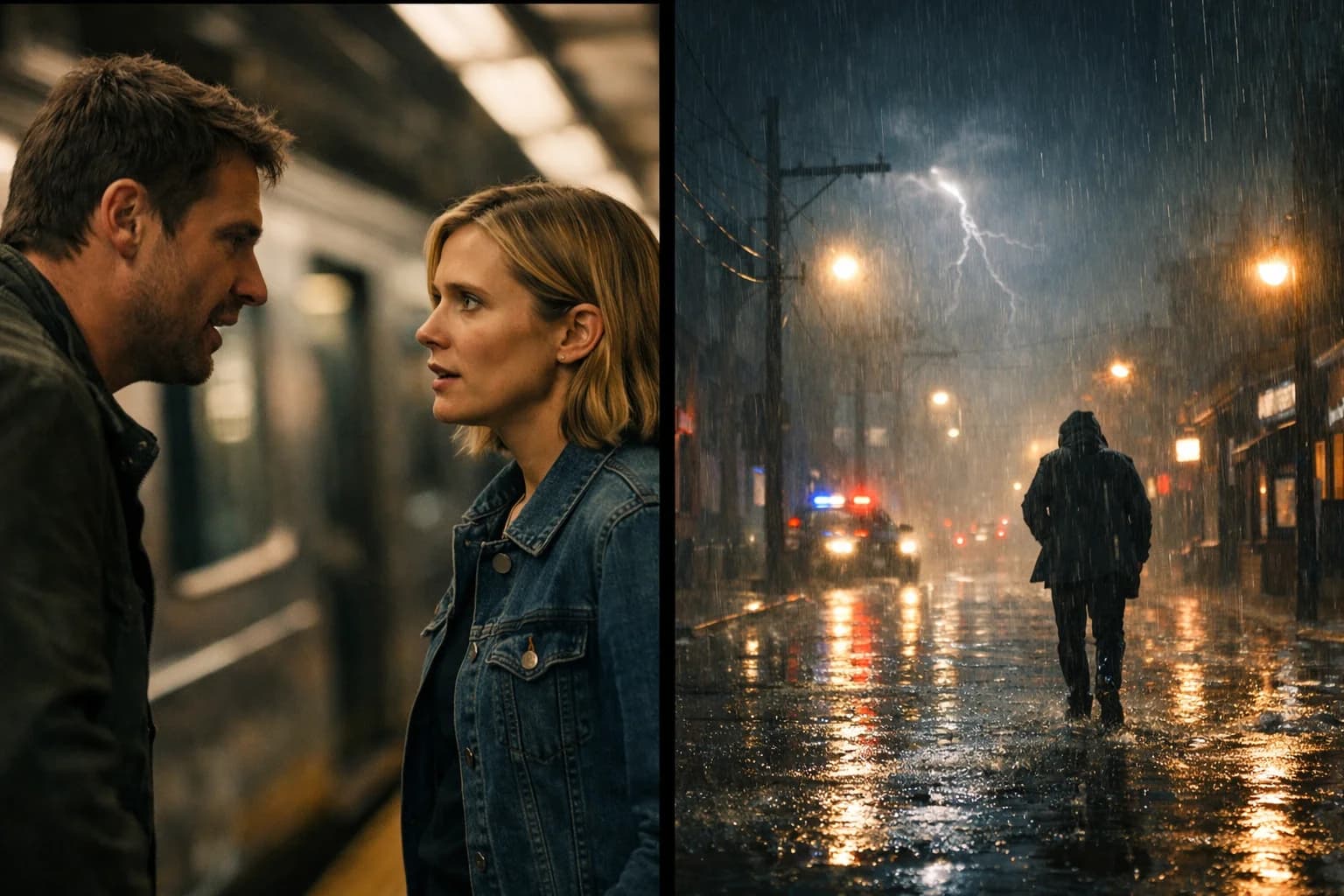
Veo 3.1's native audio capability transforms AI video generation from visual-only to complete audiovisual production.
Dialogue with Lip-Sync
Generate natural speech synchronized with on-screen characters. The model produces dialogue with accurate lip-sync, creating believable speaking characters. Conversations, narration, and character speech integrate naturally with visual content.
Include dialogue in your prompts to generate speaking characters. Describe who speaks and what they say. The model handles synchronization automatically, matching mouth movements to generated speech.
Sound Effects
Synchronized sound effects match on-screen actions and events. Footsteps, doors, impacts, mechanical sounds, and other effects generate in sync with visual elements. The temporal alignment creates coherent audiovisual experiences.
Sound effects add production value without separate audio work. Actions that would require foley recording in traditional production generate automatically with matched timing.
Ambient Audio
Environmental background audio creates atmosphere and immersion. Indoor spaces, outdoor environments, weather, crowds, and other ambient sounds generate appropriately for the scene. The ambient layer provides context and depth.
Describe environmental sounds in prompts for specific atmospheres. Veo 3.1 interprets scene descriptions and generates matching ambient audio.
4K Resolution and Upscaling
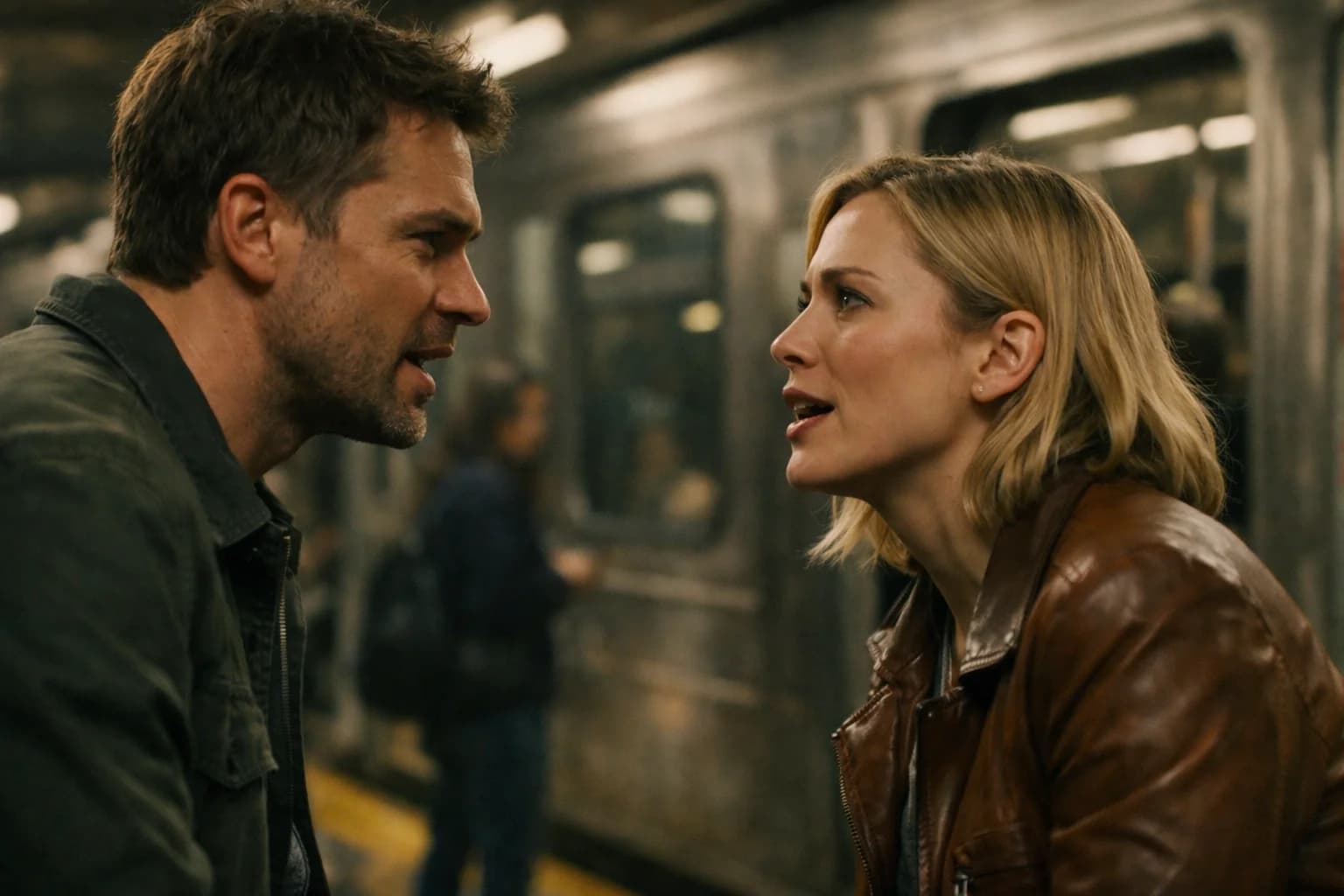
Veo 3.1 produces high-resolution output suitable for professional applications.
Native Resolution
Generate at 720p or 1080p with 24fps frame rate. The base resolution provides broadcast-quality output for most applications. Motion appears smooth and cinematic with natural camera work.
4K Upscaling
State-of-the-art upscaling extends output to 4K resolution. The upscaling process maintains quality and detail for large-screen viewing and high-fidelity production workflows. 4K output suits broadcast, cinema, and premium digital distribution.
Extended Video Duration
Create longer videos using Veo 3.1's Extend feature.
Initial Generation
Prompts generate 4, 6, or 8-second clips. These initial segments establish visual style, motion, and audio characteristics. The short duration ensures quality and coherence.
Extend Feature
The Extend feature continues videos seamlessly beyond initial generation. Build videos up to 148 seconds (over 2 minutes) by extending the action. Each extension maintains visual and audio continuity with the original.
Extended duration enables:
- Complete narrative sequences
- Full product demonstrations
- Tutorial content
- Promotional videos with full story arcs
Ingredients to Video
Multi-image control provides precise creative direction.
Character Control
Supply reference images for consistent character appearance. Characters maintain the same face, clothing, and features across scenes. Build narratives with recurring characters using visual references.
Object Control
Include specific items in generated content using reference images. Products, props, and visual elements appear as specified. Maintain brand consistency with controlled object placement.
Style Control
Apply visual style from reference imagery. Color palettes, lighting approaches, and artistic treatments transfer to generated content. Maintain visual consistency across project elements.
Frames to Video
Keyframe control for precise transitions.
Start and End States
Provide beginning and ending images for controlled generation. Veo 3.1 creates smooth video bridging the two frames. The transition maintains visual coherence throughout.
Creative Applications
- Artful scene transitions
- Object or character transformations
- Time-lapse style progressions
- Morphing effects between states
Technical Specifications
| Specification | Details |
|---|---|
| Resolution | 720p, 1080p, 4K (upscaled) |
| Frame Rate | 24 fps |
| Initial Duration | 4, 6, or 8 seconds |
| Extended Duration | Up to 148 seconds |
| Aspect Ratios | 16:9, 9:16 |
| Audio | Dialogue, effects, ambient |
Professional Use Cases
Marketing and Advertising
Create broadcast-quality marketing content with integrated audio. Product demonstrations include natural sound effects. Brand videos feature dialogue and ambient atmosphere. The audiovisual completeness reduces post-production requirements significantly.
Social Media Content
Generate platform-optimized content with synchronized audio. Native 9:16 vertical output suits TikTok, Reels, and Shorts. Audio increases engagement compared to silent alternatives. The cinematic quality differentiates content visually.
Film and Video Production
Use Veo 3.1 for previsualization with complete audio atmosphere. Generate mood pieces demonstrating creative vision. Explore visual and audio approaches before production investment. Communicate concepts through complete audiovisual examples.
Educational Content
Produce instructional videos with narration and visual demonstrations. The native audio enables complete educational content. Extended duration supports comprehensive tutorials and training materials.
Corporate Communications
Create professional presentations and announcements with polished production values. Executive communications and company updates benefit from cinematic quality. Internal and external communications achieve broadcast-ready presentation.
Veo 3.1 vs Veo 3.1 Fast
| Feature | Veo 3.1 | Veo 3.1 Fast |
|---|---|---|
| Quality | Maximum cinematic | Good for prototyping |
| Native Audio | Full (dialogue, effects, ambient) | Limited |
| Best For | Final production | Rapid iteration |
| Use Case | Published content | Concept testing |
Choose Veo 3.1 When:
- Creating final production content
- Audio is required for the project
- Quality is the primary concern
- Making client or commercial deliverables
- Publishing content to audiences
Choose Veo 3.1 Fast When:
- Testing concepts and ideas
- Exploring prompt variations
- Iterating quickly on creative direction
- Creating previews for feedback
- Speed matters more than maximum quality
Getting Started with Veo 3.1
Create an account on our platform to access Veo 3.1. Explore the native audio capabilities by including dialogue and sound descriptions in prompts.
Test Ingredients to Video for multi-image control. Experiment with Frames to Video for keyframe-guided generation. Use Extend to create longer narrative sequences.
Our platform provides generation history, prompt management, and organized output storage. Support resources help maximize results from Veo 3.1's cinematic video generation with native audio.
Sources:
FAQ
Answers to common questions about this experience.