Wan 2.6 Video Generator
Create AI videos with Wan 2.6 from Alibaba. Text or image to video in 720p/1080p. 5-15 second clips with prompt rewrite. Free to try.
Try Wan 2.6 Video Generator
Create videos with Wan 2.6 Video Generator. Enter your prompt.
Model
Prompt
Duration
Resolution
What's included:
- 3–6 generation attempts
- Pro quality included
- Failed generations don't count
Prompt: A cinematic shot of a lighthouse beam sweeping across the ocean at night.
What is Wan 2.6 Video Generator
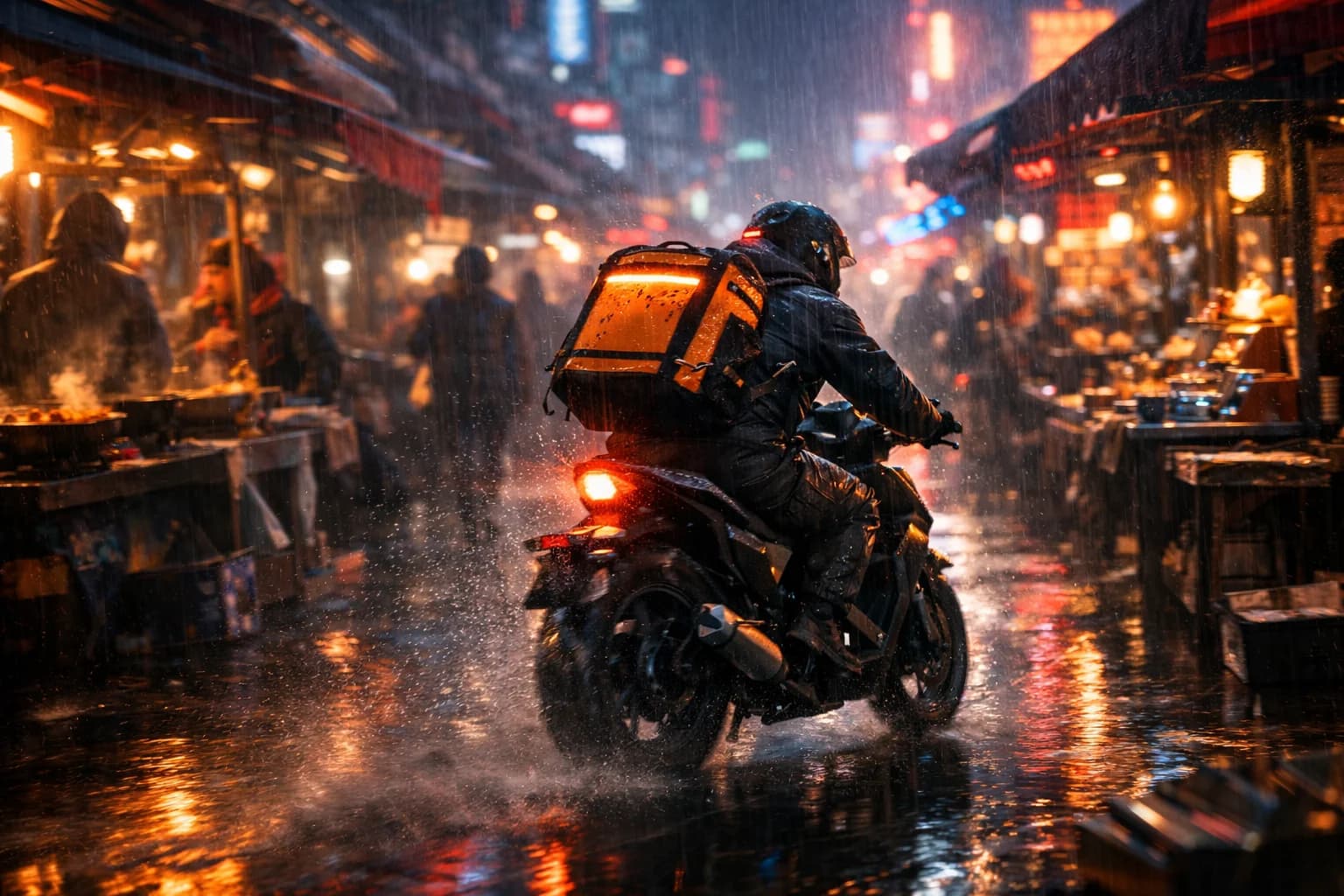
Wan 2.6 is Alibaba's versatile video generation model designed for flexible content creation with multiple quality and duration options. The model supports both text and image inputs, offering 720p and 1080p resolution choices with durations ranging from 5 to 15 seconds.
Alibaba developed Wan 2.6 to serve creators who need comprehensive options in their video generation workflow. The resolution flexibility enables choosing between speed and quality. The extended duration options accommodate content from quick clips to more developed sequences. Prompt rewrite adds intelligent assistance for better results.
Wan 2.6 serves diverse creative needs from marketing content to artistic projects. The combination of flexible inputs, multiple resolutions, and variable durations makes it suitable for various workflow requirements.
Core Features of Wan 2.6
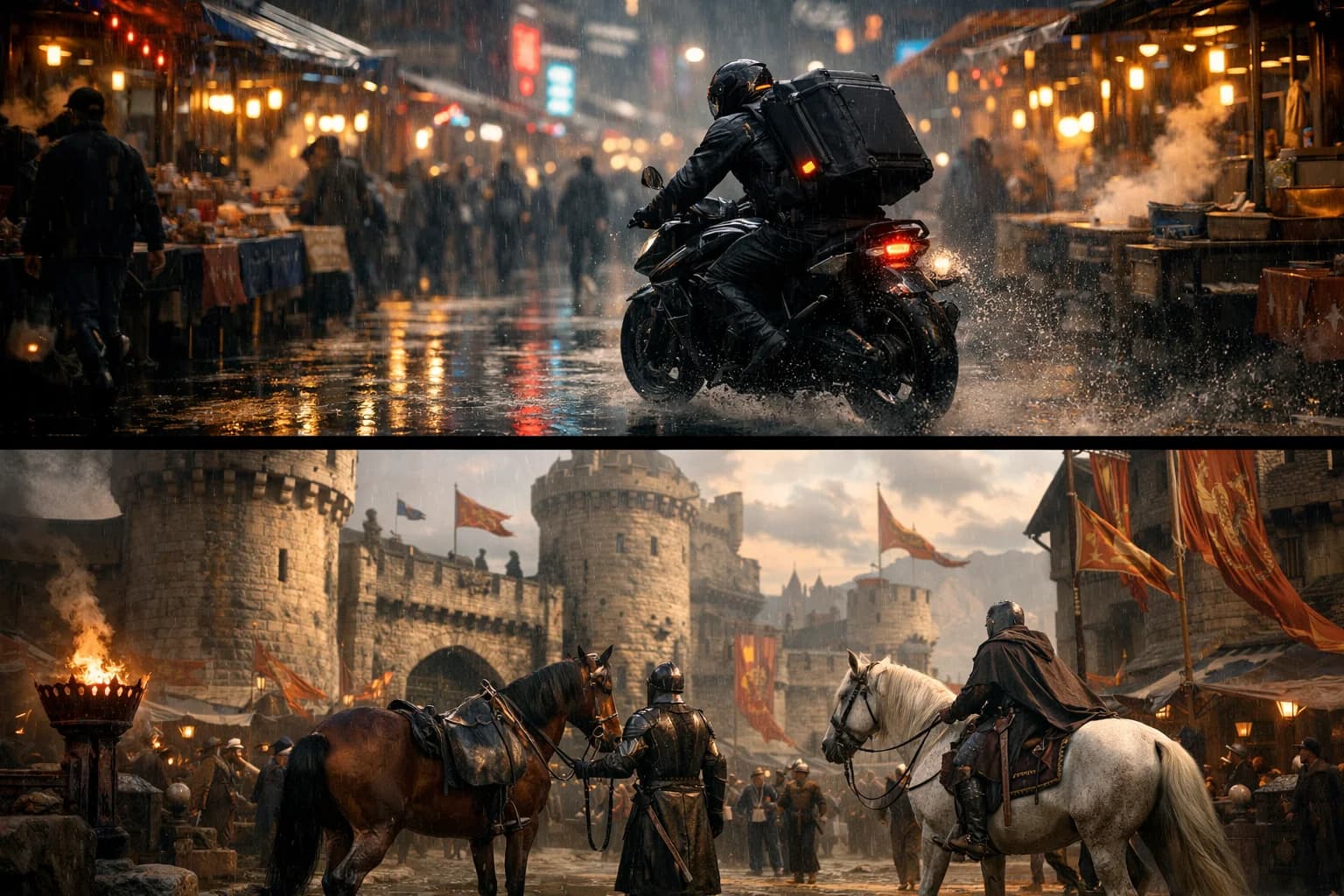
Dual Resolution Options
Wan 2.6 offers both 720p and 1080p resolution outputs. The 720p option provides faster generation with efficient resource usage. The 1080p option delivers Full HD quality for professional applications.
Resolution choice enables workflow optimization. Use 720p during development and iteration phases. Switch to 1080p for final deliverables requiring maximum quality. The flexibility serves both efficiency and quality needs.
Extended Duration Range
Generate videos from 5 to 15 seconds in length. The 5-second option suits quick social content and previews. The 10-second duration balances length with production efficiency. The 15-second option enables more complete scene development.
Duration flexibility accommodates diverse content needs. Match duration to platform requirements and content type. Longer videos enable more complex narrative development. Shorter clips serve rapid content production.
Text-to-Video Generation
Transform written descriptions into video content with resolution and duration control. Describe scenes, subjects, and actions in natural language. Wan 2.6 interprets prompts and generates matching video sequences. Choose output quality and length to match needs.
Text-to-video enables creative exploration from imagination. No visual references required to start. Describe your vision and see it generated. Iterate on descriptions to refine results.
Image-to-Video Animation
Convert static images into animated video with full quality options. Upload photographs, artwork, or designs as references. Describe the motion you want. Generate at 720p or 1080p resolution with chosen duration.
Image-to-video works well with existing visual assets. Product images become animated demonstrations. Artwork gains motion while preserving style. Professional photography transforms into dynamic content.
Prompt Rewrite Feature
Enable prompt rewrite for automatic description enhancement. The feature improves your text before generation, adding relevant details and optimizing structure. Prompt rewrite helps achieve better results with less manual effort.
The feature reduces prompt engineering requirements. Users unfamiliar with optimal prompting benefit from assistance. Toggle the feature based on preference for assisted or manual control.
Multiple Aspect Ratios
Create content in formats matching target platforms. Generate 16:9 widescreen for YouTube and traditional video. Create 9:16 vertical for TikTok and Instagram Reels. Use 1:1 square for Instagram posts.
Platform-native formats improve content performance. Generate directly in final aspect ratios. No reformatting required for platform posting. Efficient workflows from generation to publication.
How to Use Wan 2.6 Effectively
Choosing Resolution
Select resolution based on workflow stage and final use. Use 720p for rapid iteration, concept testing, and development. Choose 1080p for final deliverables, client work, and quality-critical content. Match resolution to actual quality requirements.
Resolution affects generation cost and speed. Higher resolution costs more but delivers better quality. Balance quality needs against efficiency considerations. Develop at 720p, deliver at 1080p.
Selecting Duration
Match duration to content needs and platform requirements. Quick social clips work well at 5 seconds. Balanced content uses 10-second duration. Complex scenes benefit from 15 seconds.
Duration affects pacing and content depth. Shorter videos require focused content. Longer videos enable more development. Consider viewer attention and platform norms.
Using Prompt Rewrite
Enable prompt rewrite for assisted generation. The feature works best with clear but simple descriptions. Prompt rewrite adds details and optimizes structure automatically. Disable when you want exact control over prompt content.
Experiment with both modes to understand differences. Some concepts benefit from rewrite assistance. Others work better with precise manual prompts. Learn when each approach serves your needs.
Optimizing for Quality
For maximum quality, use 1080p resolution with high-quality source images. Write detailed prompts covering important elements. Enable prompt rewrite for enhanced descriptions. Allow sufficient duration for scene development.
Quality optimization serves final deliverables. Invest in quality for client-facing content. Professional outputs warrant maximum settings. Balance quality investment against use requirements.
Creative Applications for Wan 2.6
Marketing Content
Create marketing videos with resolution matching distribution channels. Generate social media content at efficient settings. Produce website videos at full HD quality. The flexibility serves varied marketing needs.
Marketing benefits from Wan 2.6's versatility. Multiple resolution options match channel requirements. Duration choices accommodate different formats. Efficient production supports campaign schedules.
Product Demonstrations
Animate product images for e-commerce and promotional use. Choose resolution based on platform requirements. Generate demonstrations showing products in motion. Professional quality output suits commercial applications.
Product content benefits from quality options. E-commerce platforms vary in quality requirements. Marketing materials may need higher resolution. Match output to specific use cases.
Social Media Content
Generate platform-optimized social content efficiently. Create TikTok and Reels at vertical aspect ratios. Produce YouTube content in widescreen. Match duration to platform preferences and content type.
Social content production benefits from flexibility. Different platforms have different optimal settings. Generate directly in target formats. Efficient workflows support regular posting schedules.
Creative and Artistic Projects
Explore creative concepts with full quality control. Animate artwork with resolution preserving detail. Generate extended sequences for narrative projects. Combine quality and duration for artistic needs.
Creative work benefits from comprehensive options. Artists control quality levels. Extended durations enable complex sequences. The flexibility serves artistic vision.
Technical Capabilities
Output Quality
720p and 1080p resolution options. Smooth, natural motion in both quality levels. Visual quality appropriate to resolution setting. Quality difference visible between resolution options.
Duration Options
5, 10, and 15-second clips available. All durations available at both resolutions. Duration affects content depth and pacing. Extended options enable longer sequences.
Format Support
Standard MP4 output with broad compatibility. Multiple aspect ratios including 16:9, 9:16, and 1:1. Videos ready for platform posting. Standard formats ensure workflow compatibility.
Input Support
Both text and image inputs supported. Text-to-video for creative generation. Image-to-video for visual animation. All options work with both resolution levels.
Comparing Wan 2.6 to Alternatives
Resolution Flexibility
Wan 2.6's dual resolution options exceed single-quality alternatives. Choose between speed and quality as needed. The flexibility serves diverse workflow requirements. Resolution choice enables optimization.
Wan 2.6 vs Wan Turbo
Wan 2.6 offers versatile inputs with higher resolution options. Wan Turbo prioritizes speed for image animation. Choose Wan 2.6 for quality and flexibility. Select Turbo when generation speed is paramount.
Duration Advantage
Extended duration options up to 15 seconds exceed many alternatives. Longer clips enable more developed content. The range serves diverse content length needs. Duration flexibility distinguishes Wan 2.6.
Getting Started with Wan 2.6
Create an account to access Wan 2.6 through our platform. Receive starter credits for initial exploration. Test different resolution and duration combinations to understand the options.
Experiment with prompt rewrite to discover its benefits. Try both text and image inputs with various settings. Learn how Wan 2.6's flexibility serves your specific needs.
Our platform provides generation history, prompt management, and organized storage. Support resources help maximize results from Wan 2.6's versatile video generation options.
FAQ
Answers to common questions about this experience.