Sora Storyboard | Animate Your Images into 25s Videos
Upload images, get 25-second story videos. Sora Storyboard transforms concept art, photos into cinematic narratives. Preserves your visual style. Try free →
Try Sora Storyboard | Animate Your Images into 25s Videos
Create videos with Sora Storyboard | Animate Your Images into 25s Videos. Enter your prompt.
Model
Image upload
Prompt
Aspect ratio
Duration
What's included:
- 3–6 generation attempts
- Pro quality included
- Failed generations don't count
Prompt: A cinematic shot of a lighthouse beam sweeping across the ocean at night.
What Makes Storyboard Unique

Sora Storyboard transforms images into extended narrative video sequences. Unlike general-purpose video generators, Storyboard focuses exclusively on image-guided generation with a fixed 25-second duration optimized for storytelling.
The model addresses a specific creative need: turning static visuals into complete animated sequences. Concept artists use it to bring artwork to life. Filmmakers create previz from storyboard frames. Marketers animate product photography. Designers demonstrate concepts in motion.
Storyboard's defining feature is style preservation. The model analyzes your reference image's visual characteristics and maintains them throughout the generated sequence. Colors stay consistent. Lighting feels coherent. Artistic style carries through from first frame to last. This consistency is essential for professional work building on existing visual materials.
Image-Guided Video Generation
Storyboard requires an image input that defines the visual foundation. Upload concept art, photography, storyboard frames, product images, or any visual reference. The model uses your image to establish style, composition, and visual elements.
Your prompt then describes the motion and narrative. Tell Storyboard what happens over the 25-second sequence. Describe camera movements, subject actions, scene development, and atmosphere changes. The image provides the look; your prompt provides the story.
This approach produces results that feel visually connected to source materials. Brand guidelines carry through. Creative vision maintains integrity. Visual consistency bridges static concepts and animated execution.
Fixed 25-Second Narrative Format
The 25-second duration isn't arbitrary. This length enables complete narrative development: beginning, middle, and resolution. Stories need time to unfold. Demonstrations need time to show functionality. Concepts need time to reveal their potential.
Shorter formats fragment narratives. They work for quick impressions but can't develop complete ideas. Storyboard's 25-second format accommodates full storytelling within a single generation. No need to combine clips or manage transitions between segments.
Style Preservation Technology
Storyboard's style preservation goes beyond simple color matching. The model understands visual characteristics at multiple levels: color palette, lighting approach, texture quality, and artistic treatment. All these elements persist throughout the generated sequence.
This consistency matters for professional applications. Brand content must match established visual guidelines. Pitch materials should feel coherent with concept art. Production previz needs to represent intended aesthetic direction. Storyboard delivers this visual continuity automatically.
Best Use Cases for Storyboard

Concept Art to Motion
Transform concept art into animated sequences showing characters and environments in motion. Static concept paintings become dynamic demonstrations of creative vision. Movement reveals aspects that still images cannot convey: how characters move, how light plays across environments, how scenes feel in motion.
Concept artists use Storyboard to enhance portfolio presentations. Studios demonstrate project potential to stakeholders. Creative directors show teams how concepts translate to movement. The 25-second duration enables meaningful motion without overwhelming viewers.
Pitch Deck Videos
Elevate pitch presentations with animated concept material. Convert storyboard frames into motion sequences. Transform product mockups into dynamic demonstrations. Show investors and clients how ideas would look in execution.
Storyboard output integrates seamlessly into presentation software. The style preservation ensures animated segments match static slides. The professional quality reflects well on your presentation. The 25-second format delivers complete ideas without disrupting presentation flow.
Film Previsualization
Create previz sequences from concept art and storyboard frames. Visualize camera movements and scene blocking. Test creative approaches before expensive production. Communicate director vision to crew and stakeholders.
Storyboard enables faster previz iteration than traditional methods. Generate multiple versions exploring different approaches. Make creative decisions with visual reference rather than verbal description. The 25-second duration accommodates typical shot lengths for meaningful scene visualization.
Product Demo Animation
Transform product photography into engaging video content. Static product shots become dynamic demonstrations showing products in use, from multiple angles, or in context. Motion captures attention more effectively than static images.
E-commerce benefits significantly from product animation. Listing pages with video outperform those with only photos. Marketing materials gain engagement through motion. The style preservation maintains product appearance accuracy throughout animated sequences.
How Storyboard Works
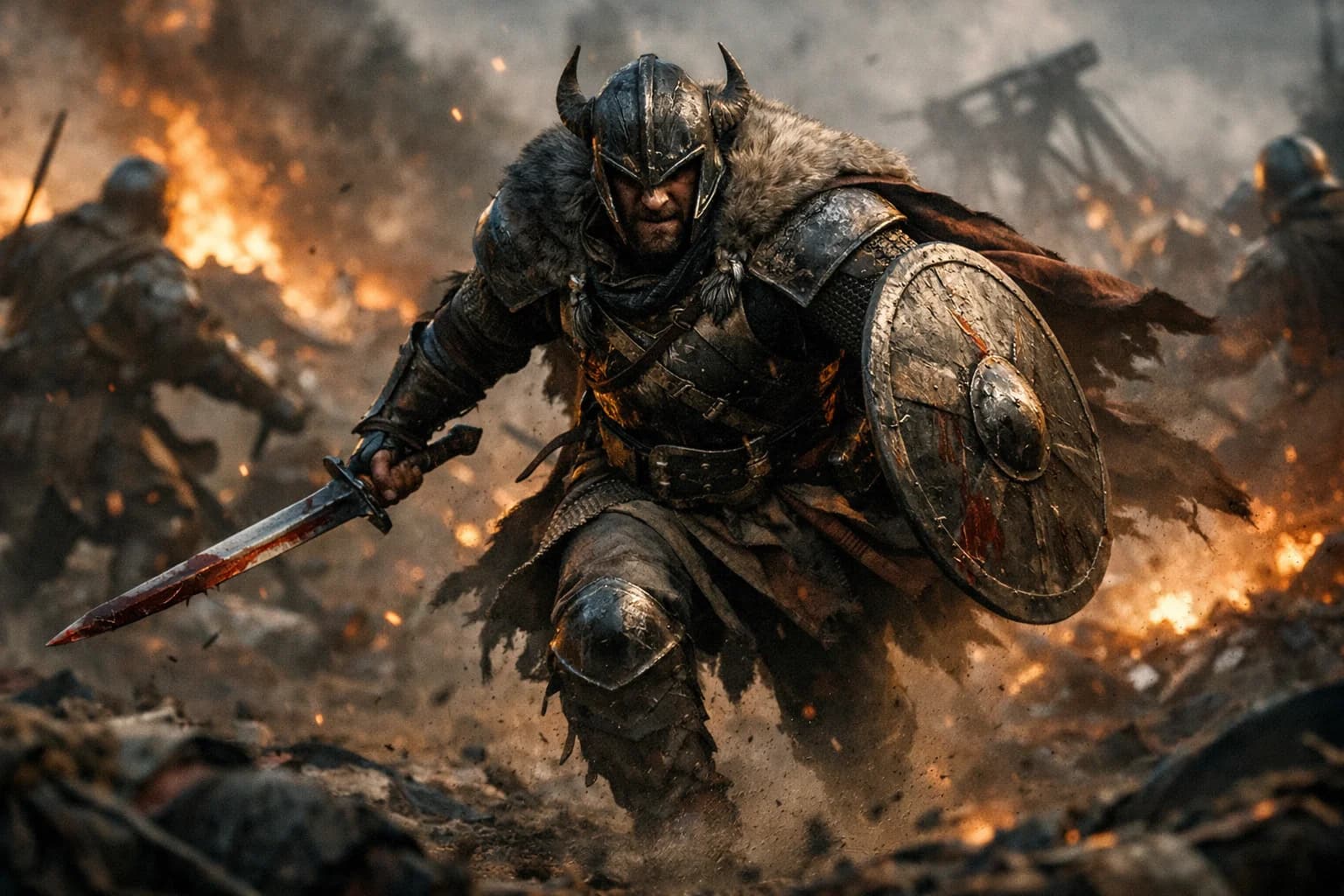
Choosing the Right Reference Image
Select images with clear subjects and narrative potential. Strong reference images have:
- Distinct visual elements that can move or change
- Clear composition with identifiable subjects
- Implied motion or narrative direction
- Consistent lighting and color treatment
Avoid cluttered images where subjects blend together. Avoid ambiguous compositions where motion direction isn't clear. The best Storyboard results come from reference images that already suggest story potential.
Writing Narrative Prompts
Prompts for Storyboard differ from general video prompts. Your image already defines visual appearance. Focus prompts entirely on motion and narrative:
- Describe what happens over the 25 seconds
- Specify camera movements and angles
- Detail subject actions and interactions
- Include pacing and rhythm preferences
- Mention atmosphere or mood development
Good example: "Camera slowly pushes in toward the character as they turn to face the viewer. Soft particles drift through the air. The lighting gradually warms as the sequence progresses, ending with a close-up of their expression."
Poor example: "A character in a dark room with blue lighting." (This describes appearance, which your image already provides.)
Keyframe Control Basics
Storyboard supports keyframe-style direction within prompts. You can specify what happens at different points in the sequence:
- "Beginning: wide establishing shot. Middle: camera moves to medium close-up. End: character makes direct eye contact."
This temporal control helps shape the narrative arc. Describe distinct moments and let Storyboard fill the transitions. The model understands pacing and creates smooth motion between specified points.
Storyboard vs Other Sora Models
| Feature | Storyboard | Sora 2 | Sora Pro |
|---|---|---|---|
| Image Input | Required | Optional | Optional |
| Text Input | Motion only | Full support | Full support |
| Duration | Fixed 25s | 10-15s | 10-25s |
| Style Preservation | Optimized | Good | Good |
| Best For | Narrative from images | Social content | HD commercial |
When to Use Storyboard:
- You have reference images to animate
- Extended 25-second sequences are needed
- Visual style consistency matters
- Creating pitch or previz content
- Building on existing visual materials
When to Use Other Models:
- Text-to-video generation (use Sora 2 or Pro)
- Flexible duration options (use Sora 2 or Pro)
- HD resolution priority (use Sora Pro)
- Quick social content (use Sora 2)
Getting Started with Storyboard
Create an account and test Storyboard with reference images from your creative projects. Experience how the model preserves visual style while adding narrative motion.
Prepare images that suggest story potential. Write prompts focused on motion and narrative development. Experiment with different narrative approaches to the same reference image. Build understanding of how Storyboard interprets your direction.
Our platform provides generation history and organized storage. Download sequences for integration into presentations and projects. Support resources help you maximize narrative results from Storyboard's specialized image-to-video capabilities.
FAQ
Answers to common questions about this experience.