OmniHuman 1.5
Animate photos with audio using OmniHuman 1.5. Upload an image and audio, get a talking or moving video. Lip-sync and body motion. Free to try.
Try OmniHuman 1.5
Create videos with OmniHuman 1.5. Enter your prompt.
Model
Image upload
Audio upload
Prompt
Duration
What's included:
- 3–6 generation attempts
- Pro quality included
- Failed generations don't count
Prompt: A cinematic shot of a lighthouse beam sweeping across the ocean at night.
What is OmniHuman 1.5
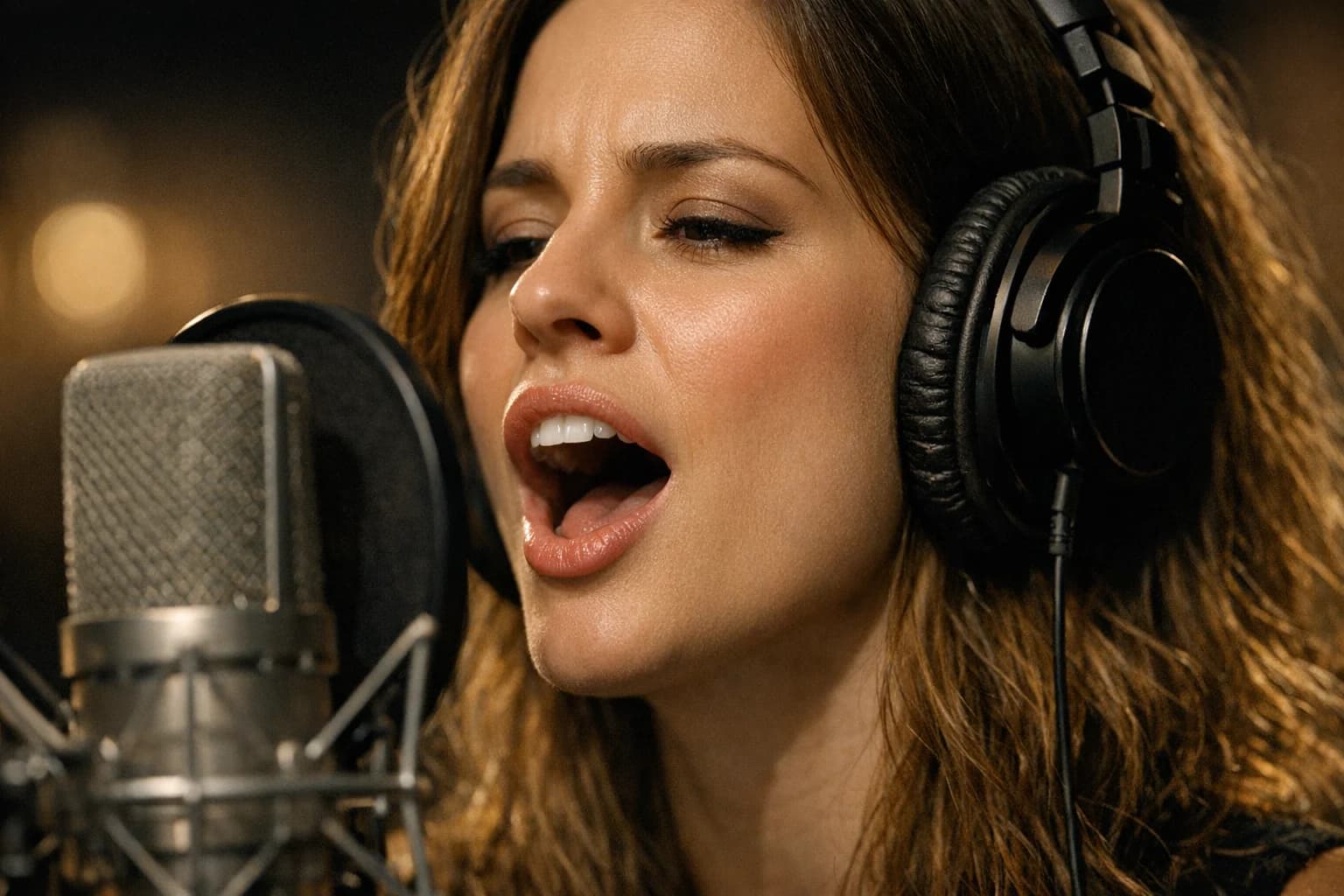
OmniHuman 1.5 is ByteDance's audio-driven animation model that transforms static portrait photos into talking and moving videos. Unlike standard image-to-video models that rely on text prompts for motion direction, OmniHuman uses an actual audio file as the driving signal. Upload a photo and an audio clip, and the model generates a video where the person appears to naturally speak, sing, or move in sync with the audio.
The model analyzes audio waveforms at the phoneme level, mapping speech sounds to corresponding mouth shapes and facial muscle movements. This produces lip-sync accuracy that text-prompted animation cannot match. Head tilts, eyebrow raises, and shoulder movements generate automatically based on speech patterns and emotional tone in the audio.
OmniHuman 1.5 represents a distinct category in AI video generation. Rather than imagining motion from a text description, it derives motion from real audio data. This makes it the tool of choice when precise audio-visual synchronization matters more than creative motion generation.
Core Features of OmniHuman 1.5
Audio-Driven Lip-Sync Animation
The defining feature of OmniHuman 1.5 is phoneme-level lip synchronization. The model maps audio frequencies to viseme sequences (visual mouth shapes corresponding to speech sounds). Consonants like "b" and "p" produce visible lip closure. Vowels like "a" and "o" create appropriate mouth openings. The transitions between phonemes animate smoothly without the jarring jumps common in earlier lip-sync systems.
Lip-sync accuracy remains consistent across different languages and accents. The model processes audio signals directly rather than relying on speech-to-text conversion, so it handles any language without language-specific training.
Facial Expression Generation
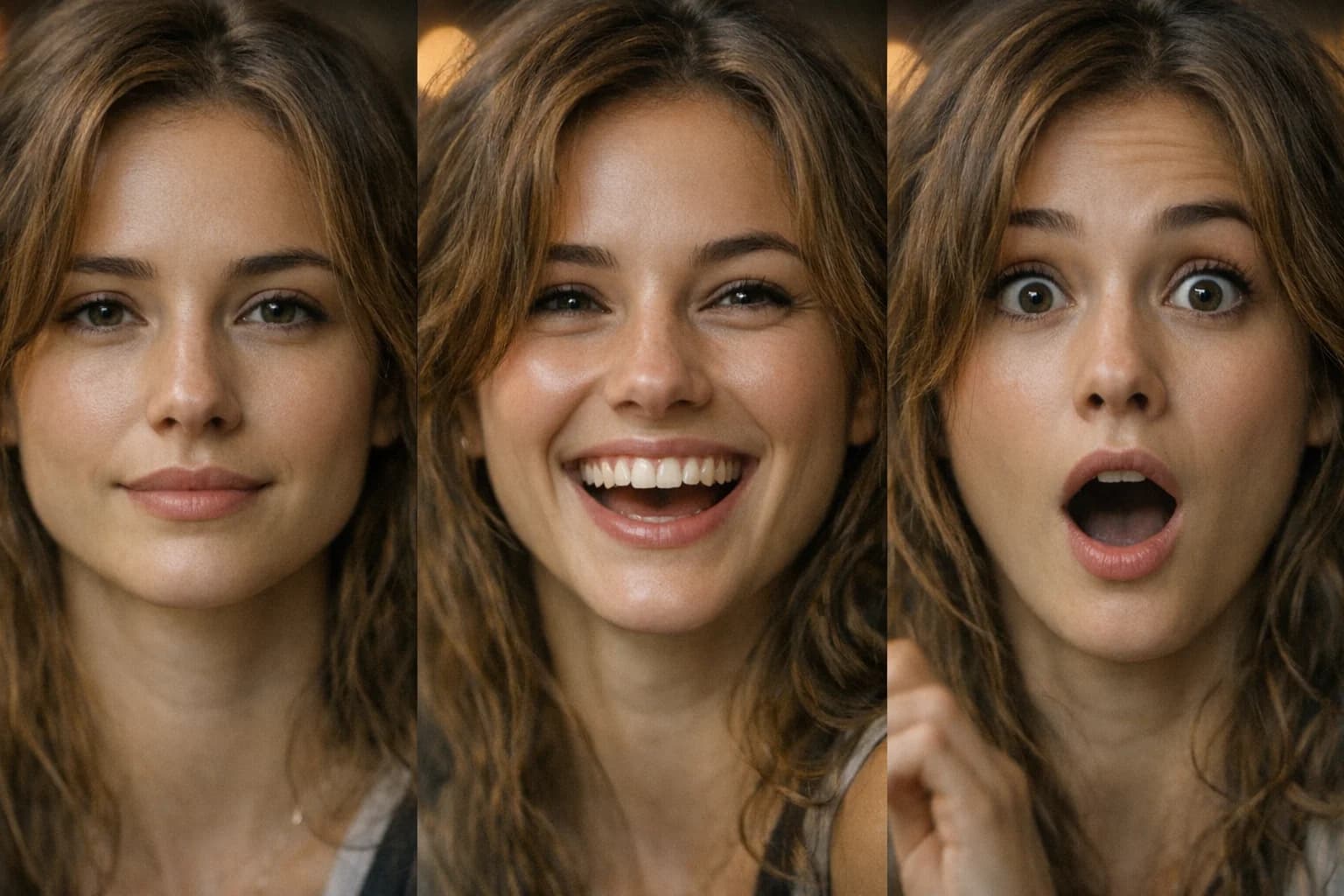
Beyond lip movement, OmniHuman 1.5 generates contextual facial expressions. The model infers emotional tone from audio characteristics — pitch variation, speech rate, and volume dynamics. Enthusiastic speech triggers wider eye openings and raised eyebrows. Quiet, serious tone produces subtle, contained expressions.
These expressions coordinate with lip movements to create natural-looking performances. The combination of accurate lip-sync and appropriate facial expressions makes the output convincing in ways that lip-sync alone cannot achieve.
Body Gesture Synthesis
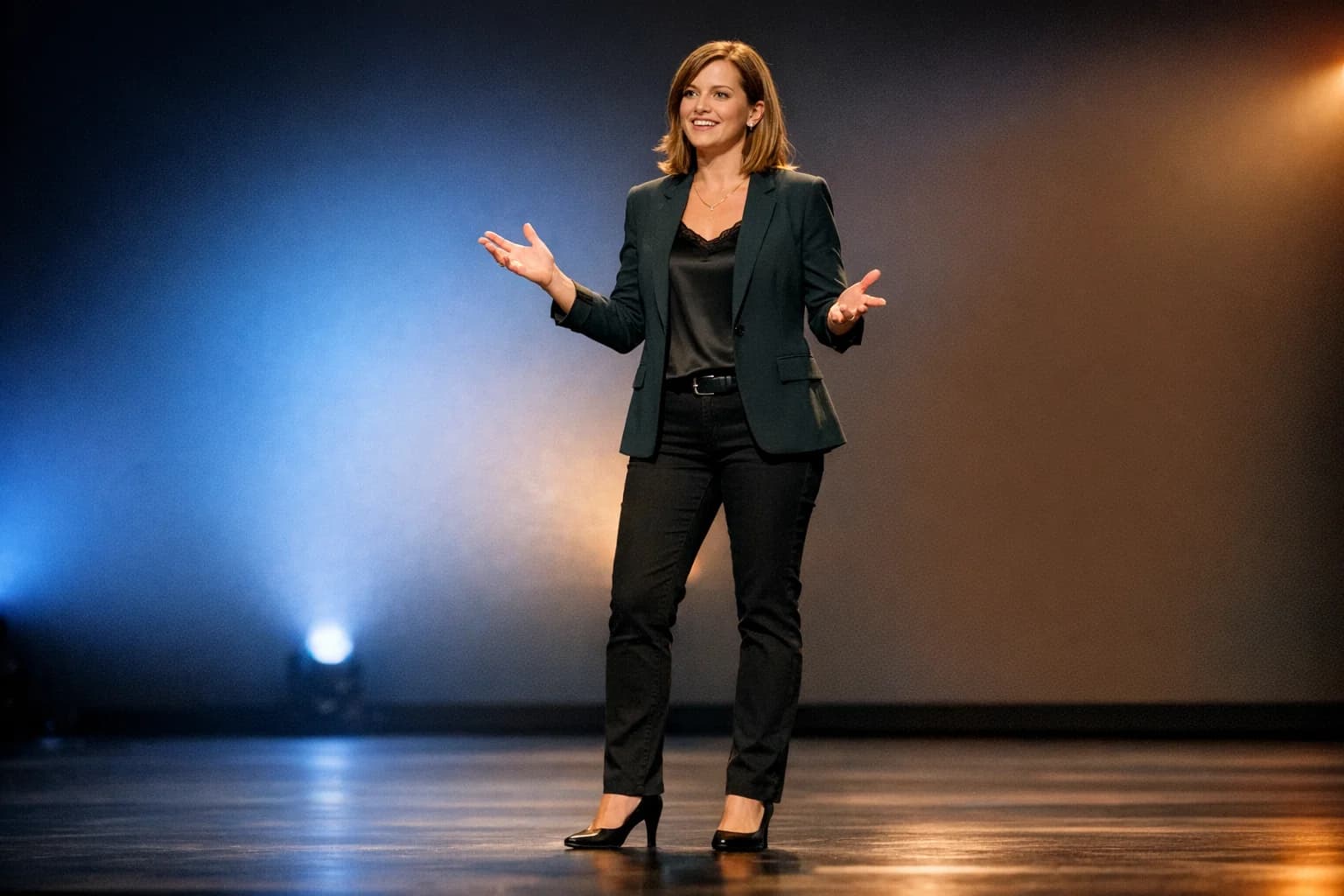
OmniHuman 1.5 extends animation beyond the face to include upper body gestures. During speech, the model generates natural head tilts, shoulder movements, and subtle hand gestures. The gestures correspond to speech rhythm and emphasis patterns in the audio.
For musical audio, body motion follows the beat and dynamics of the performance. Singing produces more pronounced head movement and swaying. Instrumental music generates rhythmic body motion without lip movement.
Portrait Photo Compatibility
The model accepts a range of portrait styles as input. Professional headshots, casual selfies, illustrated characters, and even historical photographs serve as valid inputs. OmniHuman preserves the visual style, lighting, and color characteristics of the source image while adding motion.
Front-facing and slight-angle portraits produce the best results. The model handles various skin tones, ages, and facial structures without requiring specific image preparation beyond basic quality standards.
How to Use OmniHuman 1.5
Preparing Your Portrait Image
Select a clear portrait photo showing the subject's face and ideally upper body. Minimum recommended resolution is 512px on the short edge, though higher resolution images produce sharper video output. Ensure the face is well-lit with visible facial features. Avoid heavy shadows across the face or extreme side angles that obscure the mouth.
Crop the image to focus on the subject. Background complexity does not affect animation quality, but a cleaner composition produces a more professional result. Both photographs and digital illustrations work as source images.
Preparing Your Audio File
Record or select clear audio in MP3 or WAV format. For speech-driven animation, minimize background noise and music that might interfere with phoneme detection. The model processes up to 10 seconds of audio per generation.
Audio quality directly affects lip-sync precision. Clean recordings with consistent volume produce the most accurate mouth movements. If using pre-recorded audio, trim to the most impactful 10-second segment before uploading.
Generating Your Video
Upload the portrait image and audio file through the OmniHuman 1.5 interface. The model processes both inputs and generates a 10-second video. Generation typically completes within minutes depending on server load.
Review the output for lip-sync accuracy and expression quality. If the result needs adjustment, try cropping the portrait differently or adjusting audio volume levels. Slight changes to input quality often produce noticeably different results.
Use Cases for Audio-Driven Animation
AI Talking Head Videos for Social Media
Create engaging talking-head content without recording video. Upload a polished portrait and narrate your message as audio. OmniHuman generates a professional-looking video of "you" speaking that works for Instagram Stories, TikTok, and LinkedIn posts. Content creators use this for consistent visual branding without daily video shoots.
Personalized Video Messages
Generate personalized greeting videos, thank-you messages, and announcements. Upload the sender's photo and record a personal audio message. The resulting video feels more personal than text and more polished than a hastily recorded selfie video.
Multilingual Content with OmniHuman
Produce the same talking-head video in multiple languages without re-recording. Upload one portrait photo and provide audio narration in each target language. OmniHuman generates accurate lip-sync for any language since it processes audio signals rather than text. This enables efficient multilingual content production for global audiences.
AI Presentation and Training Content
Generate instructor-led training segments without studio recordings. Upload a professional headshot of the presenter and the narration audio. OmniHuman creates a talking-head video suitable for embedding in slide decks, LMS platforms, and training portals. Update content by re-recording audio without scheduling a new video shoot.
Historical and Character Animation
Animate historical photographs, illustrated characters, or artistic portraits with voice performances. Museums and educators use OmniHuman to create speaking versions of historical figures from archival photos. Game developers and animators use it for rapid prototyping of character performances before committing to full animation production.
OmniHuman 1.5 Technical Specifications
| Specification | Detail |
|---|---|
| Input Mode | Image + Audio |
| Text-to-Video | Not supported (audio-driven only) |
| Audio Formats | MP3, WAV |
| Video Duration | Up to 10 seconds |
| Animation Coverage | Face, lip-sync, upper body |
| Language Support | Language-agnostic (processes audio signals) |
| Audio Types | Speech, singing, instrumental music |
| Credits per Generation | 200 |
| Source Image | Portrait photo or illustration |
| Recommended Image Size | 512px+ on short edge |
Tips for Better OmniHuman Results
Optimizing Portrait Quality
Use well-lit, high-resolution portrait photos for the sharpest output. Soft, even lighting on the face produces the most natural-looking animation. Avoid harsh directional lighting that creates deep shadows around the mouth area, as shadows can reduce lip-sync clarity in the generated video.
Front-facing portraits with the subject looking toward the camera produce the most convincing lip-sync. Slight angles (up to about 30 degrees) work well. Extreme profile views significantly reduce lip-sync quality since the model needs visible mouth geometry.
Audio Recording Tips for OmniHuman
Record in a quiet environment with the microphone 6-12 inches from the speaker. Consistent volume throughout the clip helps the model generate uniform animation intensity. Avoid long pauses in the middle of the audio — the model handles silence, but active speech produces more engaging video.
If using existing audio, normalize the volume before uploading. Audio that clips (distorts from being too loud) or is barely audible both degrade lip-sync accuracy. Target a consistent speaking volume without compression artifacts.
Comparing OmniHuman with Text-Driven Animation
OmniHuman 1.5 excels when you need precise audio-visual sync with a specific audio track. Text-driven image-to-video models like Kling O1 or Veo 3.1 are better when you want creative motion without a specific audio source. Choose OmniHuman when the audio is the primary content. Choose text-driven models when the visual motion is the primary creative goal.
Getting Started with OmniHuman 1.5
Create an account to access OmniHuman 1.5 through our platform. Prepare a clear portrait photo and a short audio clip to test the model's capabilities.
Start with a simple test: a clear headshot and 5 seconds of speech audio. Review the lip-sync accuracy and expression quality. Then experiment with different audio types — try music, singing, or expressive speech to see how the animation style changes.
Our platform stores your generation history and inputs, making it easy to iterate on results. Compare different portrait and audio combinations to find the approach that best serves your content needs.
FAQ
Answers to common questions about this experience.