Seedance 1.0 Pro Fast
Create AI videos with Seedance 1.0 Pro. Text or image to video with camera motion controls. Efficient generation. Free to try today.
Try Seedance 1.0 Pro Fast
Create videos with Seedance 1.0 Pro Fast. Enter your prompt.
Model
Prompt
Aspect ratio
Duration
Resolution
What's included:
- 3–6 generation attempts
- Pro quality included
- Failed generations don't count
Prompt: A cinematic shot of a lighthouse beam sweeping across the ocean at night.
What is Seedance 1.0 Pro Video Generator
Seedance 1.0 Pro is ByteDance's efficient video generation model featuring camera control options for precise motion direction. The model enables creators to specify how virtual cameras move during generation, adding intentional directorial choices to AI video creation.
ByteDance developed Seedance 1.0 Pro for creators wanting control over how their videos develop visually. Rather than leaving camera motion to the AI alone, users can specify pan, tilt, zoom, and other movements. This control enables more intentional video creation aligned with specific visions.
The model serves workflows where camera direction matters. Product videos, creative content, and professional applications benefit from controlled camera work. Efficient generation supports regular production while camera options add production value.
Core Features of Seedance 1.0 Pro
Camera Motion Controls
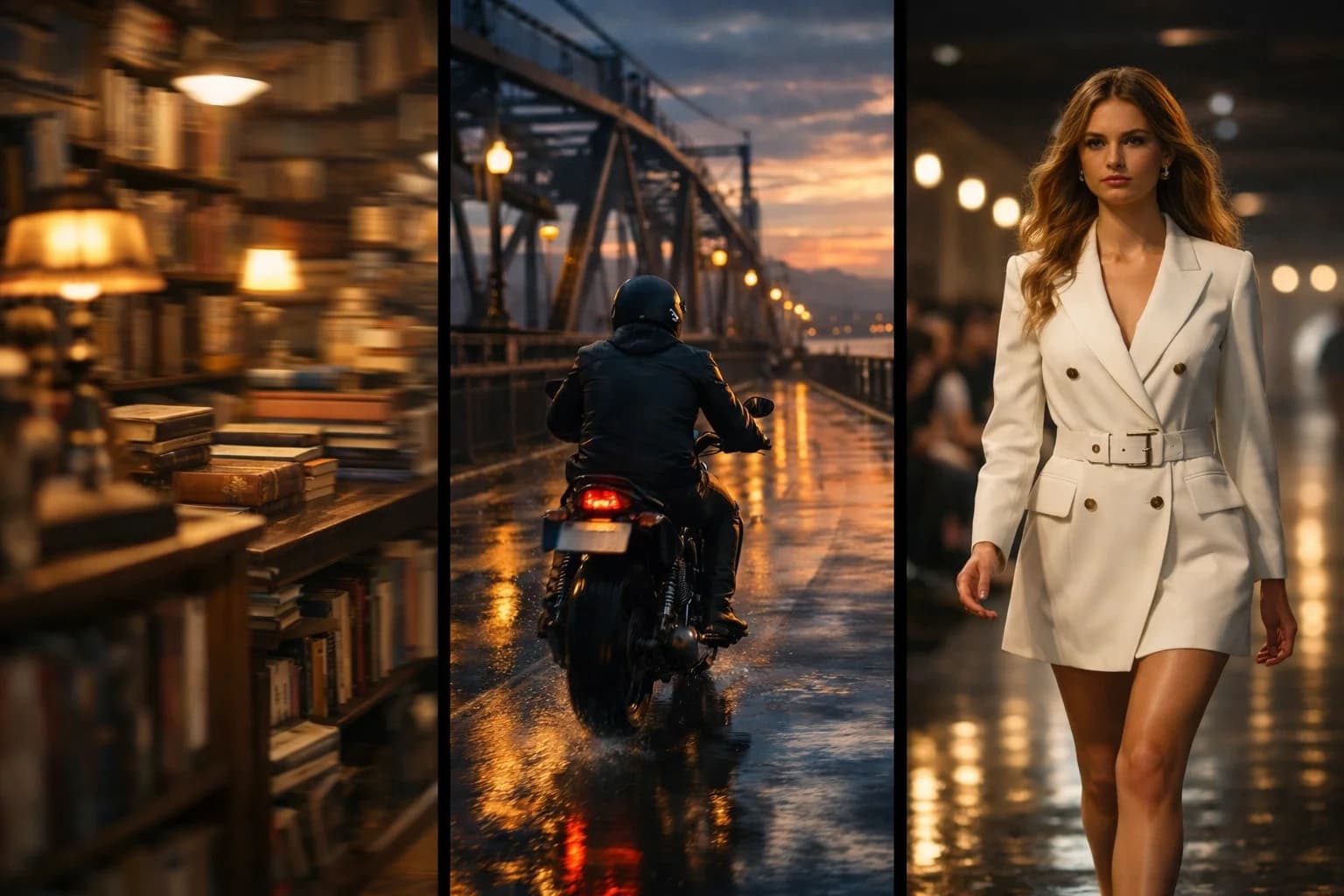
Seedance 1.0 Pro's distinguishing feature is direct camera control. Specify how the virtual camera should move during video generation. Choose from pan, tilt, zoom, tracking, and static options. The model generates video following your camera direction.
Camera control adds directorial intent to generation. Pan reveals scenes horizontally. Tilt explores vertical perspectives. Zoom changes perspective dramatically. Static maintains stable shots. Each option serves different visual purposes.
Text-to-Video Creation
Transform written descriptions into controlled video content. Describe scenes while specifying camera behavior. Seedance 1.0 Pro generates matching video with your directed camera motion.
Text-to-video gains precision from camera controls. Describe content and direct the camera separately. The combination produces more intentional results than uncontrolled generation.
Image-to-Video Animation
Convert static images into animated video with camera direction. Upload photographs or artwork and specify both motion and camera behavior. Seedance 1.0 Pro animates your image while following camera instructions.
Image animation benefits from camera control. Direct how the camera moves across your image. Control what parts receive attention through camera motion. The combination creates more intentional animated content.
Efficient Generation
Seedance 1.0 Pro offers efficient generation for regular production workflows. The model balances capability with practical generation speed. Regular content production benefits from reliable, efficient processing.
Efficiency serves production schedules. Consistent generation supports regular workflows. Reliable processing enables production planning. The efficiency suits ongoing content creation needs.
Multiple Aspect Ratios
Create content in formats matching target platforms. Camera controls work across all aspect ratios. Generate 16:9, 9:16, or 1:1 content with directed camera motion. Platform-native formats with intentional camera work.
Ratio flexibility with camera control serves diverse needs. Social platforms get properly formatted controlled content. Each format benefits from camera direction options.
How to Use Seedance 1.0 Pro Effectively
Choosing Camera Movements
Select camera motion matching your content intent. Use pan to reveal scenes or follow horizontal movement. Apply tilt for vertical exploration or dramatic angles. Choose zoom for perspective emphasis. Use static when stability serves the content.
Camera choice should serve content purpose. Different motions create different effects. Match camera behavior to desired viewer experience. Intentional choices produce better outcomes.
Combining Prompts and Camera
Write prompts focusing on scene content. Specify camera motion separately through controls. Let prompts handle what appears while camera controls handle how it's shown. The separation enables more precise direction.
Separation of concerns improves results. Content description stays focused. Camera direction applies independently. Both aspects work together for complete direction.
Using Static Camera
Choose static camera when stability matters. Product shots often benefit from steady presentation. Some content works better without camera motion. Static option prevents unwanted movement.
Static serves specific needs. Stable shots suit product focus. Some content needs stillness. Static camera provides that stability intentionally.
Aspect Ratio Considerations
Consider how camera motion interacts with aspect ratios. Horizontal pans work differently in vertical formats. Aspect ratio affects how camera motion appears. Choose compatible motions for your format.
Format affects motion perception. Wide formats suit horizontal movements. Vertical formats may prefer different motions. Match camera behavior to aspect ratio.
Creative Applications for Seedance 1.0 Pro
Product Showcases
Create product videos with directed camera work. Pan across product features. Zoom to highlight details. Use intentional camera motion to guide viewer attention. Professional product presentation through controlled shots.
Product content benefits from direction. Controlled camera guides attention. Professional presentation results from intentional choices. Camera control elevates product videos.
Cinematic Content
Generate content with cinematic camera techniques. Apply film-style camera movements to AI video. Create more polished, intentional visual content. Cinematic techniques become accessible through controls.
Cinematic style benefits from camera options. Film techniques require camera control. Professional aesthetics emerge from directed shots. Camera options enable cinematic approaches.
Social Media Content
Produce social content with engaging camera motion. Dynamic camera work captures viewer attention. Intentional movement adds production value. Social platforms benefit from polished content.
Social content gains from camera interest. Movement attracts attention in feeds. Intentional direction improves engagement. Camera control adds competitive advantage.
Professional Video Production
Support professional workflows with camera control capabilities. Specified camera motion meets directorial requirements. Consistent camera behavior across generations. Professional standards supported through controls.
Professional work benefits from control. Specific requirements need specific directions. Camera control enables meeting specifications. Professional workflows integrate controlled generation.
Technical Capabilities
Camera Options
Pan, tilt, zoom, tracking, and static camera options. Controls apply to both text and image inputs. Settings direct virtual camera behavior during generation. Consistent application of specified movements.
Output Quality
Quality video with controlled camera motion. Smooth camera movements following specifications. Visual quality suitable for standard applications. Motion quality matches direction.
Duration and Format
Standard video duration with MP4 output. Multiple aspect ratios supported. Videos with specified camera work ready for use. Standard formats ensure compatibility.
Input Support
Both text and image inputs supported. Camera controls available with either input type. Text-to-video for creative generation. Image-to-video for visual animation.
Comparing Seedance 1.0 Pro to Alternatives
Camera Control Advantage
Seedance 1.0 Pro's camera controls exceed uncontrolled alternatives. Directed camera motion adds intentional quality. The capability distinguishes 1.0 Pro for controlled video needs.
1.0 Pro vs Seedance 1.5
1.0 Pro emphasizes camera controls and efficiency. 1.5 Pro adds audio generation. Both support text/image inputs. Choose 1.0 for camera-focused work. Select 1.5 when audio matters.
Controlled Generation Focus
Seedance 1.0 Pro targets controlled video creation. Camera options serve intentional direction. Efficient generation supports regular production. The combination serves professional needs.
Getting Started with Seedance 1.0 Pro
Create an account to access Seedance 1.0 Pro through our platform. Receive starter credits for initial exploration. Test different camera options to understand their effects.
Experiment with various camera motions and content types. Learn how camera direction transforms your content. Discover which options serve your specific needs best.
Our platform provides generation history, prompt management, and organized output storage. Support resources help maximize results from Seedance 1.0 Pro's camera-controlled video generation.
FAQ
Answers to common questions about this experience.