Hailuo 2.3
Create AI videos with Hailuo 2.3. Enhanced motion quality for text and image to video. Improved generation fidelity. Free to try.
Try Hailuo 2.3
Create videos with Hailuo 2.3. Enter your prompt.
Model
Prompt
Aspect ratio
Duration
Resolution
What's included:
- 3–6 generation attempts
- Pro quality included
- Failed generations don't count
Prompt: A cinematic shot of a lighthouse beam sweeping across the ocean at night.
What is Hailuo 2.3 Video Generator
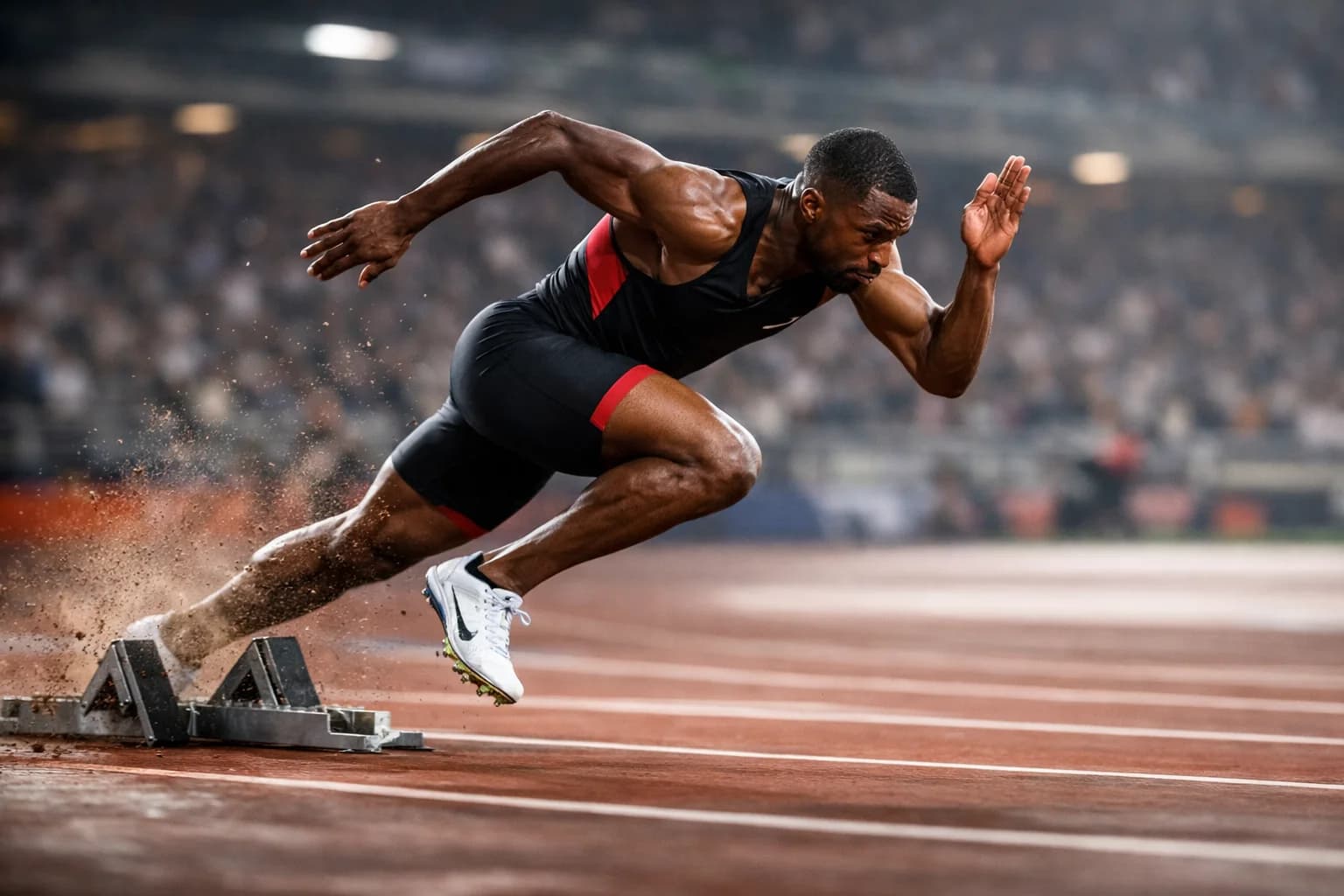
Hailuo 2.3 is MiniMax's enhanced video generation model that prioritizes motion quality and temporal consistency. Building on the foundation of Hailuo 02, version 2.3 delivers smoother transitions between frames, more accurate physics in motion sequences, and improved fidelity to prompt descriptions.
The model supports both text-to-video and image-to-video generation at 720p and 1080p resolution. Hailuo 2.3 offers a unique set of duration options — 5, 6, and 10 seconds — with the 6-second format specifically optimized for social media content creation.
MiniMax designed Hailuo 2.3 to address the motion quality gap in AI video generation. While many models produce impressive static frames, the transitions between frames often reveal artifacts: jittering, morphing, or unnatural acceleration. Hailuo 2.3 focuses on making the motion itself feel smooth and physically plausible.
Core Features of Hailuo 2.3
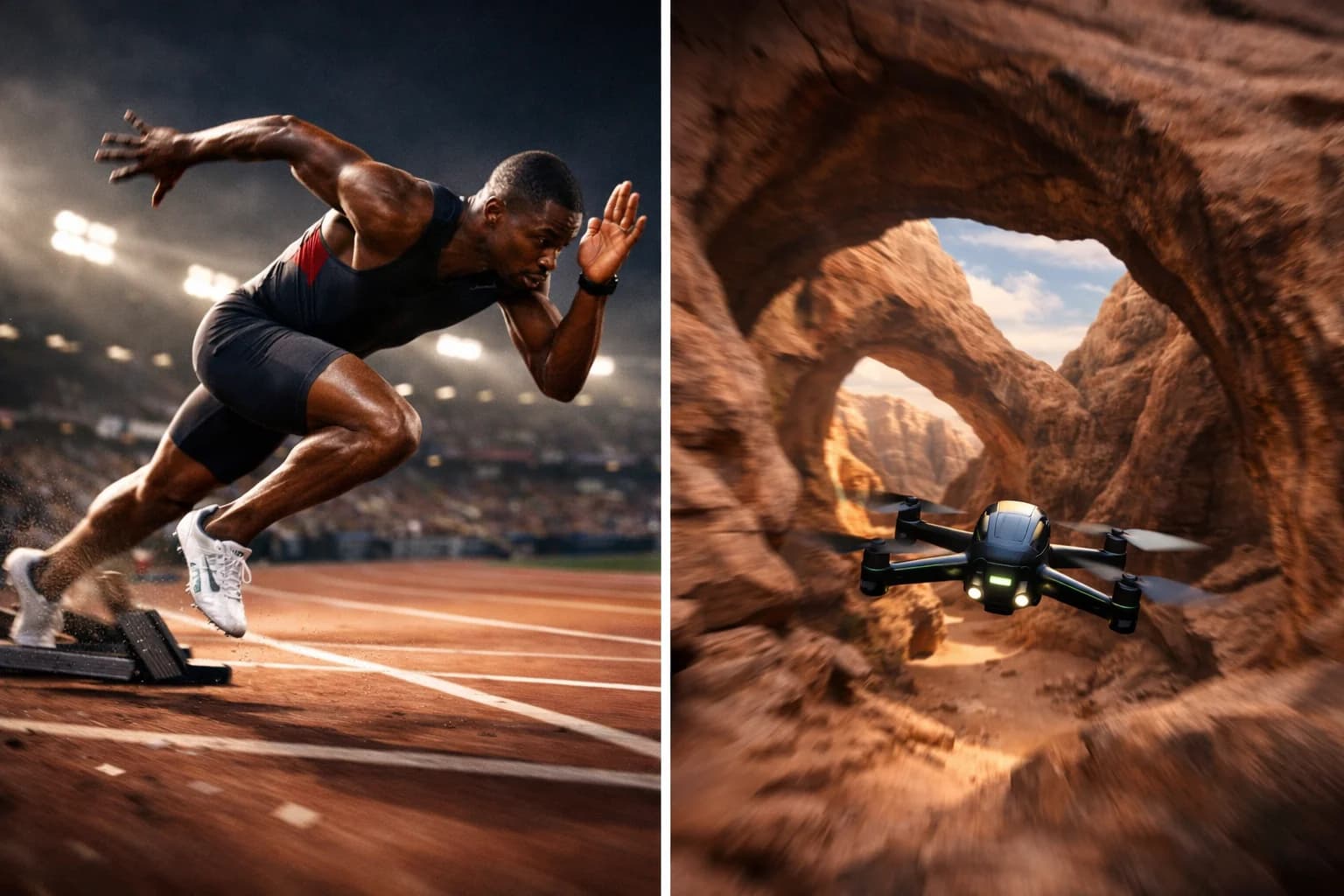
Enhanced Motion Fidelity
Hailuo 2.3's primary improvement over its predecessor is motion quality. The model generates smoother frame-to-frame transitions with better temporal coherence. Objects maintain consistent shape and size as they move. Camera motion follows natural acceleration curves rather than abrupt shifts.
This enhanced motion is most visible in scenes with complex movement — people walking, objects falling, vehicles in motion, and natural elements like water and wind. The improvements reduce the "AI look" that comes from inconsistent motion dynamics.
Text-to-Video with Hailuo 2.3
Generate video from written descriptions with improved prompt interpretation. Hailuo 2.3 better understands spatial relationships, action sequences, and atmospheric descriptions compared to earlier Hailuo models. Describe scenes with specific subjects, actions, and environments to get targeted video output.
The model handles both simple scenes (a single subject with one action) and moderate complexity (multiple elements with environmental details). Prompt specificity directly correlates with output quality — more detailed descriptions produce more controlled results.
Image-to-Video Animation
Animate static images with Hailuo 2.3's enhanced motion engine. Upload photographs, illustrations, or designs and describe the motion you want applied. The model generates animation that preserves the source image's visual characteristics while adding smooth, natural movement.
The enhanced motion fidelity is particularly beneficial for image-to-video generation. Source images provide a strong visual anchor, and Hailuo 2.3's improved temporal consistency means the animated subject maintains visual stability throughout the clip.
Optimized 6-Second Duration for Social Media
The 6-second duration option addresses a specific gap in social media content creation. Standard AI video generators offer 5 or 10 seconds, but content performance data shows that 6-7 seconds is optimal for many mobile-first formats. This duration delivers a complete visual idea with enough time for viewers to absorb the content before scrolling.
The 6-second format is well suited for Instagram Reels hooks, TikTok attention-grabbing clips, and YouTube Shorts thumbnails. It provides 20% more time than 5-second clips — often the difference between a complete message and one that feels cut short.
Dual Resolution Options
Choose between 720p and 1080p output for every generation. The 720p option generates faster with lower credit usage, practical for concept testing and social media where mobile screens reduce the visible quality difference. The 1080p option provides Full HD for website content, presentations, and professional applications.
Resolution selection works across both input modes. Text-to-video and image-to-video each support both quality levels, enabling consistent workflow optimization regardless of your generation method.
How to Use Hailuo 2.3
Writing Effective Prompts for Hailuo 2.3
Structure prompts with the main subject and action first, followed by environmental and stylistic details. Hailuo 2.3 responds well to motion-specific language — describe the type of movement, its speed, and direction.
Effective prompt example: "a red fox walking through a snowy forest, light snowfall, early morning mist, the fox pauses and looks toward camera, cinematic lighting, slow motion."
Avoid vague motion descriptions. "Things moving around" produces unpredictable results. Specific directions like "walking left to right," "rising slowly," or "camera pulling back" give the model clear motion instructions to execute.
Choosing Duration for Your Content
Match duration to your content goal and platform:
- 5 seconds: Quick product reveals, social media teasers, GIF-like loops
- 6 seconds: Instagram Reels and TikTok content, complete micro-stories, engagement-optimized clips
- 10 seconds: Marketing demonstrations, scene development, narrative content with action progression
The 6-second option often provides the best value for social media content by delivering complete ideas at a moderate credit cost. Test content performance across durations to find what works for your audience.
Resolution Strategy for Hailuo 2.3
Use 720p for iterative development. When testing prompt variations, exploring creative directions, or generating content for mobile-first platforms, 720p provides sufficient quality at lower cost. The visual difference is minimal on smartphone screens.
Switch to 1080p for final deliverables, website embedding, and professional presentations. The quality improvement is visible on desktop screens and in fullscreen playback. If budget allows, generate both resolutions and use each where appropriate.
Use Cases for Hailuo 2.3 Video
AI Video for Social Media Campaigns
Hailuo 2.3's 6-second duration was built for social content creation. Generate attention-grabbing clips for Instagram Reels, TikTok, and YouTube Shorts at a duration optimized for viewer engagement. The enhanced motion quality makes generated content look more professional in platform feeds where smooth motion stands out.
Produce multiple creative variations for A/B testing campaign visuals. The 150-credit cost per generation enables testing dozens of concepts within a standard budget. Identify top-performing visuals before committing to promotion spend.
Product and E-commerce Video with AI
Create product showcase videos from text descriptions or product photographs. Hailuo 2.3's smooth motion is well suited for product reveals, rotating views, and lifestyle context shots. The 6-second format aligns with common e-commerce video lengths on platforms like Amazon, Shopify, and Instagram Shopping.
Image-to-video animation transforms static product photography into dynamic listings. Upload product photos and describe the motion — "camera slowly rotates around the product, soft studio lighting, clean white background." The result is a professional product video without studio equipment.
Marketing Content Creation with Hailuo AI
Generate marketing video content with Hailuo 2.3's balanced quality and cost profile. The model handles brand content, promotional clips, and advertising visuals with motion quality suitable for paid distribution. The 10-second duration accommodates standard digital ad formats.
Marketing teams use Hailuo 2.3 for mid-funnel content where production speed matters as much as premium quality. Generate concept variations quickly, present options to stakeholders, and produce final versions at 1080p for the selected directions.
Creative and Artistic Video Generation
Explore creative video concepts with Hailuo 2.3's smooth motion engine. The model's temporal consistency makes it well suited for artistic projects where visual flow matters — abstract motion pieces, atmospheric mood videos, and stylized visual content.
Animate artwork and illustrations while preserving the original artistic style. The image-to-video mode maintains brushstrokes, color palettes, and compositional elements from the source image, adding motion that feels intentional rather than algorithmic.
Hailuo 2.3 Technical Specifications
| Specification | Detail |
|---|---|
| Input Modes | Text-to-Video, Image-to-Video |
| Resolutions | 720p, 1080p |
| Durations | 5, 6, 10 seconds |
| Base Credits | 150 |
| Aspect Ratios | 16:9, 9:16, 1:1 |
| Provider | MiniMax |
| Output Format | MP4 |
Hailuo 2.3 vs Hailuo 02
| Feature | Hailuo 2.3 | Hailuo 02 |
|---|---|---|
| Motion Quality | Enhanced | Standard |
| Temporal Consistency | Improved | Good |
| Prompt Interpretation | More accurate | Standard |
| Duration Options | 5, 6, 10s | 10s |
| Resolutions | 720p, 1080p | 720p, 1080p |
| Best For | Quality-focused content | Affordable generation |
Tips for Better Hailuo 2.3 Results
Leveraging Enhanced Motion Quality
Take advantage of Hailuo 2.3's motion improvements by including specific motion descriptions in prompts. Instead of static scene descriptions, emphasize the movement you want: flowing fabric, rising smoke, walking characters, moving water. The enhanced motion engine handles these elements with noticeably smoother results than standard models.
Scenes with medium complexity produce the best results. A single subject with 2-3 moving elements gives the model clear priorities. Extremely complex scenes with many simultaneous actions may reduce motion quality as the model distributes its attention.
Aspect Ratio Selection for Platforms
Choose aspect ratios matching your target distribution:
- 16:9: YouTube, website embeds, presentations
- 9:16: TikTok, Instagram Reels, YouTube Shorts, Stories
- 1:1: Instagram feed posts, LinkedIn, square ad formats
Generate in the final aspect ratio rather than cropping later. This ensures the model composes the scene optimally for the chosen format, placing subjects and motion within the intended frame.
Getting Started with Hailuo 2.3
Create an account to access Hailuo 2.3 on our platform. Begin with a simple text prompt at 720p/5s to see how the model interprets your descriptions. Then test the 6-second format for social content and compare the quality with 10-second generations.
Experiment with image-to-video by uploading a photograph and describing smooth motion. The enhanced motion engine shows its advantage most clearly in image-driven animation where temporal consistency keeps the source image stable throughout.
Our platform provides generation history and prompt management. Compare results across Hailuo models — try Hailuo 02 alongside 2.3 to see the motion quality improvements firsthand.
FAQ
Answers to common questions about this experience.